 8:04
Advanced DJ Tutorial Keep the Vibe with an up Lift Feel
Contents of the video
0:01 Another demonstration stroke tutorial
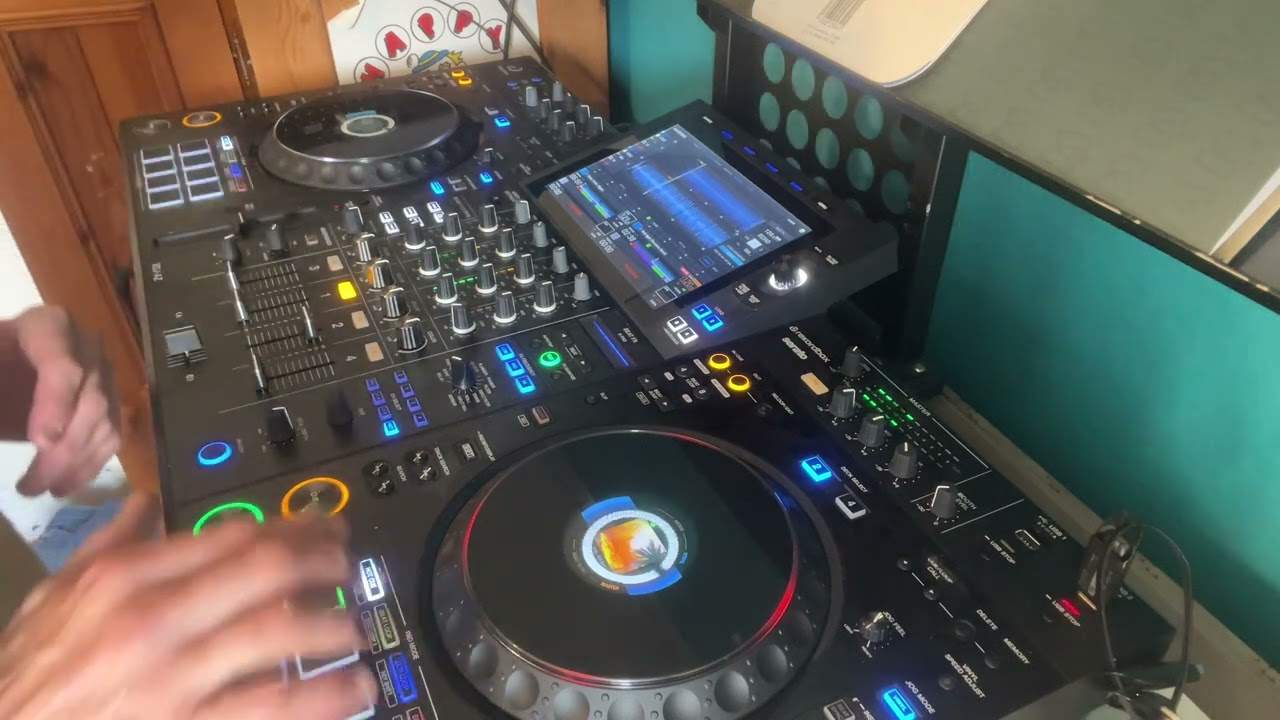
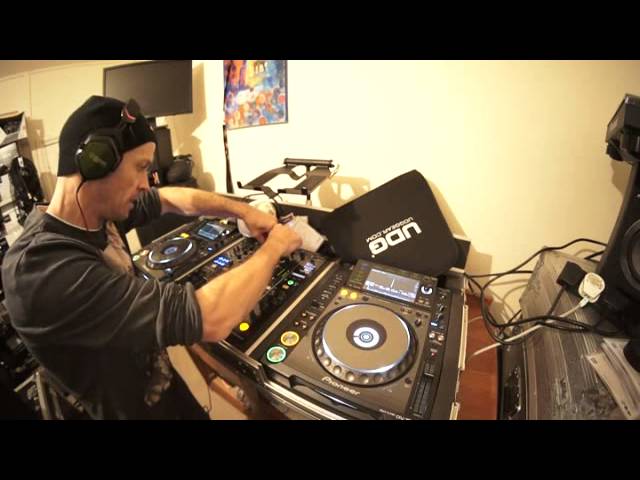
Alright ladies and gentlemen, another demonstration stroke tutorial. In this video this is a set I'm doing on keeping the vibe or the feel in a mix. Now first of all the two tracks I'm using are from CDpool, the global releases December 2014. We've got track 1 over there from disc 1 and track 2 from disc 2. Track 1 from disc 2 is Imani, a track entitled Yeah. It's the Layabouts remix. And this one here is Doc Link, a track entitled You. I'll put a link to CDpool in the description. Okay so, oh excuse me I've just been outside and my nose is dribbling.
Right, so I have discussed in the past about when you do a mix there are, I suppose there's lots of ways but four major ways of getting some form of mix. One is keeping the tracks in the same key to have a nice flow. The other one is lifting the key which makes the mix feel higher. The other one is making it feel lower by reducing the key and then the other one is just the wrong key which sounds terrible. But that's the easy way of looking at it. There are so many other different ways of doing it that the mind boggles. Even if you use the same key you can still uplift the mix or downgrade the feel of the mix by the track you bring in. So this is pretty much sort of a demonstration there. So we've got some keys that are very similar keys but what we're doing is with this track here it's giving it a different vibe, a different feel. So we're going from a very laid back tune that's got a nice sort of soulful feel into something that's slightly more funky. Not only that, what I'm going to do, I'm going to mix it in twice. Once towards the latter part of this track and then a second time I'm going to bring this one in further back in the track so there is a smoother transition.
The idea behind a very good mix is that you can't hear the mix. That's it. There's no easier way of saying it. You don't have to go in depth describing it for half and how well the best way to do a mix is add this and take this and add this effect. That's bollocks. The easiest way or the best way of making a very good mix is to try and get it out there to the people so perfectly that they can't even hear that you did a mix. So maybe the first time we do this transition you'll be able to hear that there is a transition. The second time hopefully not. So the second time, try this. When I do the mix and I'll say now this is the second time, close your eyes and see if you can hear it. So what we'll do, we'll go to track one and at this point here
This is where I'm going to bring that track in, the second track in, the second time. But the first mix now I'm just going to wait for the last 32 bars and then bring this track in.
I've also made sure that the EQ is the same
I'm going to bring the levels down slightly here. Making sure my levels, the LEDs are tapping sort of around about 0dB or plus one.
3:41 It would just uplift the feel slightly
The first mix, what we've done here, we've gone on to a bit more of a funky kind of track. More of a vibe to it. So the sort of transition I do here is let's say I'd gone from a very nice mellow kind of house set where the flow was on a level. If I wanted to just add a bit of spice to the dance floor, I'd probably bring something like this in. It would just uplift the feel slightly. See straight away we've got that nice sort of old school disco feel. Very good cut. Okay so let's go back again and A is where I'm going to bring the track in. There. But I'm going to go back a little bit further. Okay. And all I've done is I've gone back about 16 bars. Okay here we go. Taking the bass out on that one now. Close your eyes.
Filter is probably one of the best effects known to man. Small point, small tip here. Most people when they use the filter, they engage the filter then mess around with it. Turn the dial first then engage the filter. Have a listen. Okay this is the old school way of doing it. Filter on, new way of doing it. Turn the dial so the filter effect is engaged but the filter isn't working. Now use the filter.
This transcript was produced automatically from the audio of the video and may contain mistakes.