 9:45
Planning a set in key, before you play a note
On YouTube this video is called DJ HELP WITH MIXING IN KEY! mixedinkey Video 3
What this lesson teaches
The third in the series, and it demonstrates the thing most people skip.
What he does
He has analysed a CD, written the keys down on a piece of paper, and then ordered the tracks so that each one's key follows the last.
Track one in a key. Track two in a key that can follow it. Track three in a key that can follow track two. And so on, in his example running 10A, 11A, 12A - one step round the wheel each time.
Then playing the set is simply a matter of going from one to the next, because the decisions have already been made.
Why this is the lesson
Because mixing in key is not something you do at the decks. It is something you do at a table with a list.
In the moment, with a record playing and thirty seconds to choose, you are not going to work out which of two hundred tracks is harmonically compatible. What you can do in the moment is pick from a shortlist you prepared - and preparing it is the work.
That makes this the same lesson as the eighties set and the phrase-counting lessons: the DJing is mostly done before you start.
Doing it yourself
Analyse your library so every track has a key. Then, rather than trying to memorise anything, do what he does and write down the sequence you intend - or tag your tracks and let the software sort by key.
For a prepared set, a list of six or eight tracks in a workable order takes twenty minutes and makes the night straightforward.
For an improvised set, the equivalent is sorting your library by key so that whatever is playing, the compatible options are already grouped and you are choosing within them rather than searching.
The duplicate CD
A detail from an era before USB sticks: he burned two identical CDs so he could play from one deck to the other within the same compilation. Worth a smile, and the underlying move - making sure the material you need is reachable from both decks - has not changed.
Contents of the video
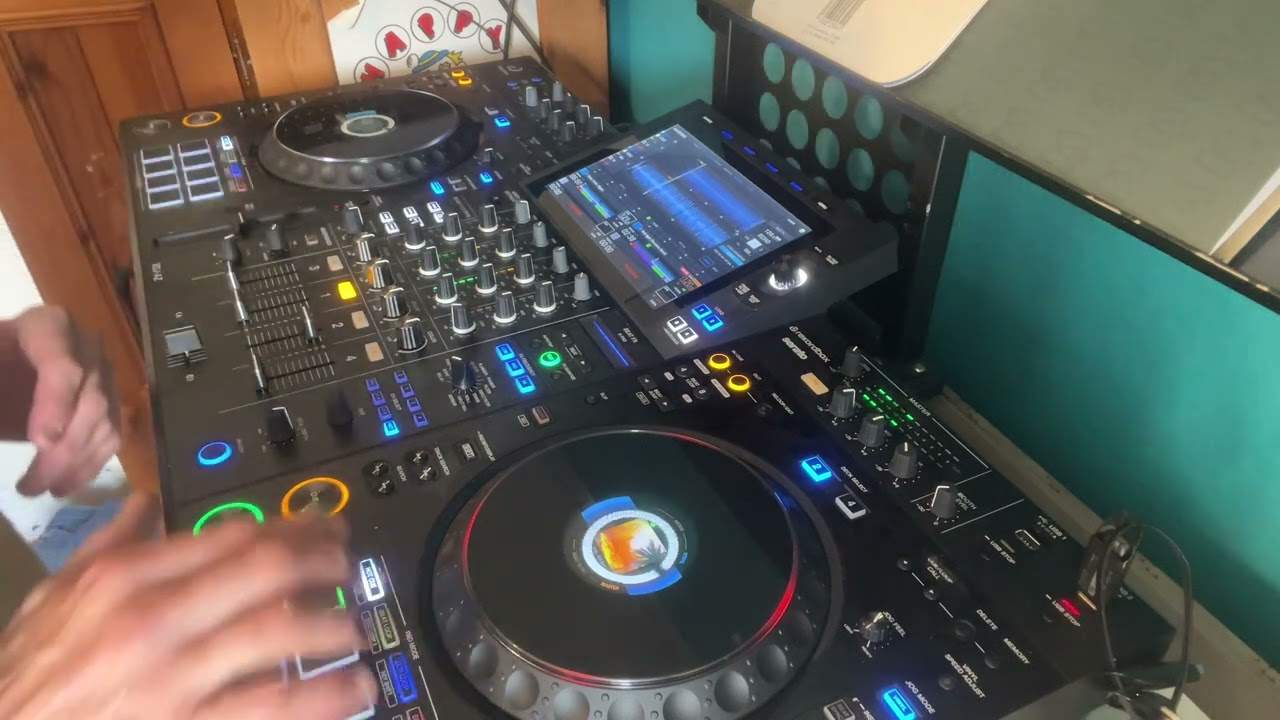
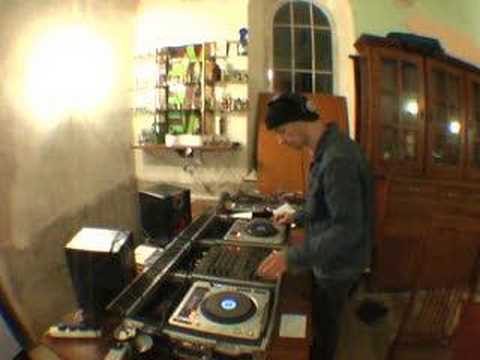
Alright folks, this is video number three in a selection I'm doing on a program entitled Mixed In Key. Now what I've done, as I said in video two, I burnt a CD but I've made a duplicate. So in other words, I've got two exact same CDs and what I've done, I've just sort of bunged that information on a piece of paper. Basically the information is telling me which track is in which key. Look to the side of the video and you can see that as well. Now what I can do then, if I've got an exact copy... What I've actually done is I've tried to make sure that track 1 is a certain key, track 2 is a key that can follow track 1, track 3 of course is a key that can follow track 2, track 4 is a key that can follow track 3. So in essence what I can actually do then when I'm constructing a set, I can go from this CDJ, which is track 1,
On to this one, which will be track 2, on to this one, which will be track 3, track 4, track 5, 6, etc. So it'll give you a general sort of idea. Like I said, look to the side of the video. Now again, what we've done, the keys I'm actually using, we've got 10A, 11A and 12A. So have a look at that wheel, have a look to the side. And you will actually see the track names and the keys, the appropriate keys. Now, shall I plug the... Yeah, I'll tell you what, I'll plug the cable into the side of the camera so you get better audio. So just hold tight, I'll just pause it for a second. Actually, and very quickly as well, if you see me do that, I'm just wanging the actual CD forward a little bit. Otherwise we'll end up spending most of the actual video just listening to beats. So I'm going to have to try and get into the middle of the track. OK, here we go.
In a way where it's actually constructed, not only it's beatmatched, but it's key matched as well. Alright, now fair enough, we sort of bung those tracks in. Okay, getting it in beat is one thing, getting it in key is another thing, but then also one very important factor that will change the way you make a set or will take you to the next level, will make you be a better DJ and that of course is to actually... Only you can actually choose the tracks to go in with each other, to get an almost a binding mix that sounds good and it's the actual construction is there. And that is what takes a DJ from a good DJ to a fantastic DJ and sadly that's something that only you can actually do. You've got to look at your tracks and you've got to go through them and think yeah that will go with that because they work really well together.
Not only will they be beatmatched, not only will they actually sound well where the key is concerned, but they will also feel right together. That's very important. So another video for you. Practice and enjoy.
This transcript was produced automatically from the audio of the video and may contain mistakes.