 9:14
A way of starting a set
On YouTube this video is called DJ Lesson. A way of starting your DJ SET
What this lesson teaches
A demonstration of starting a set with something that is not a record, assembled live from several features at once.
What he does
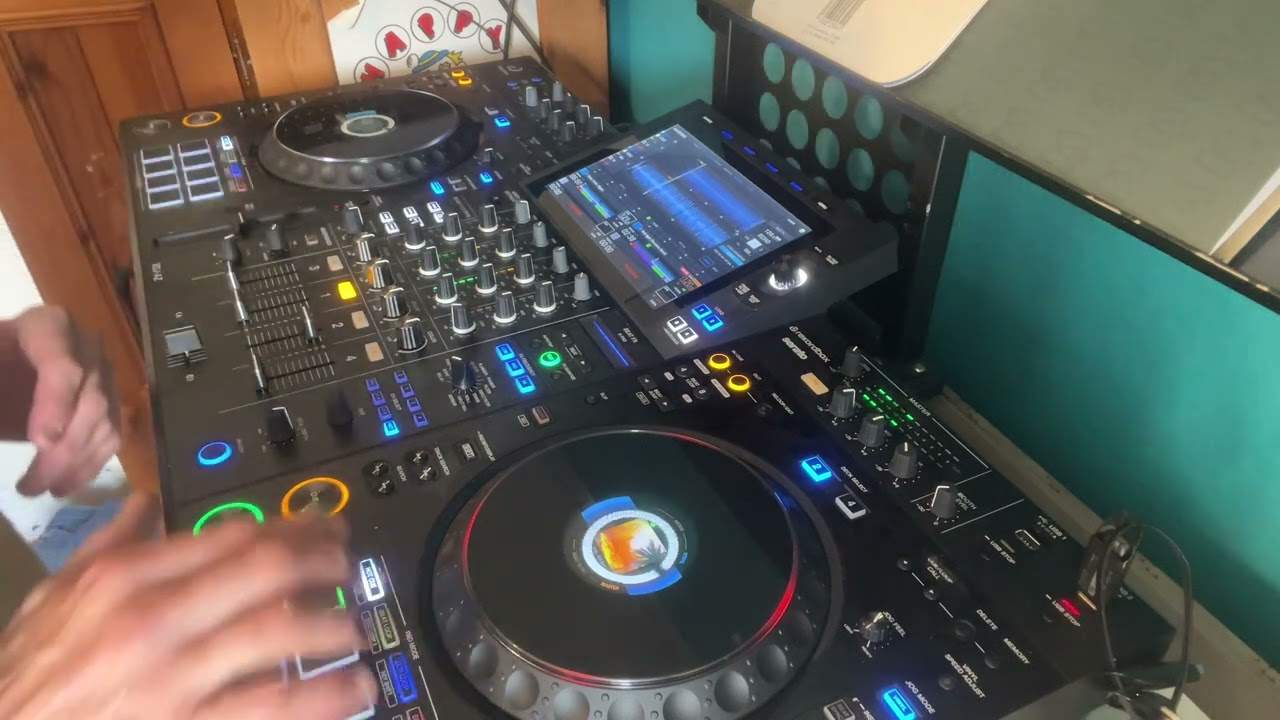
Records his voice into the mixer - welcome to the club - then loads that recording onto a player, cues it, sets hot cues in it, uses the roll feature, forms a loop with the effects, moves the loop to another channel so the hot cues on the first are free again, and brings a track in over the top.
He has to think back through the order himself, which is fair: it is six features used in sequence to make about fifteen seconds of introduction.
The detail worth taking away
And this generalises far beyond voice.
When you loop speech, the loop boundaries have to respect the bar, not the words.
His example: welcome to the club. The instinct is to loop from the W to the B - from the first sound to the last. That produces a loop that is not a whole number of beats long, so every repetition arrives slightly earlier or later than the music expects, and it stumbles.
What you want is a loop that is exactly one bar, or two, or four - with the phrase sitting inside it and silence making up the difference. Then it repeats in time forever.
Same principle as the loop lesson in the beginner course: length first, content second. A loop that is musically the wrong length cannot be rescued by containing the right sound.
Why bother with an intro like this
Because the first thirty seconds of a set are the only ones where nobody has decided anything about you yet.
A bespoke opening - a voice, a sample, something made rather than selected - announces that the evening has been thought about. It costs ten minutes at home and it is the cheapest way to sound deliberate.
Contents of the video
0:00 Are you feeling happy?
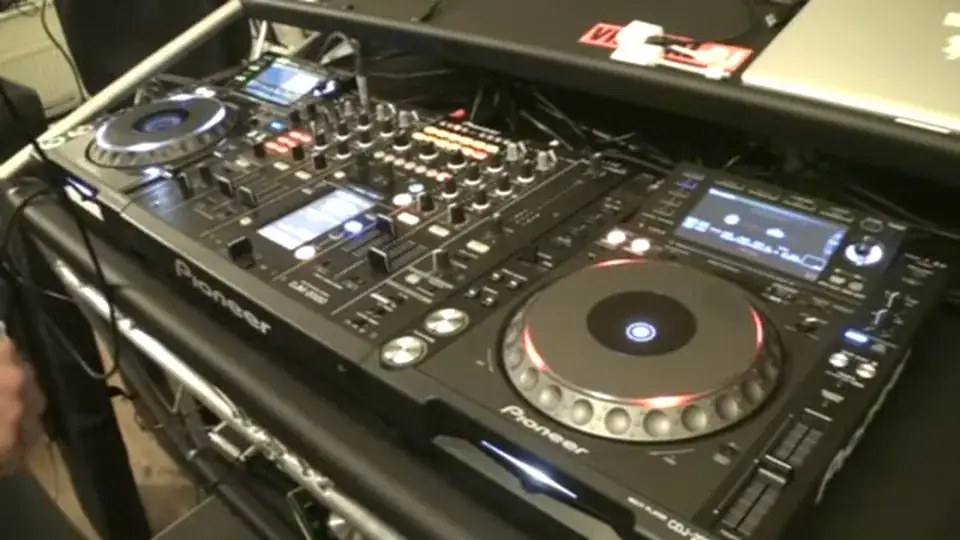
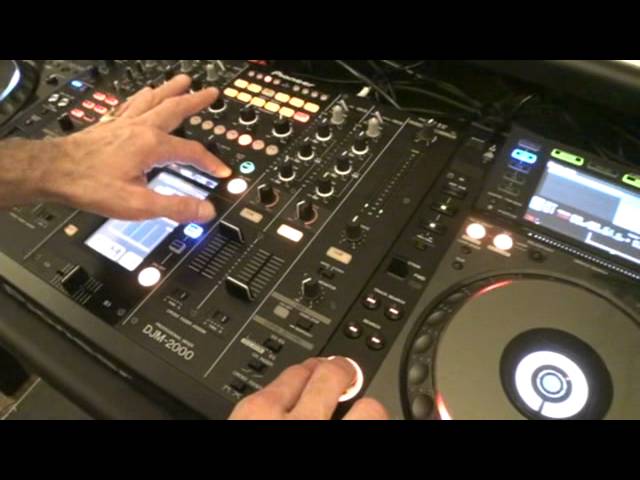
Ladies and gentlemen, are you feeling happy? Are you vibrant? Come on, come on. Ladies and gentlemen, welcome to the club. Yeah, you're up for it. Are you up for it tonight? I hope so because we are going to have some absolute mad fun. Welcome to the club. Welcome to the club. Welcome to the club. Welcome to the club, welcome to the club. Okay, so demonstration and a bit of tutorial here. What did I do? I took a sample of my voice, I recorded it in the DJM2000. I then made a loop. Hold on, what did I do? Yeah, I took... Right, because I've got to think about it myself. Right, I recorded my voice here. I then took that recording and put it on one of the players. I edited it, or sorry, I cued it up and messed around with the cue. While I was doing that, I took a few hot cues. Valid reason for that. And then I used the roll feature on the mixer. I then formed a loop using the effects.
I then took that loop, put it on another channel which gave me then the chance of using the hot cues on the original channel I had that on and then I brought another track in. So this is one of the ways of maybe starting off for example your set. Now it's relatively easy but there was a lot going on here. Now first of all and very important when you do use the microphone and you want to form some form of loop Try and make sure this time signature in how you're talking. So, for example, I said, welcome to the club. And there's no point starting and stopping at W and B, club B, because that wouldn't be a proper loop. In other words, welcome start to the club finish. It would sound like this when it's looped. Welcome to the club. Welcome to the club. Welcome to... You need to start to the club. Stop. That's my loop. So, I'm going to now talk through what happened there.
4:34 Shut up, that was the last one
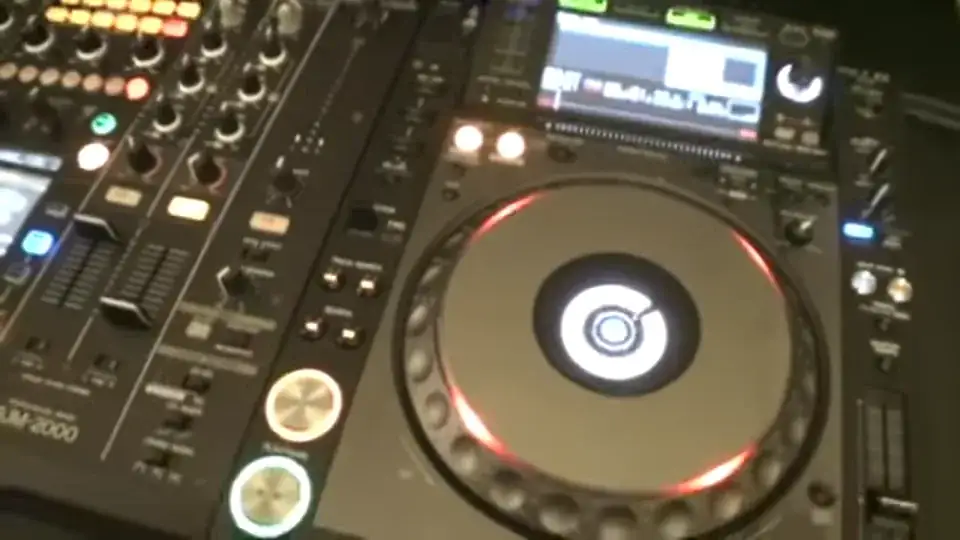
All right, first and foremost, I used the live sampler on the DJM-2000. So we press live sampler and if we have a look now, if I tap, oh, turn the microphone on, sorry. It's on mic as well, by the way. We can go to master or mic. You can see that wave format there. There it is, look. Right, sorry. Alright, so I started the rec, so welcome to the club and stop. So welcome to the club, stop. Right, do I want to go over that? Yes. So I've just recorded over that sample. Now if we have a look at the player, that sample now, what I did, I pressed link as well. So press down, down again and volume up. Welcome to the club. Welcome. Shut up, that was the last one. Welcome to the club. Welcome. So that is the sample. Welcome to the clubs. Welcome to the clubs. Welcome to the clubs. There's a bit of a tss there, doesn't matter about that. Then I pressed the record feature on the hot cues and... Welcome to the clubs. So I've got two there, I've got welcome and club. Welcome to the clubs.
Those are the samples or the hot cues I'm going to use on channel 3. Then what I did, at the moment bearing in mind as well I'm on channel 3 up here, so 1, 2 and 3 are for 1, 2 and 3, sorry 1, 2, 3, 4 are for 1, 2, 3, 4 channels. I then had to make sure that the effects unit here knew the time signature, in other words the speed at which I wanted this to go. So what I did, I pressed the cue and at the same time I tapped. So the first time I pressed on the cue, I pressed the tap. Welcome to the club. So together, tap, tap. That gives me some form of time signature. That's only one over one. So if I formed a loop, it would probably be welk, welk, welk, welk. I want it welcome to the club. So I press four over one and then...
If we come back here, quite simple. Two things, you can either press play, pause or just the cue, but if you do press cue, you've got to keep your finger on it. So, welcome to the clubs, welcome to the clubs, welcome to the clubs, welcome to the clubs. That's quite a good loop. And if we have a look, and again this is where you use your ears, if you feel that that isn't an exact loop, by turning the time dial here, we can increase or decrease it. So have a listen. Welcome to the clubs. Welcome to the clubs. Welcome to the clubs. Can you see anti-clockwise we reduce it, clockwise we increase the loop. Welcome to the clubs. Welcome to the clubs. Welcome to the clubs. Welcome to the clubs. Welcome to the clubs.
6:45 I did, I made sure channel
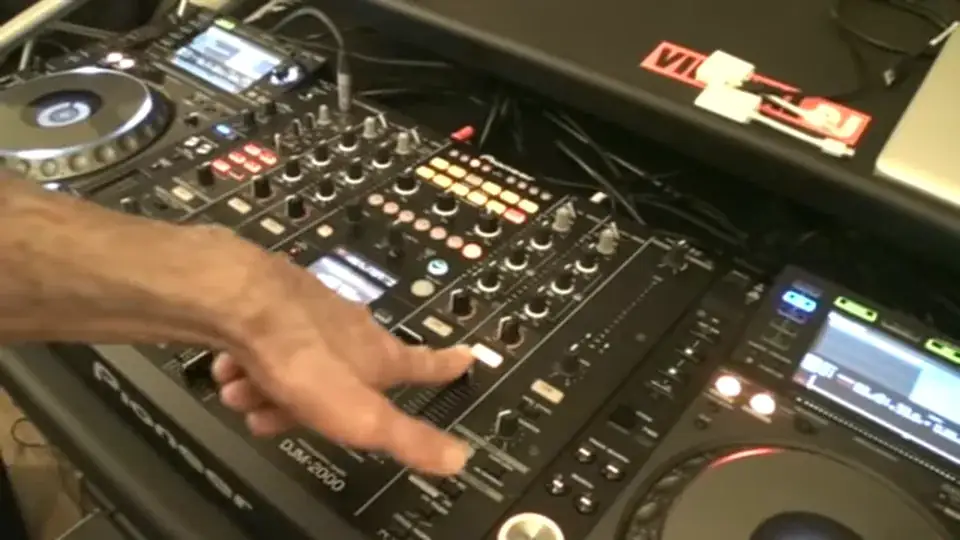
Alright, the next thing I did, I made sure channel 4 was up. And while channel 4 is up and channel 3, if I press 4, now that sample or the loop has gone to channel 4. Which now gives me the possibility, which I did earlier, of messing around with my hot cues. This is where you can have a bit of a mess around. If you've got other effects units, you can always just dabble. But of course then we need to bring the beat in. Welcome to the clubs. Alright, it's going off slightly there but again you'll be paying more attention. Right so I hope you get a general idea there. Again it's one way, one way of doing stuff alright? Now again it's about impressing. It's about having fun and being slightly different. Good way of starting your set, many good ways of starting sets like maybe getting a rather large, I don't know, lemon tart and the DJ that played last, you know, well done for that fantastic DJ in their face. I mean, they may not like it nor would the manager because the manager would be really pissed off about having lemon tart all over the kit but the punters would remember it. Don't use lemon tart. Try something like this. Practice and enjoy. I do. Cheers.
This transcript was produced automatically from the audio of the video and may contain mistakes.