 7:42
DJ Mixing Lesson on Making Your Mix More Musical BY Ellaskins DJ Tutor
Contents of the video
0:00 Step, mixes, kick bass
All right ladies and gentlemen, so you want to get that perfect mix. What you're looking for is not only something that sounds good, it just seems to sort of gel quite nicely together. So let's imagine you're halfway through your set, you've done your beginning and end mixes, you've done your middle mixes and your halfway mixes and that's middle, and your three-quarter mixes and you've been in the toilet as well, you've had a drink and you've put your hands in the air and you've given the love sign etc. But you want to do something that's that little bit special. Okay, now this kind of transition is where we're concentrating completely on the music in the track. Now not only that, what we're doing is we're gelling two bits of music together. If done correctly, sounds fantastic. If done incorrectly, can sound atrocious, atrocious even. So first of all, the
Two tracks I'm playing, we have My Imagination, the Slap Jack remix on the right hand side. Left hand side, Love Brings Us Back Together. Now I'm going to play you the beginning of Love Brings Us Back Together. It doesn't start just with a beat, it starts pretty much full on with a good kind of melody in the background. Here we go. That's it. That's how it starts. So a track like this, you don't have the joy of having 16 bars of a kick and then you get a bass line and then you get the kick, the bass line after another 16 bars and the melody, then the vocals. It just starts. Let's have a listen to the end of My Imagination. There we go. Okay so there's quite a bit I'm going to do here and it's entirely up to you how you take this demonstration stroke tutorial.
2:37 You may already notice that I have highlighted a couple of points here
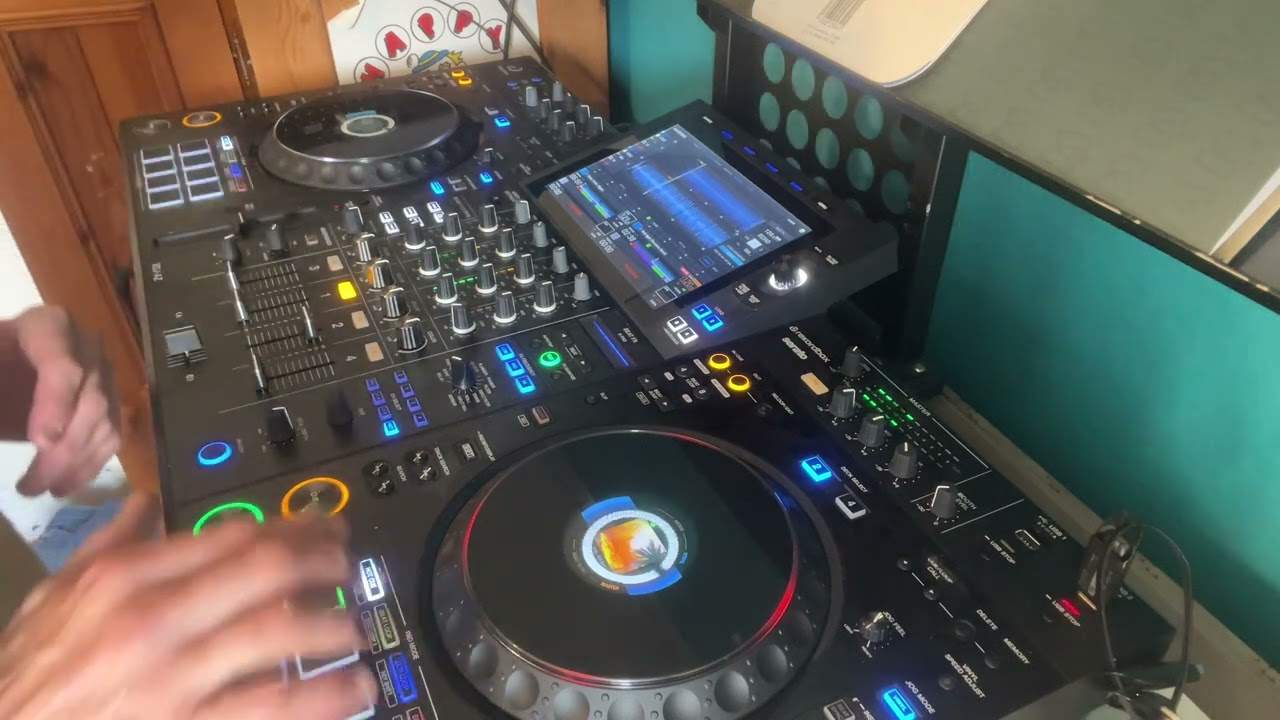
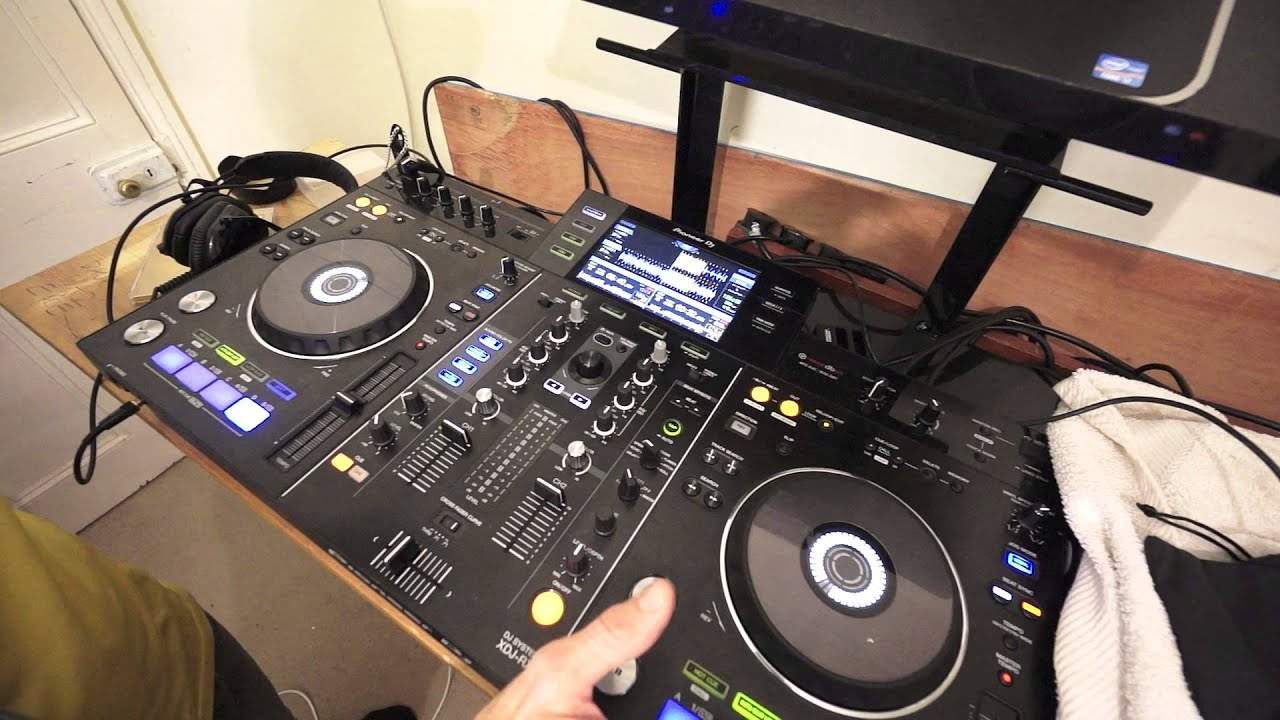
You could follow it step by step. And you could do a good mix. Alternatively, as I say to everyone, take small parts of this tutorial and others and make it your own. Be yourself. Do your thing. Don't copy this step by step. By all means if you want to but take parts of it. Take 50%, 10%, 1% and chuck in your other 99 to make it yours. Okay so I'll put the camera a little bit closer to the kit. And we will have an idea of, well hopefully you'll have an idea of what's going to happen. Okay so let's have a look. Yeah you should be able to see what's going on there. Now just for this demonstration I'm not going to use the headphones so I'm going to do the magical thing of having sync and master on just so it's easier for me. Now you may already notice that I have highlighted
A couple of points here. So what I've done, I'm using the XDJ-RX from Pioneer. It's a very popular instrument. It's known as and what I'm going to do is I've gone into auto loop, auto beat loop. What I'm going to do with the beginning of love brings us back together is press the eight so that will give me eight beats which is two bars. Let's have a listen. Now let's imagine at this point if I wasn't in sync mode, if I was in just normal pitch mode. In other words you're in charge of beat matching the two tracks by going into auto beat loop or by having a loop means and so long as the loop is a perfect loop it means that I can beat match this track even before I want to start mixing it in. So for example imagine the volumes up on the right hand side, volumes down on the left
Hand side cue it. I've got my headphones on. I've gone into auto beat loop press play and
If you think about it, because the track has started with a melody and we don't want to slowly fade this track in. We want to bring it in straight away. It means that I can take time to beat match it while it's in auto beat loop mode and then when I'm ready to bring it in, bang put it straight in instead of let's say your regular track that starts with a kick. You've got lots of time to beat match it using the kick and then if you want to you can just start it again, go back to the beginning and put it in as quick as you can. Alternatively, you've got sometimes 8-16 bars of just a kick and then after that 8 and or 16 bars you can start bringing it into the mix. So that's that track but also we can do the same with the other track. There. Do exactly the same bring a loop in so let's
Just go a little bit further back okay and we'll do this mix now again using sync. What I'm going to do as well, I'm going to be using the filter because what I want to do, I want to filter in the track that's coming in and filter out the track that's going out. So volume up. Volume up you'll notice as well is on track the track that's coming in as well so. So in fact hold on let's just go back a little more so you can get a good a better view of it. So you can get a good feel of the track that's going out. At this point I need to get out of the auto beat loop from the track that's coming in. Okay so I'm using loops to not only help me bring a musical track in but also extend the mix, the musical mix. Alright
Two tracks My Imagination Slap Drack Jack remix on the right hand side and on the left hand side. So if you're listening to right now, love bring us back together by all means if you want to Shazam it. Practice and enjoy thank you.
This transcript was produced automatically from the audio of the video and may contain mistakes.