 11:07
DJ Watch This Before You Buy Your Next Controller!
Contents of the video
0:00 Something and explain something that could
Alright, I want to show you something and explain something that could change the way you DJ for the rest of your life. Seriously. It could be almost a eureka moment. Now, I want to show you this. Alright? Now that is a USB connection. So what we've potentially got is in between your controller and your laptop is this cable. Now that's it. Now, apart from your laptop dying or the battery running out or all of a sudden deciding I'm going to update in the middle of a gig, what could happen as well is your USB cable could be a bit faulty. You're less likely to unplug that part, the thicker part, because when that's plugged into a controller it's relatively solid. The problem arises with the USB connection into your laptop because that can come loose over time. And if you're using that laptop quite often, you've got to be very careful. Now what I'm about to show you, you may know already but potentially could blow your mind. Now I've got here the XDJ-RX2. I have a vinyl turntable there.
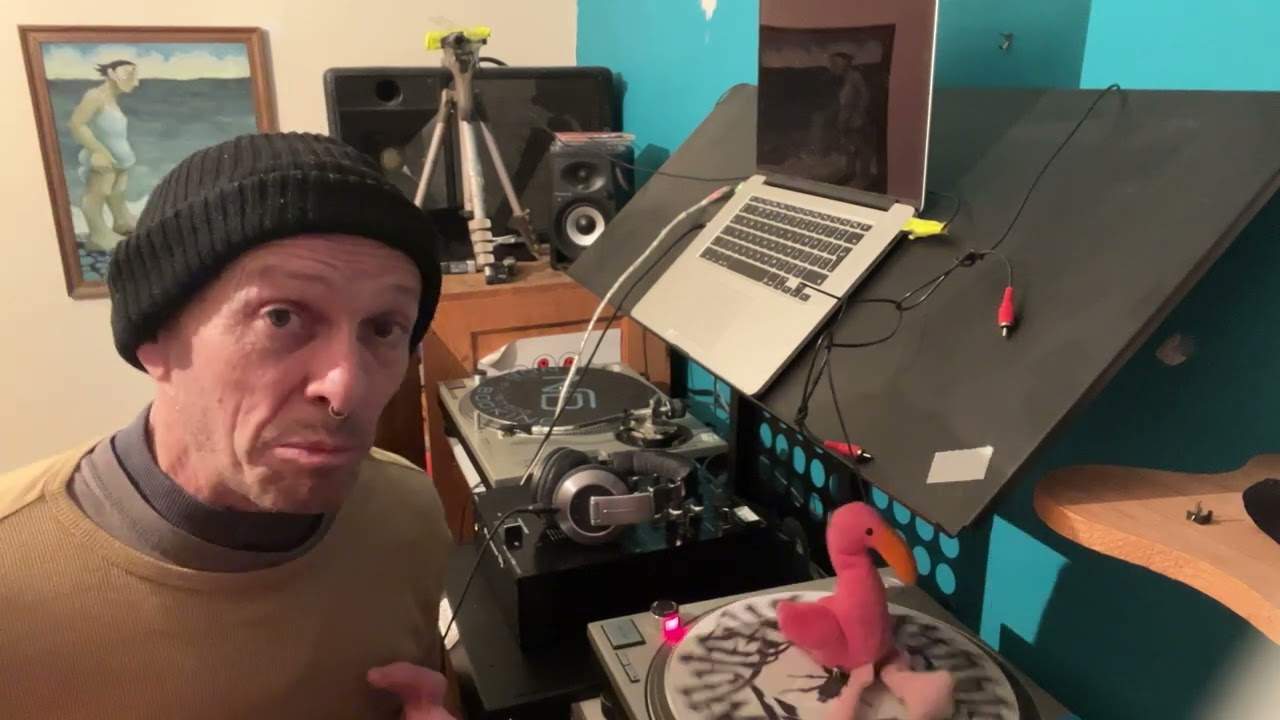
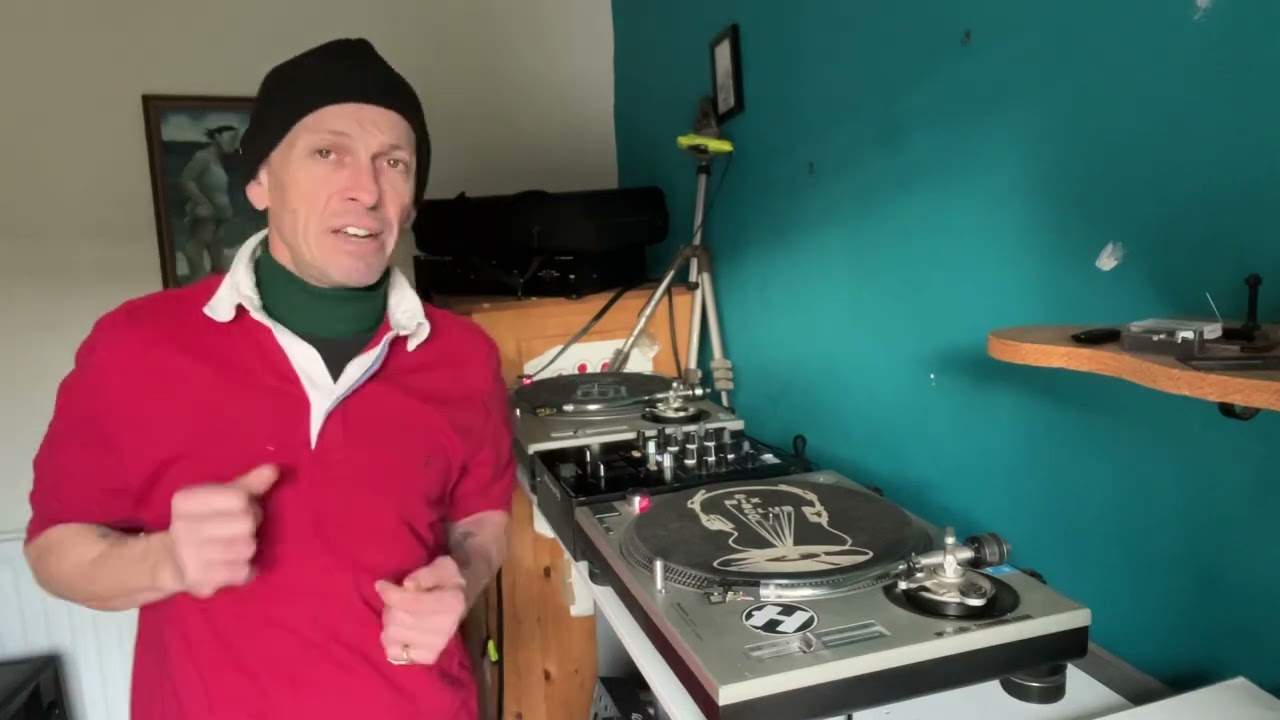
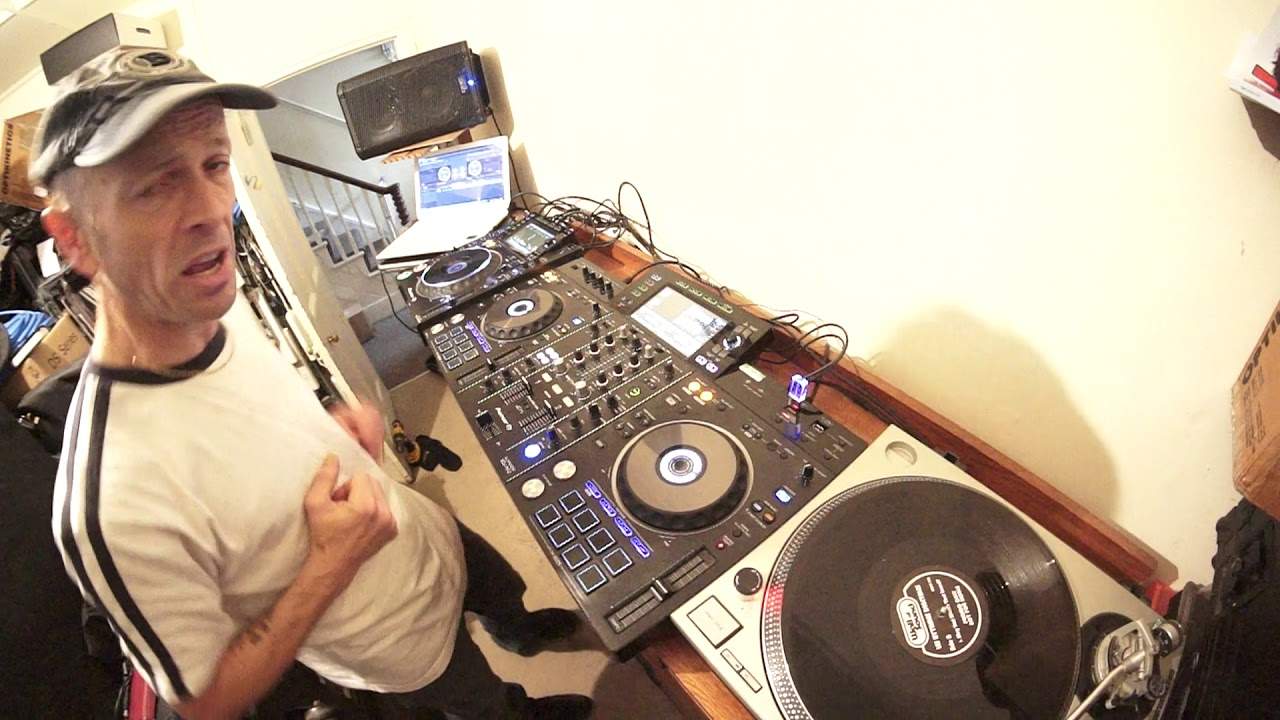
I have a CD player there and I have a laptop over there with rekordbox from Pioneer. And everything is connected to the RX. Now, I can, if I want to, have two vinyl turntables plus I can have two CD players plugged in to the RX at the same time and switch from one to the other. Also, if I wanted to, because I've got an auxiliary in, I could also have, just in case, that must-have for every gig, the mini jack to RCA. Because some muppet's always going to turn up and say, can you play this from my phone? And if you're doing a wedding and it's the bride or the groom or the auntie or the uncle, in a way you're obliged to say yes. You can't really tell them to sod off. It's not professional. So, what I'm getting at here is something very simple. You need to be 100% foolproof at any gig. And don't all of a sudden start panicking thinking, oh my god, I'm going to die and my hair's going to fall out. Oh, sorry. Your gig's not going to work. Of course it is. That's entirely up to you.
2:48 Thumb drives stop working, it doesn't matter
With a setup like this, the only thing that could probably go wrong is the power stops and the RX finishes. And if the power all of a sudden in the building stops, it's more than likely not your fault because it's a power problem. What I'm trying to say as well is that if your laptop stops working, it doesn't matter. If your turntable stops working, it doesn't matter. Thumb drives stop working, it doesn't matter. If the CD player stops working, it doesn't matter because you've got backup. There's lots of stuff here. It's just incredibly stupidly easy. It is, it's easy. Now first of all, let's explain what's going on. Like I said, I plugged in a turntable into channel 2 into the phono input. I have plugged in a CD player into channel 1 into the line input but there is phono and line input. There's not just one and you had that with the original RX so you could only plug one in at one time and you'd have to switch. So for example if you had CD players and vinyl you'd have to go around the back flick a switch
Here with the RX2 you don't have to. Two inputs, so I could potentially if I wanted to have on that side of the RX2, I could have a CD player and vinyl, plug them both in, same here this side. I could also have two USBs and I can have my laptop plugged in as well. Now USBs, you can if you want to just use MP3 files which I have got on there. Alternatively you can, which I highly recommend, you get your rekordbox software, you put all of your files in rekordbox, put them onto the thumb drive and then you have not only touch screen but you have pretty much all the functionality of using a laptop anyway. So you don't even need a laptop! Now of course for copyright purposes I can't play a lot of the tracks
On the CD player and the vinyl, but I can on the thumb drive and the laptop because they're from Karmic Power Records. And thank you very much for Mr Lenny Fontana for letting me use your tracks. And if there's anyone out there, any producers who've got tracks who'd like me to use their tracks in my demos tutorials. Then there's an email right down in the description, just send me some info. I never play all the tracks, it's never really good stereo, it's just for demonstration purposes, but you always get a shout out. So let's flick over to vinyl, phono. Right, so press play. There you go, so we've got vinyl there. Now all of a sudden we've decided now that we want to play something from the laptop.
5:49 I am now playing something from the laptop
I am now playing something from the laptop. There! And to show you, let's go to the laptop and... I can click on the laptop anywhere I want in the track. There you go. Okay, so we've gone from the vinyl to the laptop on the same channel. Let's go to USB. So I'm going to press the USB, I'm now going to press down and I'm going to load that side, just stop that, let's load that up. It is actually the same track so now I'm playing from that USB but hold on we've got CD over here. Let's press play, let's switch to line and now I'm using the CD on there.
There you go, we've got a bit of a loop going on there. So that's just to demonstrate. Just to demonstrate. Okay, but of course we want to go back to the laptop over here. So why don't we just go back, we go back. In fact, we don't even need to do that. Just press play and there we go. We're now on the laptop over here. There's approval on the laptop. Yeah. There you go. Hot cues. So, need I say any more? Need... Well, maybe I do. Okay, so, alright, you wouldn't really want to take all this array of kit to a gig, but what I would say is that if you are being paid to do a professional gig, you need to make damn sure that when you turn up, you don't have... Just your controller and your laptop and you're relying on your laptop and that thin cable. Now, alright, loads of people do that. I'm not saying... Alright, I'm not saying you should definitely not do it because it's about money and cost and what you can afford.
8:35 It's all on your thumb drive!
What I am trying to explain here is that when you're booked for a function and you're being paid whatever amount, whether it be a pittance or a great deal of money, you need to make damn sure 110% that if the proverbial hits the doodah, if the thingy hit the... then you need to make sure... Do you need to make sure that you have backup? And here you have backup. Now again, one of the great features about the RX2, like the RX1, is you have your rekordbox program and you put, like I said earlier, you put all your files in there, you set your cue points, your beat grid, your loops and blah blah blah, whatever you want to do, and then you transfer that to your thumb drive. It's all on your thumb drive! So that there is, I think it's a 32 gig thumb drive.
Quote me here, please, in the description because there'll be people watching this video saying, I know exactly how many. You clever bastard. I don't know how many, but say roughly you could get a thousand tracks on that. Let's say each track you play three minutes, 20 tracks per hour. You know, you're playing for five hours. Well, you work it out about 100 songs, give or take. You know, one thumb drive. Crikey, you could get a lot more than 100 tracks on one thumb drive, but you can put two thumb drives in it. Amazing. Not only that, the USB 2, you can record onto it as well. It's crazy. So you can not only play off USB 1 and USB 2, if you want to, you can record on USB 2 even while you're playing from USB 2. How do they do that? I don't know. Very clever.
There you go. I like this. I like it a lot. I've always liked it. Now, Pioneer have not said, by the way, Jonathan, if we send you one of those, would you really promote it very well and we'll chuck you a few quid? Bollocks. It doesn't happen. People who know me know that I try... Well, hopefully I try and tell the truth. A lot of people have said, how come you never do any bad reviews? How come you never do a bad review and slag something off? It's very simple. If I get something and I don't think it's any good, I won't review it. Makes sense, doesn't it? What's the point in having something in front of me and going, oh well that shit, that shit, that shit, because what I'm passing is negativity rubbish. There's no point. If something turns up at the house and I think, actually I don't really want to review that, it's not very good, then I just won't do it. End of. Period. Right, so vinyl plugged in, CD player plugged in, laptop over there.
Thumb drives, go from one to the other, have some fun, practice and enjoy. Thank you.
This transcript was produced automatically from the audio of the video and may contain mistakes.
Related videos
-
WHY Vinyl and WHY Is Now the Time to Go Old School
He admits at the start that this one might annoy people, and some of it should be argued with. The practical half is excellent. The claim…