 2:48
Djm700 A look at the Roll and Filter feature. FX!
Contents of the video
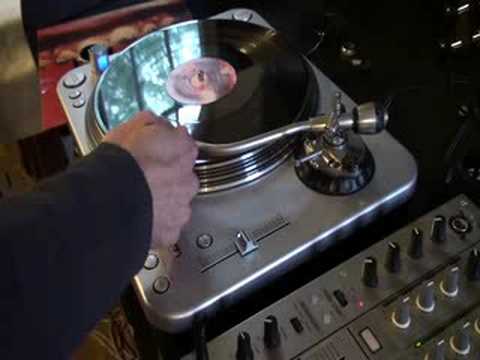
I'm using a mixer from the DJM700. Now listen to that sound, this mixer and also what we can do is roll that effect as well to get quite a nice little sample and an effect and still incorporate that into the original track that's playing. What I'm going to do now is take the fisheye off the camera and we'll have a closer look at this area here. We've got this here, we've got the filter and we've got a frequency dial. Watch what happens and listen. When I start playing with this guy here. Basically what we've done, we've taken all the mid, all the treble and we're just left with the bass. Go back to that original point. We've got that sound slowly coming in from the background to about here. Now it's full on, I can reduce it myself. So I can do the opposite by using this guy. There, still there. What I'm going to do now is get that into a roll. Channel 2 here, select, we're on channel 2 over here.
So what I'm going to do now, I've got it set to roll, one over one, here we go. Go higher now, so what we'll do, we'll keep all the top and all the mid, and we'll take away the bass on this guy here. DJM 700 Mixer, practice and enjoy.
This transcript was produced automatically from the audio of the video and may contain mistakes.





