 2:56
Emulator Demonstration at the Swiss Ministry of Sound DJ Academy
Contents of the video
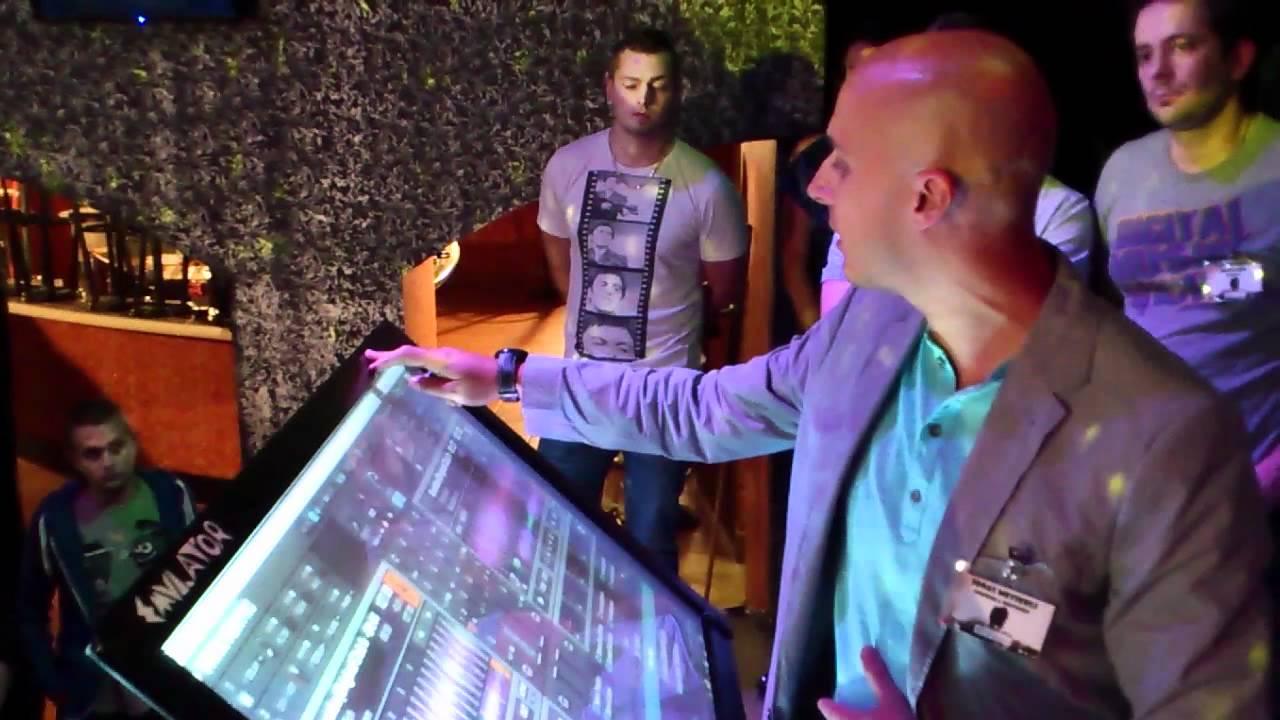
We have the pleasure to show you the emulator for the first time publicly in Switzerland. Dieter has already explained most of it quite well, which means that the machine is actually like a front-end controller for Traktor, Traktor 2 or Traktor 1, it doesn't matter. You can choose whether you want to control the samples, here you see all the sample banks. Or just the two-channel mixing with mainly the EQ section, the loops, the hot cues or also with effects that you can control. I'll show you everything a little later and basically how it works. Here I have a small button, you see it here. Then you use it to hide the emulator frontend and then you have the Traktor 2 below. This also works, but as you can see, it doesn't understand the multi-touch instructions. That's why you need the emulator software, which is actually quite cheap. What really costs is the frame with the X and Y axes to enter the commands. And there you have the whole multi-touch. Or even...
So, let's have a look. It's a bit different than the Traktor by Henling because everything has been optimized so that you can use it with touch. The big faders and so on, and here the hot cues. And it's all about blending in and out of all elements. This is the basic screen and below I can load the songs and all the playlists. Hello Jonathan, hello DJ Tutor, practicing and enjoy. I'm watching too. Nice one.
This transcript was produced automatically from the audio of the video and may contain mistakes.





