 6:44
The kit you actually need to start
On YouTube this video is called First step, Want to be a Bedroom DJ?, kit, equipment needed
What this lesson teaches
Before anything is a matter of taste, a DJ setup is a chain, and every setup you will ever see is the same chain with different boxes in it. Source, mixer, amplification, speakers, with headphones hanging off the mixer so you can hear what the room cannot.
This lesson walks that chain with the parts actually on the floor, which is the clearest way to learn it.
Three shapes of the same thing
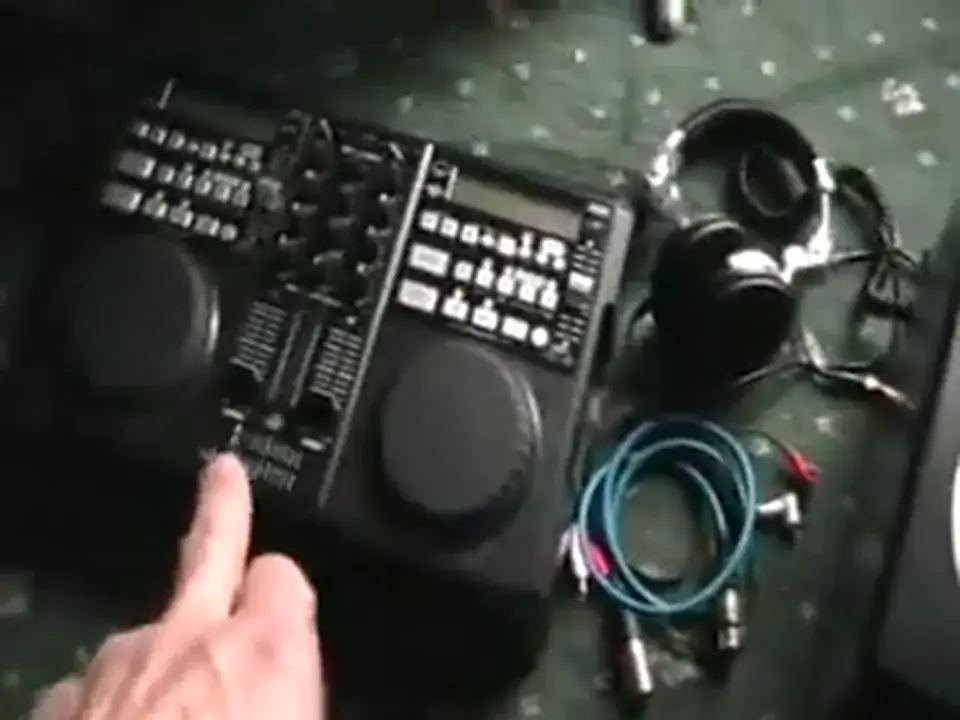
The all-in-one he starts with has two CD players and a two-channel mixer in one box. Add headphones, powered speakers and leads and you are finished - no decisions, nothing to match up.
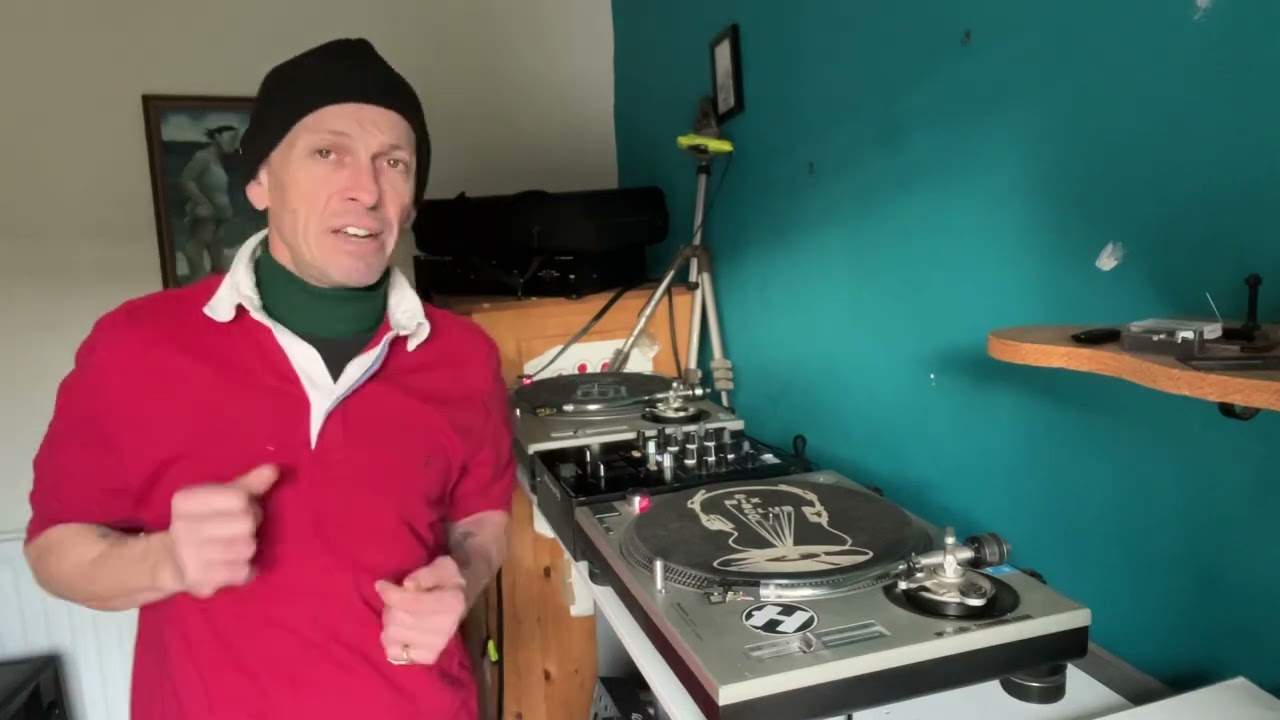
Separates are the same chain with the boxes apart: a mixer on its own - a tabletop unit or a 19-inch rack mount - and then two sources plugged into it. Two CD players, two turntables, or one of each; the mixer does not care.
The third shape is a computer and software, which in this video means a program and a sound card, and today means a controller. Same chain again: the laptop is the source, the software is the mixer.
Phono and line, which is not optional knowledge
This is the part worth memorising because getting it wrong sounds like a fault in your equipment.
A CD player, a laptop or anything with its own electronics puts out a line level signal. It goes to an input marked line, CD or aux.
A turntable does not. The cartridge generates a signal thousands of times smaller, and the recording itself has been deliberately altered at the cutting stage - bass reduced, treble lifted - so that it fits in the groove. The phono input does two jobs: it amplifies that tiny signal, and it undoes that alteration.
Put a turntable into a line input and you get something quiet and thin with no bass, and you will spend an evening wondering what you broke. Put a line source into a phono input and you get a distorted roar.
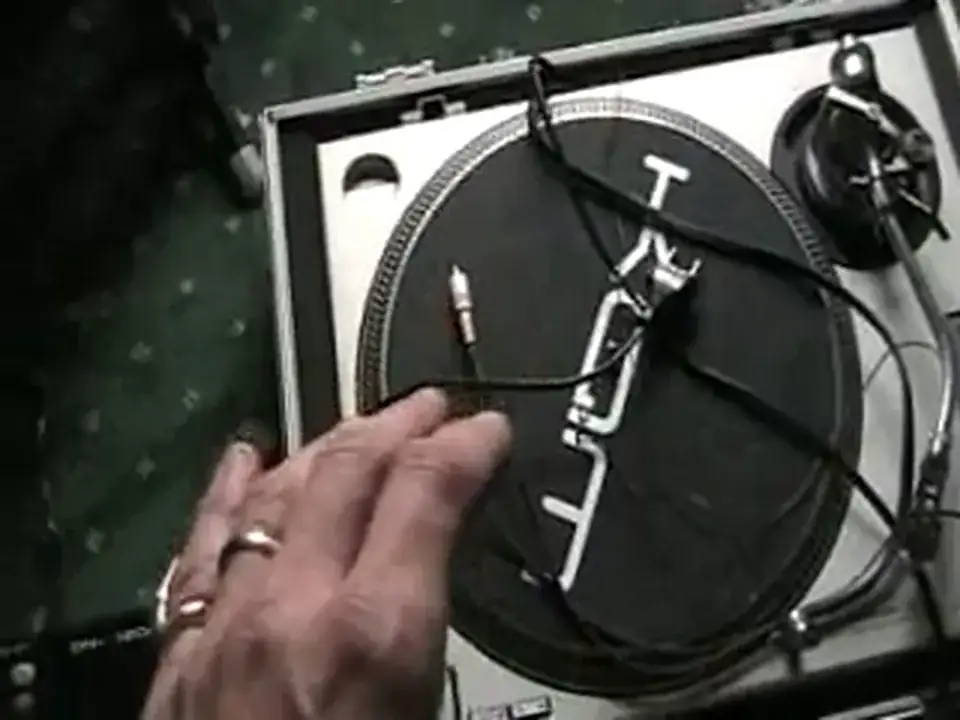
Some turntables have a phono/line switch on the back, which means the deck contains that circuit itself. Switch it to line and it behaves like a CD player. No switch means phono, always.
Active and passive
Powered - active - speakers have the amplifier built in. Out of the mixer's master output, into the speaker, one each side for stereo. Simplest thing in the world, and what most people should buy.
Passive speakers have no electronics and need a power amplifier between them and the mixer. He points out what a power amp looks like and why: no bass, no mid, no treble, just two volume controls. All the tone shaping happened at the mixer, and the amp's only job is to make it big.
The chunky connectors on the back are Speakon: push in and twist to lock, pull the collar and twist to release. They exist because a jack plug carrying that much current can be pulled out mid-set, and the locking collar means it cannot.
The reassuring part
Mains leads come with the equipment. Signal cables mostly come with it too. The shopping list is shorter than it looks from outside: a source, a mixer, headphones, speakers, and the right lead into the right socket.
Contents of the video
0:00 Basic equipment you will need

Alright folks, this video is all about becoming a bedroom DJ. More importantly, this video is going to show you what basic equipment you will need to make you become a bedroom DJ. Now first of all, I want to show you this guy here. This is from American Audio. It's known as the CK1000. This unit has got two CD players and an integral mixer. Two channel mixer, two CD players. The only other items you'd need for this is a set of headphones and possibly some powered speakers. Let's have a look at those. Okay, headphones. Headphones are there so you can monitor the sound that isn't being played through the main speakers. Now this guy here is a powered speaker. You'd need two of these to get stereo sound. Now we can go out of this speaker either using this Canon or XLR
We can go theoretically from here into one speaker and then from the other side into the other speaker using the Canon or XLR. Alternatively, we can go here From the master out into one side and then here into the other side. So here we go, first off a very basic setup. Your music source mixer, necessary leads, headphones and powered speakers. Now I haven't shown here any mains cables because the mains cable will be supplied with the unit you buy here and also the mains cable will be supplied here. This is possibly a mixer like this. Now, this guy here is just a mixer. No CD players, nothing at all, but you can add CD players to this guy. This is known as a 19-inch rack mount mixer. Alternatively, we can have a mixer that looks like that. Or, similar to the two channel mixer we had at the beginning of the video with the incorporated CD players, the difference with this one is this is just two channels with no CD players either side.
2:41 This guy here is the vinyl turntable
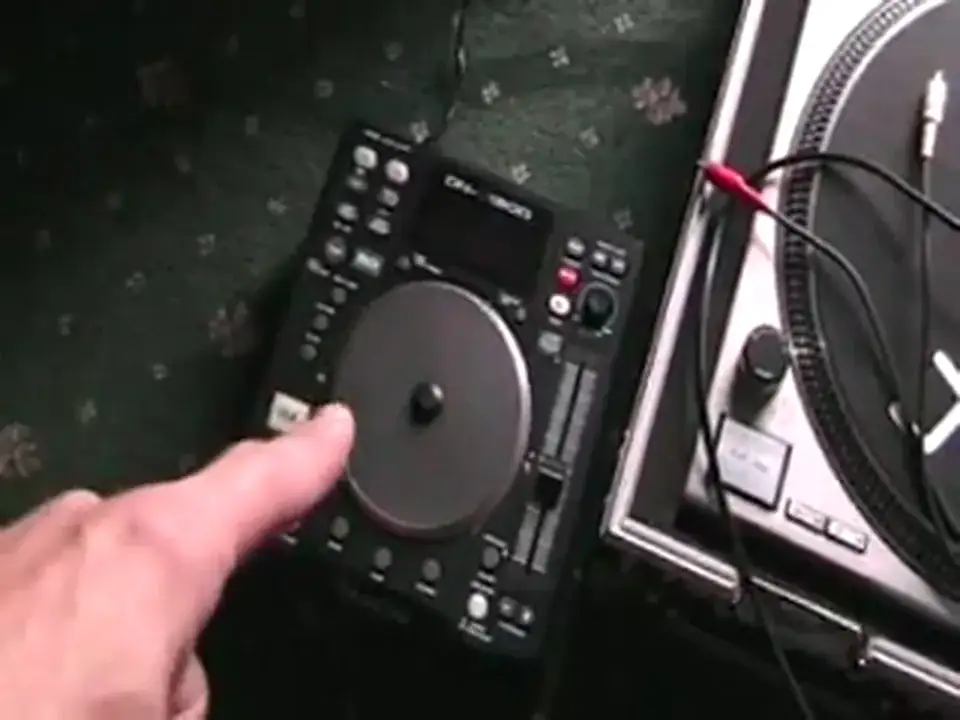
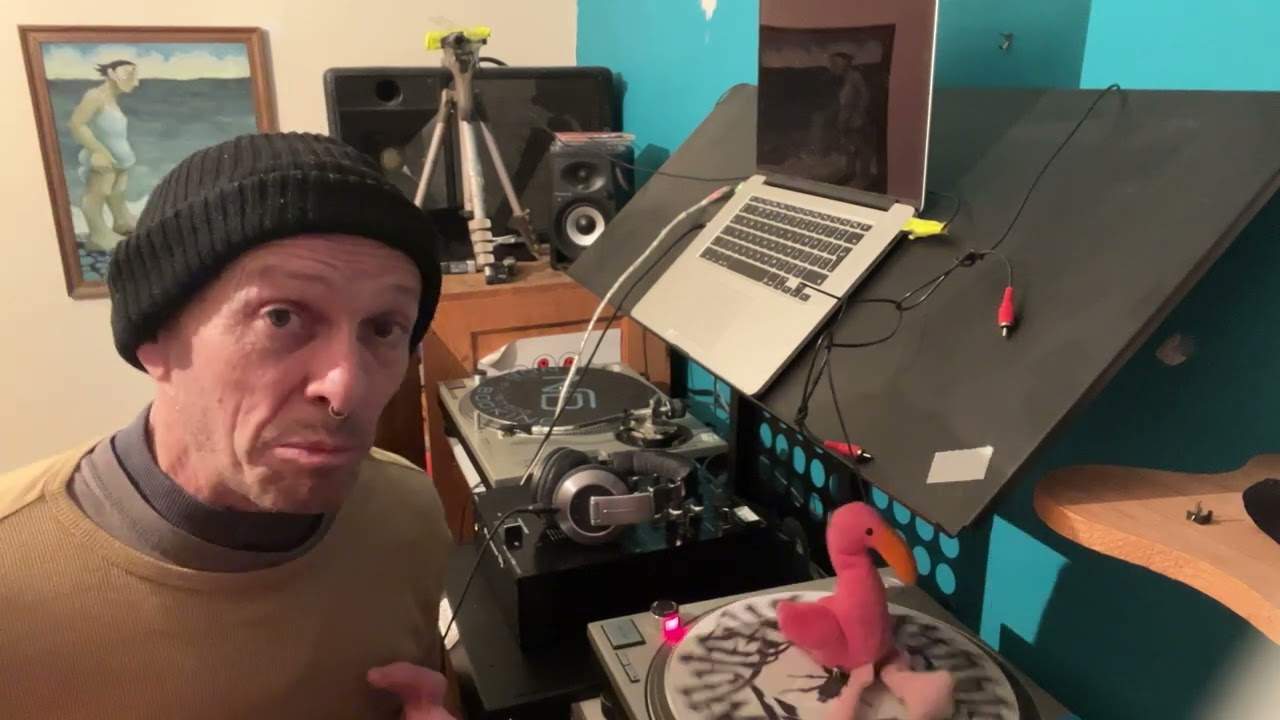
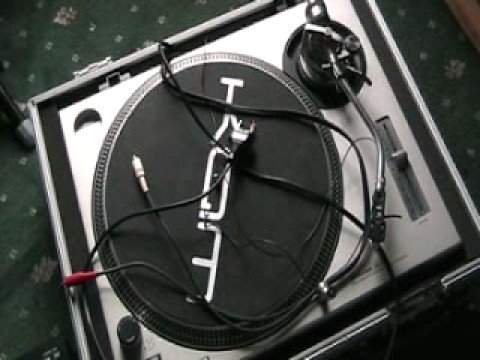
Now to our mixer we can add either the likes of a CD player or this guy here, vinyl turntable. The CD player will be plugged into either the line, the CD or the auxiliary input into your mixer. This guy here is the vinyl turntable. That guy there will be plugged into the phono input unless of course on some turntables you've got a switch on the back. If you've got that switch and you switch it over to line, then your turntable can go into the line. If it has not got a line switch, phono line switch, then the vinyl turntable must go into the phono input on the back of your mixer. Now you can have two CD players or you can have two vinyl turntables. Alternatively you could have one CD player And again, going out of any of those mixers, you can go into powered speakers like these. You'd need ideally two of them.
And then of course the internal amplifiers in here will make the music loud for you. And again, you'd need some headphones and all necessary cables would come along with the units that you buy. If on the other hand though you want maybe a louder system, you may need to start looking into what's known as a power amplifier. Now a power amplifier basically is an amplifier with no bass, no mid, no treble, just two volume controls, And then you'll use the bass, mid and treble off your mixer. Let's have a look at the back of this guy. Now sometimes power amplifiers will come along with the likes of the cables for your speakers. But generally a power amplifier will just have the main input here for your power. That's all it'll come with. Now these guys here are the outputs. Those will go to external speakers which I'll show you shortly.
5:08 Back of the amplifier, we've got
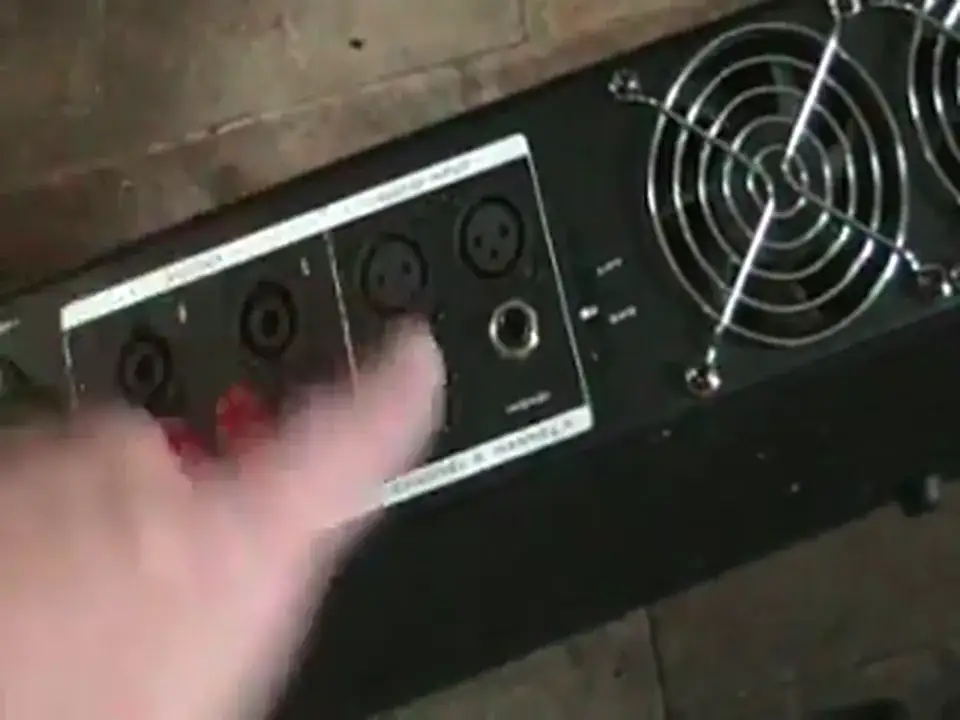
Here are the inputs, and again we have Canon input or here we have jack. Now you notice these plugs here, these are speak-on. That's what you'll need and they fit in there and twist like so. To take them out, you pull up and twist. OK, so if you have a look at the back of the amplifier, we've got a cable coming out of there around into that speaker and again out of there into the other speaker. These two speakers are what are known as non-powered, no amplifiers, that guy there is the power amp and that is the chap responsible for making these play music from your mixer and of course in turn should I say from the CD player or your vinyl turntable into your mixer, out of your mixer, into your power amplifier, out of your power amplifier then into your speakers.
Also, you can use something like this to become a bedroom DJ. This is known as a PC program. This is Pro DJ S from Pioneer. Now again, you may need a sound card but when this is put onto your PC or your laptop, you can mix music and become a DJ. Alright, bit of an insight here into the items needed. Don't forget, leave any comments, anything like that. Thanks for watching. Practice and enjoy.
This transcript was produced automatically from the audio of the video and may contain mistakes.
This video is part of
Related videos
-
WHY Vinyl and WHY Is Now the Time to Go Old School
He admits at the start that this one might annoy people, and some of it should be argued with. The practical half is excellent. The claim…