 5:14
The harmonic button on a club mixer
On YouTube this video is called harmonic mixing , demo of the harmonic button on the DJM-800
What this lesson teaches
A specific scenario with a specific fix, and the scenario is one that will have happened to you without your knowing why.
The problem
Two tracks sound really good together. They are not beatmatched.
You beatmatch them. And now they do not sound good at all.
Why
Because matching the tempo meant moving one track's pitch - and without key lock, moving the pitch moves the key. The thing that made the pair work was their harmonic relationship, and you destroyed it in the act of making them mixable.
This is the trap at the centre of this stage. The two properties you need are coupled on anything without key correction: you cannot adjust one without disturbing the other.
The fix on the mixer
Some mixers can shift the tone or key of a channel independently of its speed.
So the sequence becomes: beatmatch as usual, accept that the key has moved, and then use the mixer to shift it back to where it was. Tempo from the pitch fader, key from the mixer - two controls for two properties, which is what you wanted all along.
That is the inverse of key lock and it is arguably more useful, because it lets you choose the key rather than merely preserving it. You can match tempo and then put a track into whatever key suits the one playing.
If your equipment cannot do it
Most cannot, so the practical alternatives:
Key lock on the player, which preserves the original key through the tempo change. Not the same thing - you cannot choose a different key - but it solves this particular problem.
Choose records whose tempos are already close, so the pitch move is small enough that the key shift is inaudible. Three per cent or less, as the vinyl lesson has it.
Or accept the shift and check. Sometimes the moved key is still compatible, and occasionally it is better. Worth listening before assuming it is ruined.
And the dressing gown
He is wearing a funny hat and a dressing gown, both Christmas presents, on the grounds that you have to use the things you were given. Fair enough.
Contents of the video
0:00 This is video number seven in The Art of Harmonic Mixing
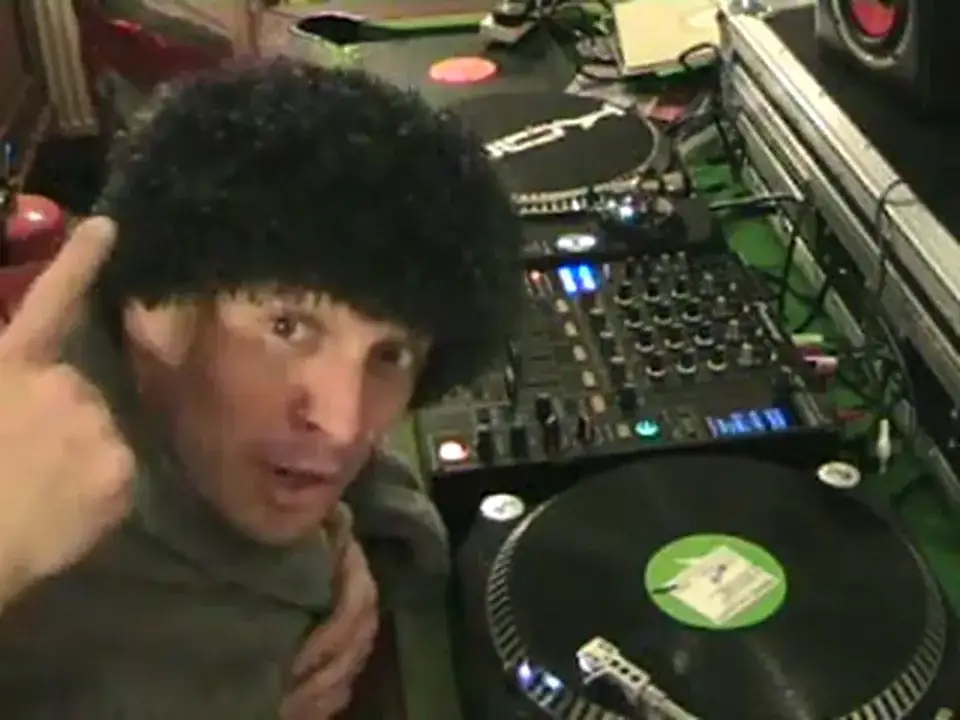
Alright folks, Jonathan here. This is video... Yes, alright, okay, yes, I've got a really funny hat on and I'm wearing a dressing gown. Well, you know, I mean, you've got to use the things you had for Christmas, haven't you? Fair enough. Okay, this is video number seven in The Art of Harmonic Mixing. Sort of a tutorial but mainly like a demonstration here. Okay, let's say for example you've got this scenario. You have two tracks that sound really well together but let's say they're not beatmatched. Then let's say you beatmatch them and you think brilliant, but once they're beatmatched then they don't sound that well together. How can you get around it? Well there are some mixers that you can actually mess around with a mixer and you can change the actual tone or the key of the track whilst it's still at the same speed which is very important. Now first of all let's have a listen to this. It's Freaks.
The creeps get on the dance floor. Let's have a bit of a listen. By the way, you're just listening to it through the monitor so we haven't got the plug-in thing to the side of the camera. Alright, let's say for example now, we wanted to mix that in with another track but the other track would sail a lot faster so we'd have to like so. Now all of a sudden we've actually changed the tone of the track. So how can we get that back to the original tone we had it? On this mixer, we've got a little button which has got harmonic on it. Now you press that. Now first of all, I want you to listen to the tone of the track when it was dead center. Alright, you can't see anything. Okay. Now I'll show you that very closely in a minute. If we move it back down, it's even lower.
2:10 I've brought it back to the original position
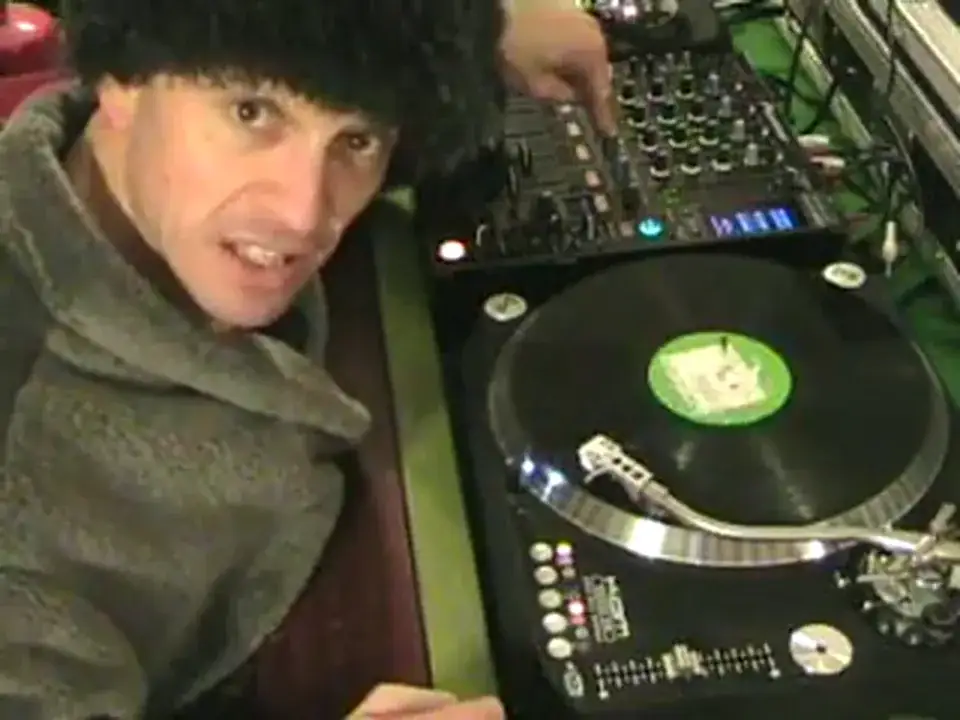
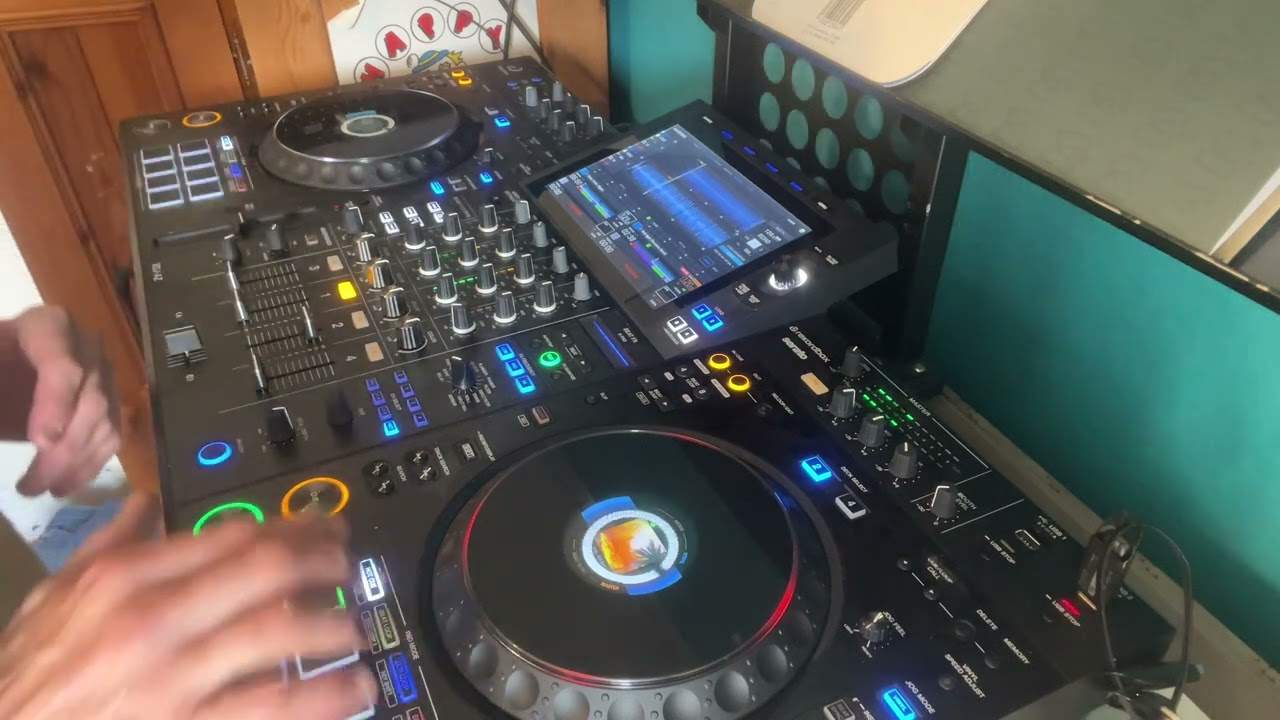
I've brought it back to the original position. Now what I'm going to do, I'm going to put this back to the original position. Do it again. Alright, so what's happening? What am I doing over there and what's going on here? We'll have a close look. Basically on this mixer, what you've got, you've got four nice shiny buttony things here. And one has got harmonic on it, the other one's got sweep for your chimneys, the other one's got crush, you know if you want to crush an orange or an apple or something. The other one's got filter, you could stick one of those in your car couldn't you? And those there will work these dials here, which is on each individual channel. So basically what you can actually do, and this is the fantastic thing, this is what I like, is that you can change the tone, the key of the track without speeding it up or slowing it down on the actual pitch. Now again, alright, let's say like I said earlier, you know, you've got a track and you need to beatmatch them as soon as you beatmatch them they're out of key.
3:52 Put it back to dead centre
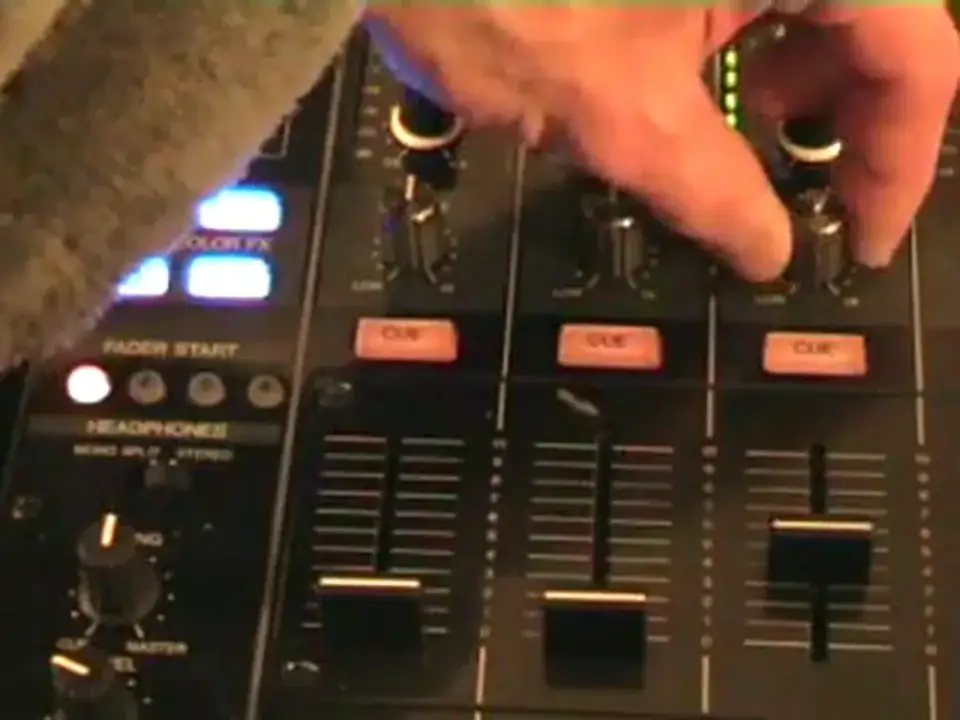
Well, of course, you know, messing around with this, you can actually get them back in key. But what I do like as well is if you want to say lift the track, take it to the next level, you want to lift the crowd, you can actually change the key of the track and lift the crowd. You can take it up that one notch higher. So I'll show you exactly what I was doing. So if we just go about there, that should do it. Let's play the track again. Hold on, I'll take the needle off the record. Right, press that. Camera's going. There we go. Now watch. Alright, hold on. Put it back to dead centre. And also, sorry, put the track back to the dead centre so the actual vinyl turntable now is dead centre on the pitch. Right, well press the harmonic button. Now watch what happens. Have a listen. The tone is going lower. While I move this dial anti-clockwise and then back to centre, it's original tone, original key.
And then move it up. So there you go, it's lifting, alright? So basically that's what you can do. Now hopefully in another future video we'll actually put this into practice and enjoy. Thank you very much. I've even got the tag on my hat. Alright, this is sort of video number seven in Harmox. Three, two, one. Two, one. Three, two, one. Alright folks, Jonathan here. Do you like the hair?
This transcript was produced automatically from the audio of the video and may contain mistakes.