 3:54
Help with Forming Your DJ Mix the Old School Way
Contents of the video
0:00 You might remember that from a recent video
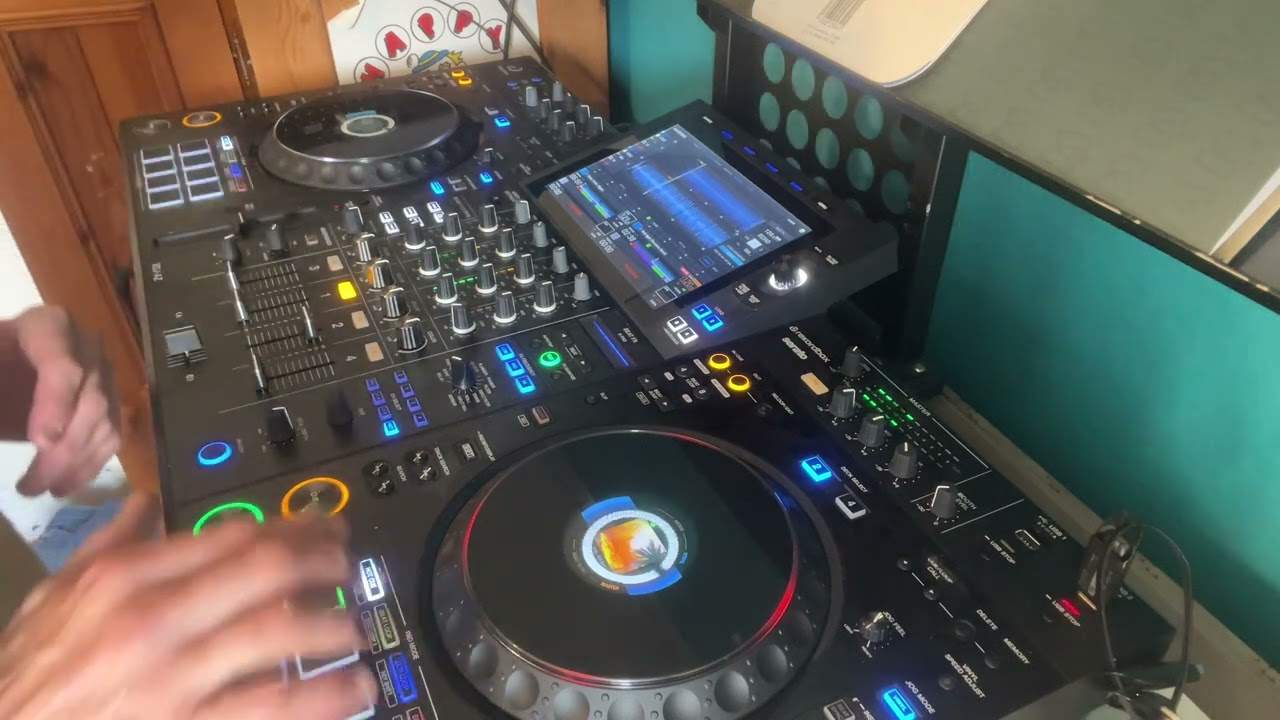
Okay, so you might remember that from a recent video. I was using some CDPool tracks doing a very quick mix, but let's elaborate on this. Now, again, we've got modern day technology, of course, you can do hot cues, you can make folders and so on, but sometimes it's good to do it the old school way. Doing it this way, believe it or not, will help you in many more ways because what I'm trying to do with a lot of people is take them away from gawping at a screen and relying solely on the screen and more relying on your better judgement and what you can do as a person. Because the trouble is with modern day technology, there is so much tech out there that not anyone can become a DJ. You've still got to have a musical knowledge.
1:06 Based on your just using two decks
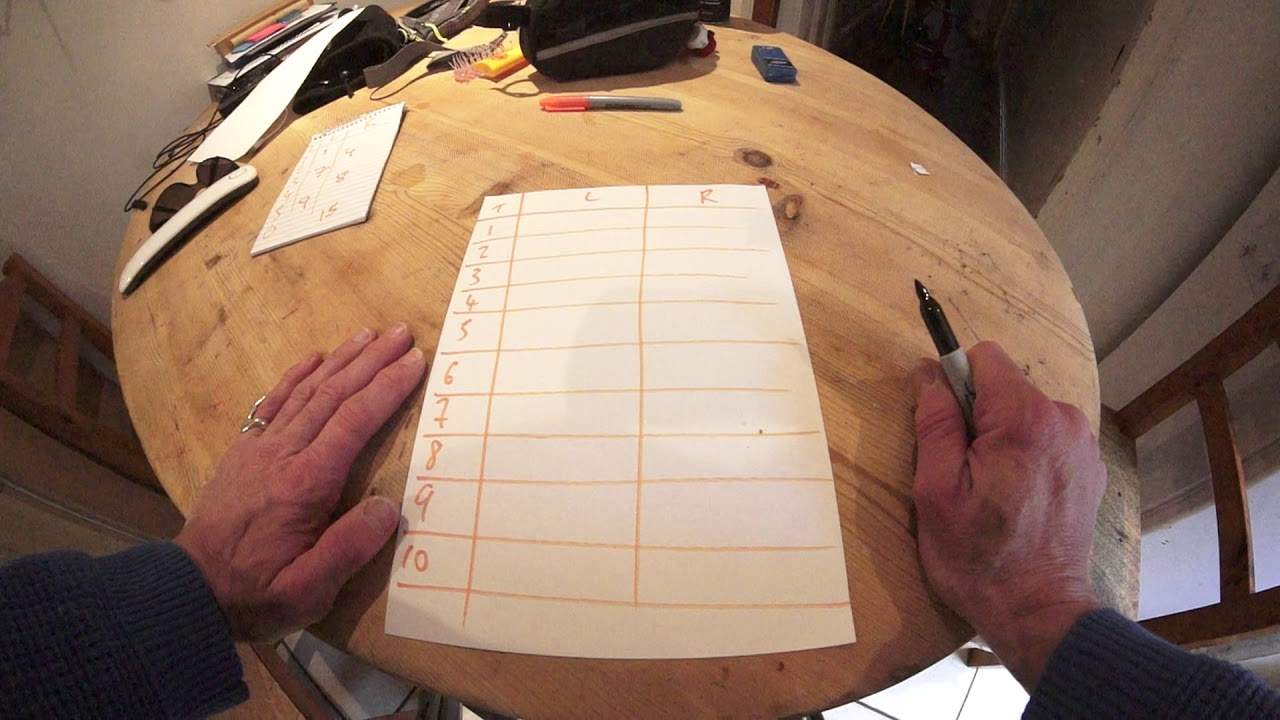
You've still got to have a musical knowledge and understand keys and phrases and time and so on and so on, but we are getting into an era where it's plug and play and let the computer do the work and you just sit there and smoke a big fat cigar. You don't really want to do that. Okay, so if you didn't watch that video, I will explain track. So track 1, 2, 3, 4, 5, of course this could be as many tracks as you want, R and L. So based on your just using two decks. Right. Right deck and left deck. So my first track is going to be track 4. Alternatively, you could put the name of the track. So yeah, I hope you get that. So it could be just the name of the track. Then my second track here on the right deck is track number 7.
2:37 Are you following this?
And then my third is track number 3. And my fourth track number 19. And number 5 is number 22. Number 6 is say 18. So let's leave it like that for the time being. So I hope you can see that. Right, so we've got a few tracks. Let me just reduce the brightness there. I hope that's a little bit better. Good. Okay, so that's all well and good. But if you think about it, by the time you've got down to track 20, you're going to maybe have forgotten where track 4 or track 7 mixed into track 4. So what you can do is you could put... Something like this. Track 4 at 3.30 and an arrow like that. So what that would tell me is when I'm playing track 4 at 3 minutes and 30, I bring in track 7. But you may not want to bring in track 7 right at the beginning.
So you could put 2.20 here. So that would tell me now that at 2 minutes and 20, I will bring in track 7 at 3 minutes and 30 into track 4. Okay, and then track 3, I could put 1 minute 50. So now I know that at 1 minute 50, I bring in track 3 into track 7. But on the other side of track 7, I may put, say, 4.22, which means that at 4.22, I will bring in track 3 at 1 minute 50. Are you following this? All right. I'm going to stop it there because I don't want to confuse... But it is very self-explanatory. And what it's doing as well is making you do a bit more work, all right? Now this is important, okay? Because if you're a screen gawper and all you do is select tracks based on key and hope for the best, you're not helping yourself.
Doing something like this means you need a little bit more brain power and it will help you in many other ways, okay? Thank you very much. Practice. And enjoy.
This transcript was produced automatically from the audio of the video and may contain mistakes.