 1:30
Inexpensive Way to Get a Wireless Mic for a Video Camera KAM KWM1900
Contents of the video
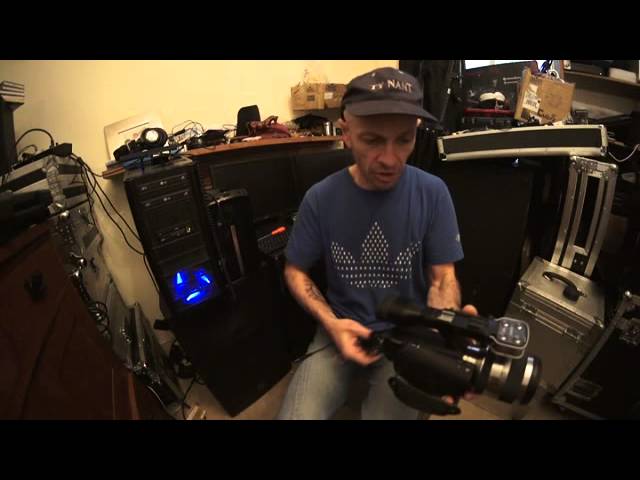
Alright guys, if you're anything like me, on the odd occasion you'd wished for better audio quality. Let's say if you're recording using a video camera and you're in an area where there's loads of ambient noise, loads of people talking in the background and music but you just want audio from your subject. Well here you go. If you don't want to spend an absolute fortune on radio mics then I put pictures on my Facebook so I'll link this video to the Facebook and vice versa. This here. It's from CAM. It's the Wireless Microphone Receiver. The model, I'll put the info in the description, is the KWM1900. So I'm going to do this video as short, precise as possible. On the base of that you have what's known as a shoe. That will attach to your camera. I'll show you. So there is a camera. I'm going to whack that off there and I'm now going to just attach that to there. OK, and you can screw that down like so.
Now you'll notice that is a mono quarter inch jack. Make sure you've got a mono quarter inch female jack, that will plug into there. That then will plug into the microphone input of your camera like so and press your microphone on. Make sure that is set to the same channel as your microphone and you're pretty much good to go. Inexpensive and now you've got wireless mic. Practice and enjoy. Thank you.
This transcript was produced automatically from the audio of the video and may contain mistakes.





