 2:19
KAM Digi Mini Video 1
Contents of the video
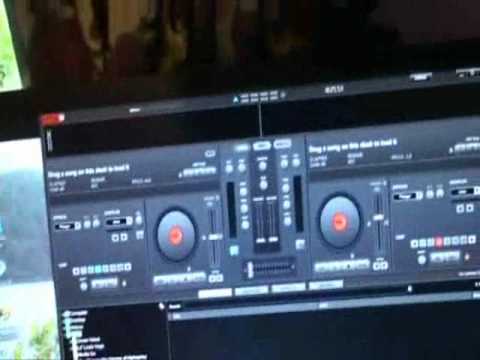
Alright guys, bit of a video on this guy from Cam. It's known as the Digi Mini. There you go, there's the controller. Got your own bag. Comes with VirtualDJ as well. Sometimes keep it simple is the best thing. So if we open this up here. Connection. Seems pretty straightforward to me. And check it out. Right, I've done most of that now. All I've got to do is enter the serial number. That's it. Right, you'll find the serial number bottom left hand corner down there. Right, there you go, one controller, one program and I'm not kidding you, without the use of this camera starting and stopping, I would say open the box, take the unit out, put the CD in and you're looking less than five minutes and you're almost there. Of course we need to put some tunes in there. Right, here we go, didn't take that long at all actually.
Using the centre dial here, you can drag and drop your tracks. If I move that, you can see I've got a couple there, and we've got two tracks, and it's a case of... You can scratch on this guy, we've got samples, hot cues as well. You know, you've got your usual thing, you can control low, mid and high. Now, one thing I'm going to delve into with this guy that looks very, very interesting... The DJ Tutor is at the moment on Mixer, Scratch and Video. Check this out. If I just click there, we can mix video as well. So that could be very exciting as well. So that could be very exciting. Very exciting. Alright, a quick intro on this guy. It's known as the DG Mini from Cam. Practice and enjoy. Thank you.
This transcript was produced automatically from the audio of the video and may contain mistakes.





