 1:57
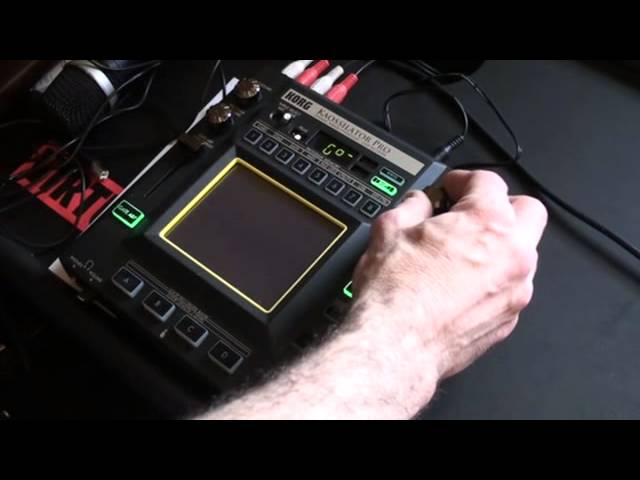
KORG KAOSSILATOR PRO,Demonstration setting key.
Contents of the video
Alright guys, short demo, straight tutorial on the Korg K-Oscillator Pro. In this tutorial we're going to find a sound and incorporate it with the track that's playing. The track that's playing is big in Japan, it's the Ziggy Stardust Remix. So what I'm going to do first is set this to number 4. Now if we have a listen, if I just put the volume down. We can change that sound using top right hand dial. The main thing is that we need to get this particular sound in key. We have the program dial, tempo tap, scale, key, erase loop. I'm going to press key and we can go, you can see F sharp, G, G sharp, A and so on. So again just one way of using it. Don't forget top left hand corner you've got your input volume and below that you've got the volume for the effect from the unit itself.
Okay, small demo there called Calcellator Pro. If you want any more info on this, check out the link in the description. Practice and enjoy. Nice one. Good tuners.
This transcript was produced automatically from the audio of the video and may contain mistakes.





