 8:16
Laserworld EL-500RGB Key Tex Showlaser Demonstration
Contents of the video
0:00 This laser from a company called
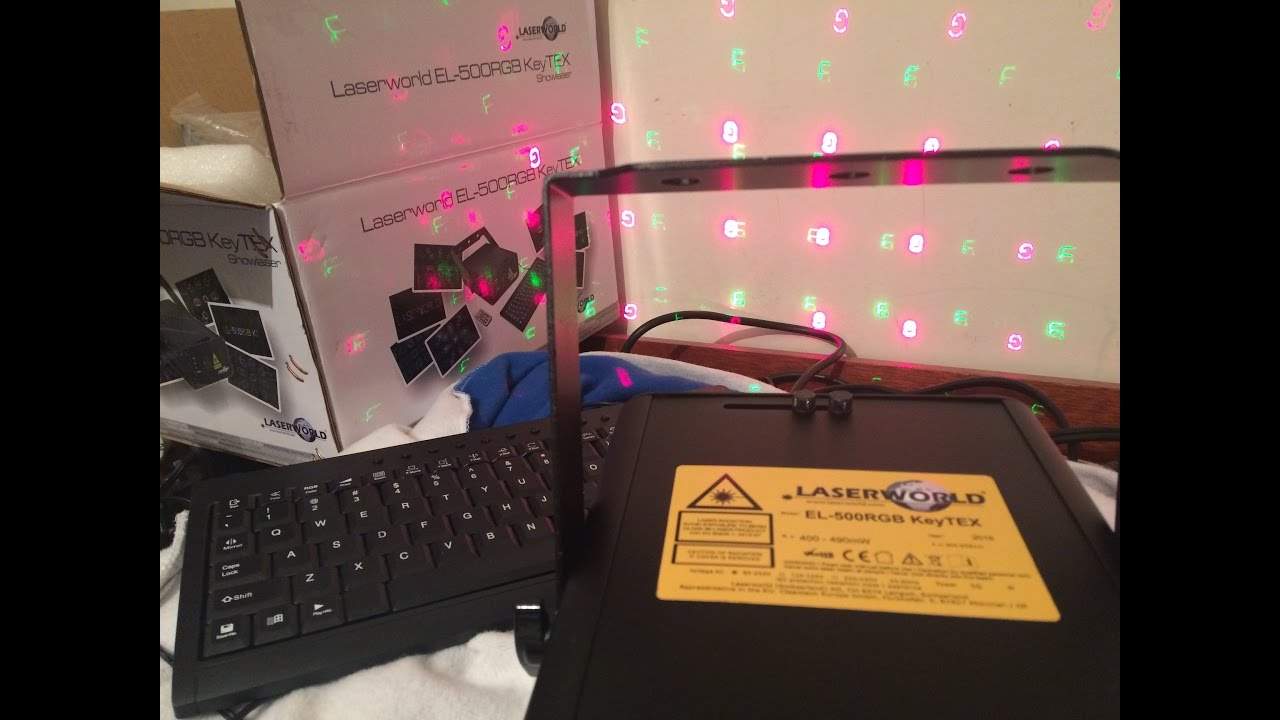
Right guys, I want to show you this laser from a company called Laser World. It is the EL500 RGB Key Text Show Laser. First of all, 500 means that it's going to be around about 500 milliwatts RGB, red, green and blue. And key text means that you can write messages. We have this little appliance here that, to be quite honest, I don't think that's necessary anymore. It's the remote interlock. So what that pretty much is, it's a little bit like a loop. I think it's to the positive. Put it this way, if you haven't got that plugged in, it's not going to work. So it's a little bit like cutting part of the cable out to power it up. Without that, it's not going to happen. Same with this here, the key. Make sure the key is switched to the on position. If it's off, even while it's plugged in and running, fan's running, you're not going to get any laser. So the good point about the key...
Is let's say you have to run to the toilet or you don't want people to mess with the laser because there's a bunch of kids around and you think that they could start being silly with it just take the key out and no one is going to be able to work the laser okay so what do you get with the 500 rgb you get of course the laser itself you also get a small little mini control You get the key, you get your power supply, you get an extra USB cable, or USB male to female. There it is. So for example, if let's say the laser is on a trussing rig above you and it's a distance away, I would say you've got at least five, if not more, metres here, including the cable attached to. I'm just going to give you a very quick demo here. If we go back, alright, here we go. Ellaskins, there you go. Now at the moment you can see that sort of moving around so what I'm going to do is we can change how it moves, we can do an X move, a Y move, a Y roll, X roll, this is axes.
2:52 A Z roll and a wave as well
A Z roll and a wave as well. So I'm just going to go backspace there. Now, different pages as well. So for example, let's say you want to wish someone a happy birthday. Happy birthday to James, 21 today. Congratulations from mum, dad, auntie, uncle, nephew and niece. Now with a lot of lasers with stepper motors, the more text you put in, excuse me, the more text you put in, the more... The laser image itself will start to judder because those motors are moving so fast, trying to keep up with what you're getting the laser to do. So the bigger the image, the more it will move. Now with pages, this is where we overcome that problem. Because for example, page one, you could put happy birthday. Page two, to the person. Page three, from. Page four, you smell like chips.
And fish, fish and chips. You can put whatever you want. Okay so of course enter, I mean again the keyboard pretty self-explanatory. Now this being an RGB laser means that you have full colour mixing. It's not just red, green and blue. You can pretty much get any colour you want. Now if I show you this, this is quite, oh there you go, it's happened anyway. Right at the top of... The laser head itself, there is, I think it's called a dichroic, it's like a prism, like a mirror or a piece of glass that refracts the image into a mass of images. So now you have pretty much got a laser that will give you a good effect. Now also on the back here we have zoom. So if I zoom in, we can see the effect. Now, bearing in mind the laser itself to the image is only about, I would say 40 centimetres away.
5:06 Laserworld, milliwatts
Now if you can imagine, if you had this laser here in a very big room and the other wall was 30 meters away then that's when you would need the zoom because you'd need to you would be able then to zoom in or out just to make sure that the image you're putting on the wall away from you is the correct size. Now again this is quite a powerful laser so I wouldn't start shining this at The DJ Tutor is available for free at Ellaskins.com Two milliwatts, three milliwatts, four milliwatts, five, ten, all over the place. Again, I don't know exactly, but logic tells me now you're not going to have so much intensity of the laser in that whole area instead of it just being in that one tiny little place.
Okay, so there you go. This is the EL500RGB key text laser from LaserWorld. Now again, LaserWorld will manufacture lasers. It is in perfect condition and you know that because every single laser will have its own warranty label on from LaserWorld. So that would have been put on by LaserWorld, not by... Thanks for watching. 20, 30, 40 and so on watts of lasers. Now a 50 watt amplifier is relatively loud but a 50 watt laser is exceptionally bright and they are completely high end for the professionals. Alright so there you go this is the LaserWorld EL500RGB key text show laser. There will be info in the description.
Practice and enjoy. Thank you very much.
This transcript was produced automatically from the audio of the video and may contain mistakes.





