 3:38
Nasudake U12 Nano Waterproof Sports Bluetooth Earphones
Contents of the video
0:00 And to demo
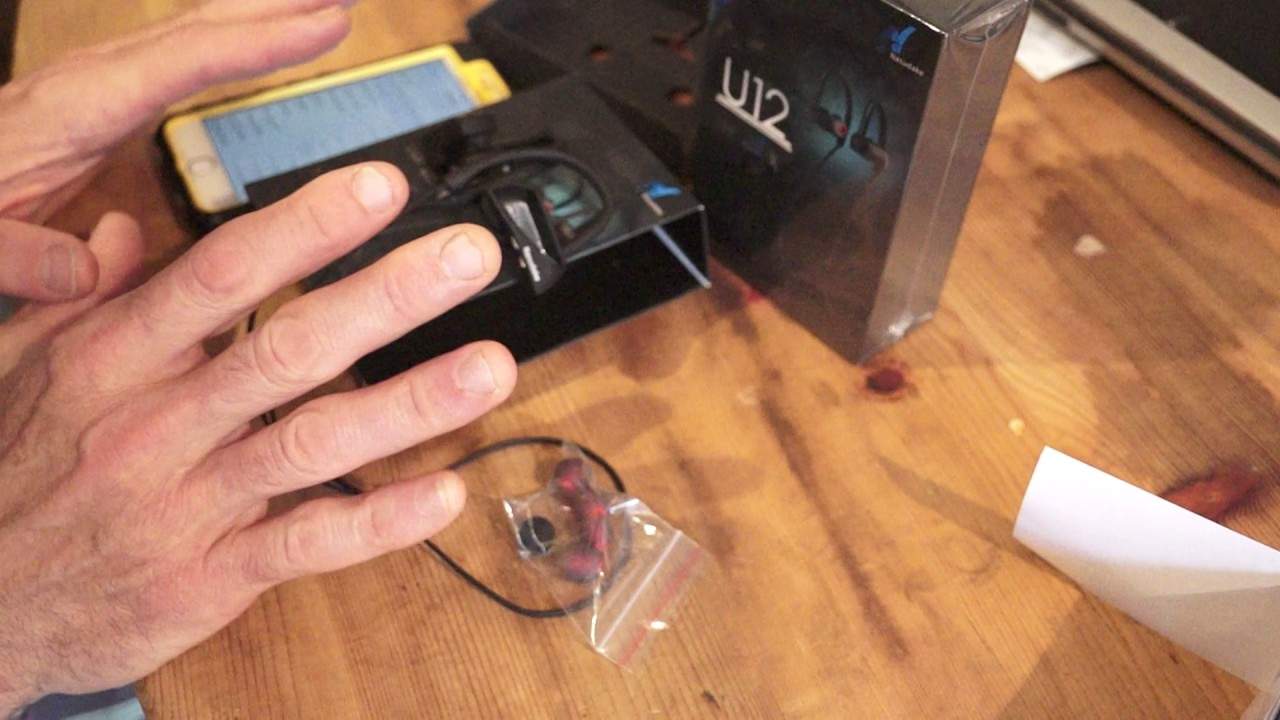
Alright ladies and gentlemen, I had these sent to me to show you and to demo. They're from a company called Nasdaq. They're known as the U12 Nano Waterproof Sports Bluetooth Earphones. What a mouthful! But they are waterproof. Now... Very quickly, of course you're not going to go scuba diving with them but if you're anything like me and you're a bit of a freak for keeping fit then they're great for people who like running or cycling or any kind of sport where I mean we're in Wales it always rains well not always rains but it does rain here a hell of a lot. You're in a place that does seem to have a lot of rain then you don't have to worry about getting them wet. Because yes, they're waterproof. Right, so very quickly run you through the very simple features. Now they're Bluetooth enabled which means that you can connect them to your device. So what do you do? You go to the Bluetooth settings, make sure of course Bluetooth is on. What you do then is on the right hand device...
1:07 In this case it's the Nasdaq U12
On the back of the earbuds you press down and hold that for about three seconds until you see a small LED flashing. Once that's started to flash, you should then have the icon for the headphones come up. In this case it's the Nasdaq U12. Press on that and then they should pair. Once you've done that... You shouldn't have to do that again because the item, the U12 should always be recognised by the device you're using. OK, so some very basic features for you. Let's imagine you're listening to your music and all of a sudden you need to take a call. Press down on the back of the right earbud and that will stop the music. Press down again and then the track will carry on playing. On the underside of the right hand earbud, you have a plus and a minus here. So if you press the plus, what will happen is you can increase the volume. Minus, decrease the volume of course. But if you just tap the plus once, you'll skip forward a track. If you tap the minus once, you'll skip back a track. So the more you tap, the forward or reverse you go with the tracks.
Of the right hand earbud we have a small area there that is for charging so charging time is around about two to three hours playing time is four to five hours talk time as well if you're a bit of a natter on the phone is the same about four to five hours and if like me and a lot of people you forget to turn items off Don't worry about it because the standby time, so they say in the manual, is over 200 hours. So if you do manage to forget about them on Friday, come Monday morning, you still should have a little bit of juice left in there. Right, there will be information in the description on the U12 but... You know, they're relevant for DJs. We listen to music. Hopefully you'll never see me demoing, I don't know, a cup or a saucer or something that has no sound to it at all. Actually, you could get a cup and smash it on the floor. That would make quite a good sound. Alright, so there you go. There will be information in the description on these and I will finish off with practice and enjoy and I'm going to be using these later on today on my bike ride. Practice and enjoy. Thank you.
This transcript was produced automatically from the audio of the video and may contain mistakes.





