 8:37
Numark Mixtrack Edge with DJ Tutor
Contents of the video
0:00 About this piece of kit I've
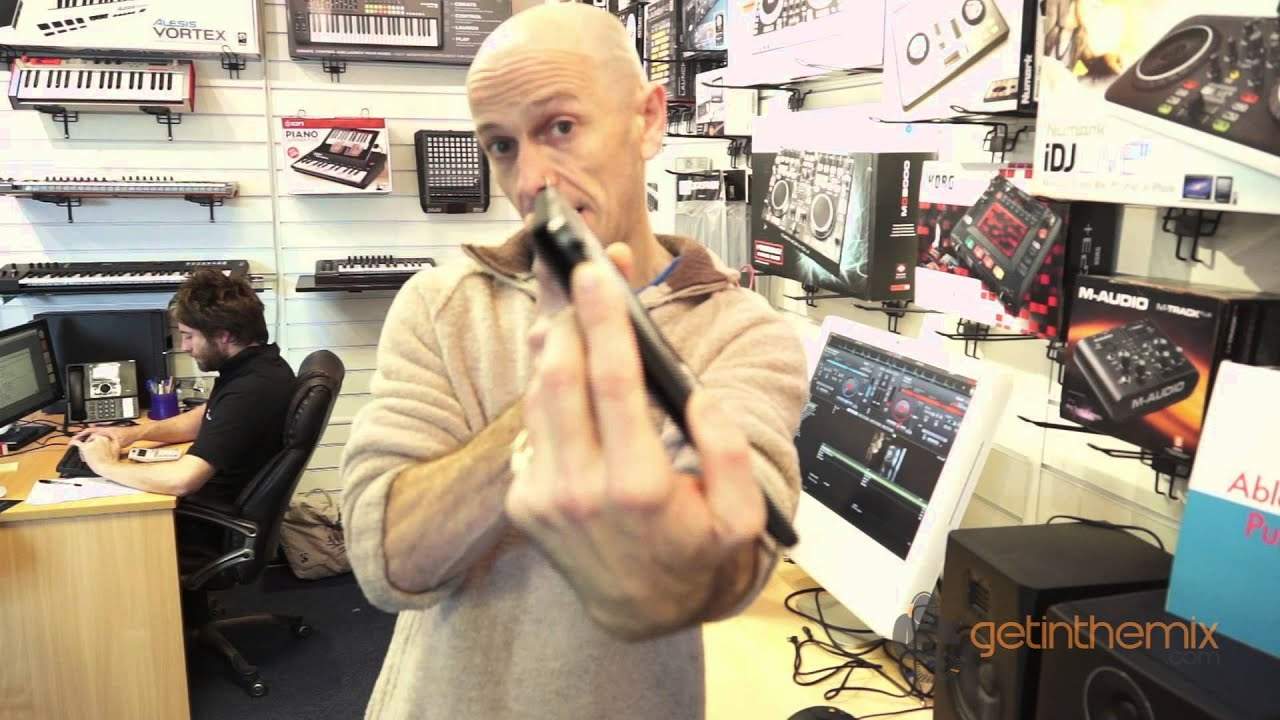
Alright ladies and gentlemen, Jonathan here at GetInTheMix.com and in this video we're looking at a new release, little piece of kit from Newmark, it's called the Edge. Very small, very compact. Top quality item let's say for example if you're a bedroom DJ or you're just starting in the DJ industry. Now first thing about this piece of kit I've found is that you wouldn't really want to take this to a top end nightclub in Ibiza. You'd probably look a fool but then again if you are a DJ working in the likes of Ibiza it's probably a great piece of kit to take with you on the way there to practice your set. It's new enough exactly the same size as an iPad, it pretty much is the iPad 2 not the smaller iPad. It's compatible with Windows and Mac and it comes with Virtual DJ software as well. Right what I'm going to do now show you some of the features and again we only have as you can see crossfade and what can be described as the volume controls but no pitch. Let me show you. Press
The pitch feature, and now with your other finger on the jog wheel, we can now pitch. Finger off, and now we're pitch bending. So, finger on the pitch, slow and speed it down, finger off, and you pitch bend. Okay, let's do a loop. Very simple, loop in and loop out. Press the re-loop, and then you're out of the loop. Got headphones here as well, so very basic here. Load one side, all over the other side. Also cue mix. Again here we have some effects. Right what we'll do now is look at some of the effects. Very simple. We have the sampler here. And again, with the effects you'll notice on the software I've gone from browse mode to sampler and we can increase or decrease the volume there if you have a look on the software. And what I'm using now is the actual software that comes with the hardware.
Right, we'll just bring the volume down. We have some cue points that we can set, so volume up. First of all, I'm just going to get rid of that one cue point. Very simple again. Shift button is very important because that is almost like the centre point of the edge. So for example, we can set three cue points, one. I'll set them off beat so you can hear the actual cue points a lot better.
3:43 That's quite apparent about the Mixtrack
Okay, so those are the cue points set. If I want to then get rid of those, erase them, shift and then just press them down again, and there you go. I can start all over again now with some new cue points. Shift, press them down again whilst I've got my finger on the shift. Right, the first thing that's quite apparent about the Mixtrack Edge is if you didn't know it was a DJ controller, you'd think that someone's walking around with an iPad. The materials used, and again I always like to look at the whole aspect of a piece of kit. It seems quite well built actually. It's not all plastic, there's a bit of metal there, and I like the fact what they've done, they've got an integrated cover so if you are a little bit weary about the surface getting damaged, you don't have to because you fold it over and that's it. So something like that you could put in a briefcase or maybe in your suitcase.
5:59 I'll just give you a quick overview
The DJ Tutor is available for purchase at Ellaskins.com Ellaskins, The DJ Tutor. Who knows, it could last six months, it could last ten years but it's like any piece of kit. If you look after it I'm sure it will last a very long time. Alright so I'll just give you a quick overview. These are touch sensitive so they are pretty much exactly the same as vinyl turntable, the actual turntable itself. Now what I'm going to try and do now is explain this. Let's say, for example, if you were a completely new DJ and you'd never seen a controller in your life. So if you are a DJ and you know what controllers are, I suggest you turn off now and go watch some other program. So here we go. Volume controls for right and for left. Crossfade. These here are your touch-sensitive pads. So when you do have it in pitch bend or scratch mode...
You put your finger on here and you can do scratching, and also sensitivity is very good. What I did find with this is that you weren't trying to follow the scratch. Did you find that as well? It was good wasn't it? There you go, hold on. Let's go over here. What did you think about it? I thought for the price you paid for it, build quality superb, and the way it goes with scratching, yeah, I think it's really good if you use it at home, you're going to love it. On the move if you're going to use it, if you're going to and from gigs, perfect. Really, really good picket. Great, okay. So there you go. There we are. Here is loading for each side. Shift button, again the shift button will take you to different facets of the edge. So for example if you want to say pitch bend, use shift. If you want to scratch, use shift. Also effects. That there, press that and you go into effects mode. And again you have treble and bass for the right hand side, treble and bass for the left hand side.
This one here is your headphone volume. That one there is the master volume. Now, I'm quite sure, how much are these now? About £119, I believe. Right, £119. Now, that's not bad for a controller. So if you're a mum and dad at home and maybe you've got a son or a daughter that are interested in becoming a DJ, it's not exactly a vast amount to spend. And if after six months they don't want to be a DJ anymore... Stick it on eBay and you'll probably get your money back actually. Don't do it. Alright, thank you very much. Practice and enjoy.
This transcript was produced automatically from the audio of the video and may contain mistakes.





