 7:03
Pioneer DDJ-1000 the Importance of Using Key SYNC Correctly
Contents of the video
0:00 Master tempo, the key sync
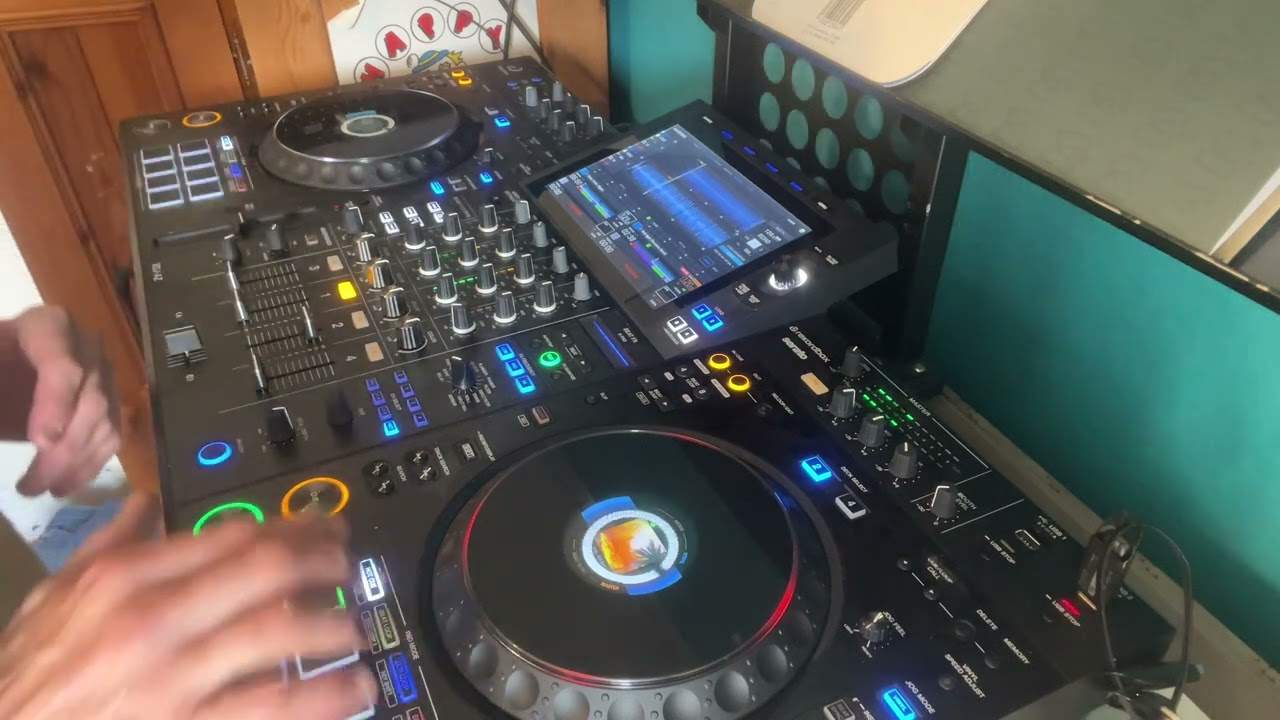
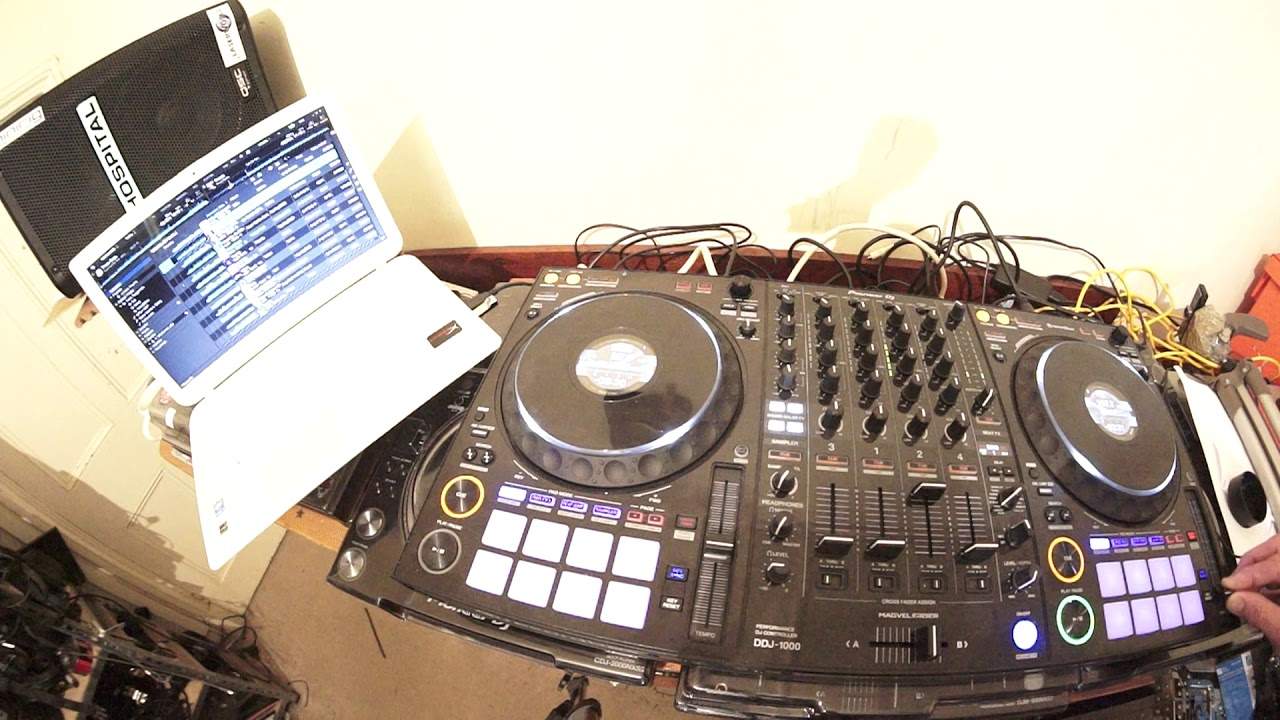
Alright, in this video we're looking at the DDJ-1000 also using rekordbox software. Mainly we're going to concentrate on the master tempo, the key sync and the key reset buttons. Now these are possibly the most important features of the DDJ-1000 because the whole idea of forming a mix is hopefully to mix harmonically. Now if you don't use the key sync button correctly, your mix may sound harmonically right, but all of a sudden the track you're bringing in may just sound off. What's happened is that the software has recognised the key of the track that's playing, you brought in another track, you're using key sync and then the track that you're bringing in has then... changed harmonically to match the track that's playing. So even though it may sound harmonically correct, the track then that you bring in may sound off
Because all of a sudden people are used to let's say the singer singing a certain way and now we've got the singer singing in completely different ways. It's almost like the whole track has changed and it has because it has changed harmonically. So this is where we have to be very careful. So in this video I'm going to show you the master tempo, key sync and key reset buttons and what they're there for and what they do. So on the right hand side let's have a listen to this tune. Just bring it forward a bit. Okay just cue it up there. Okay now at the moment we've got key sync engaged.
I'm gonna press key reset, listen.
1:57 Let's press key sync again
Let's press key sync again.
Key reset.
Key sync.
Right let's cue that up. Now what happened is I was playing a track on the left hand side, I engaged key sync and what that did... That recognised by engaging key sync it recognised the key of the track on the left and then harmonically matched the track on the right. Even though to begin with the original key was not let's say a key, a sound that worked with the track on the left. But by engaging key sync it then was able... The software is able to match the track harmonically but what it does do it will change the whole sound of the other track. Now you should have noticed by me then pressing key reset. What that does it then brings the track back to its correct key. Now this is where you have to be really, really careful because the worst thing in the world for you to do would be let's say...
To try and mix another track in that is in the wrong key with the track that's playing. Mix it in and then press key reset. All of a sudden you're gonna have a jump in the key. The whole feeling, vibe and energy of the track is going to completely change. Because the vibe and energy a lot of it is about the key of the track. Now let's have a look now at the master tempo as well and what that does. So again I'm going to press play. Key sync is on, let's do key reset.
Now let's just move the pitch listen...
3:54 Let's press the master tempo
Now you should be hearing two things. One the track going faster as I bring the pitch towards me and also the track going slower while I move the pitch away from me. Okay now let's press the master tempo. Pitch away from me, pitch towards me.
So what's happening there? Now the master tempo is a great feature because what that will do... That will keep the original key of the track even if you're slowing it down or speeding it up. Alright, now you could hear that slightly. What I'm going to do now is I'm just going to go to the software and... Hold on where is it now? Somewhere around here.
Hold on let's go to... No hold on I wanna go to... Just go to 2 deck and alright plus 6 yeah here. So I've just changed the right hand side now to plus and minus 16%. Okay so basically what that means is let's imagine the track was going 100 BPM. 100 beats per minute. By changing it to plus or minus 16 means if I bring the pitch all the way towards me it will now go to 116 BPM. Away from me, it'll go to 84. So we will hear more of a difference now. So let's repeat the process. Press play. Switched.
Definite change in speed there.
Speed up. Faster. Pause it, now disengage master tempo and repeat the process. Press play.
There you go. Okay so there are more features now and again keysync is a good feature to use by engaging keysync you can pretty much mix anything and it's going to mix harmonically. Where you have to be very careful is if people are used to a really well known track and they know how it feels, the vibe, the sounds, the melodies of that track. If you engage keysync that track potentially could completely change and you could ruin the whole feel of the track. Alright, now I hope that's been a help. Any information don't forget or any more information you want you can always go to the pioneerdj.com website and also post a comment under there. Don't forget to like and subscribe and very soon there will be VR virtual reality lessons by myself.
There will be a lot of info on that in the future. But if you are interested at the moment in getting one to one lessons by myself Jonathan via Skype or Facebook PM private message and don't forget the private lessons are strictly confidential. There is an email right down there in description, get hold of me and we could be hooking up very soon. Thank you very much, practice and enjoy. Nice one.
This transcript was produced automatically from the audio of the video and may contain mistakes.