 2:51
Pioneer DDJ-RB Effects with rekordbox
Contents of the video
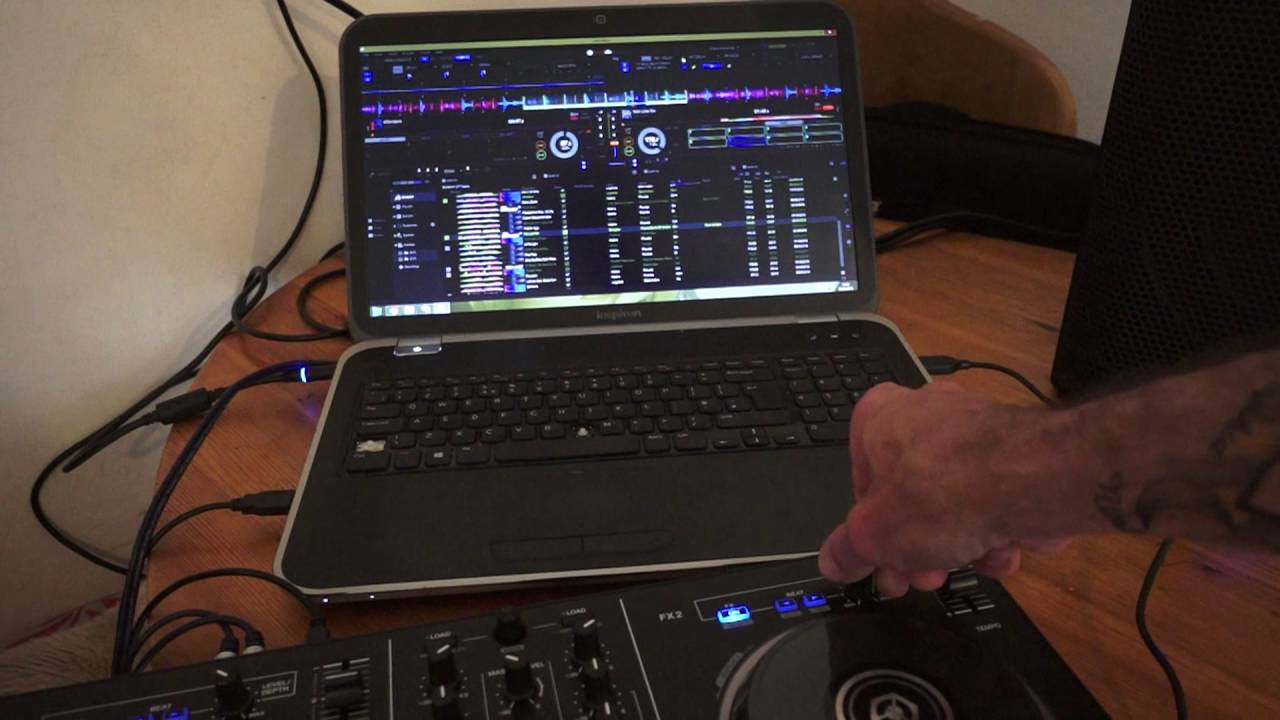
Hi guys, in this video we're looking at the level depth dial for the effects on the controller known as the DDJ-RB from Pioneer. It's an entry level controller and this comes with rekordbox DJ software as standard. Top right, exactly the same as top left, we have the level depth dial for the effects. So, straight away, what you have to understand... Even though the DDJ-RB is an entry level controller, you still get a lot of effects to mess around with. The track I'm using by the way for this demonstration is Not Like Me by Own Glow. It's on Future Sound of America, courtesy of Hospital Records. So at the moment, I have got reverse delay selected. What I'm going to do now is make sure that the effect is engaged.
By pressing the select button and making sure that's highlighted with a blue LED. And now all I need to do is move the level depth and we can hear, we get that effect. I can also change the parameter of the effect by pressing the arrows here. We can increase the effect or decrease the effect there. Let's go to a different effect so I'm going to click on the icon again and we'll go to echo. Now engage and turn the dial to get the maximum effect. By turning the dial to maximum, maximum of course is at 5 o'clock, minimum which is generally known as off is set to 7 o'clock. And again we can also use that effect if we want to with the filter. I'm just going to move the camera down slightly, bang, there you go. Okay, short video here on the DDJ-RB from Pioneer.
There will be a link in the description to this track from Hospital Records, Practice and Enjoy. Thank you very much.
This transcript was produced automatically from the audio of the video and may contain mistakes.





