 7:52
Pioneer DJM-450 Is a 4 Channel Mixer Fact! Video BY Ellaskins the DJ Tutor
Contents of the video
0:00 Jonathan here, the DJ Tutor
Alright guys, Jonathan here, the DJ Tutor. Let me show you something. Right, this here is a four channel mixer. One, two, three, four. You can mix on four decks and have lots of fun. But, trouble is, when you get to a mixer like this with two channels, you can only mix on two decks. Well, you actually can't. Well, you can mix on two decks. But you can actually mix four separate tracks using this mixer. Let me show you how. Now, again, this is just a demonstration. So don't follow... Well, actually, follow my procedures but then maybe spend a bit more time in making sure that it's tight, your mix is tight. Okay, so we have DJ in 450. One channel and two channels. How on earth can you mix four audio channels into this? Well first of all there is an auxiliary. Now that's quite important. So, we have an auxiliary in. But how can we mix with four decks? I'll give a demonstration first then I will explain. Now I'm mixing four audio sources.
2:44 Kenny Hectic in the background
Okay, so that definitely was for audio sources. Now again, for reasons beyond my control due to YouTube and copyright reasons, I'm very reluctant sometimes with a demonstration like this to play tracks that I know I can play with no problem. Now the track you heard on the right-hand side was Kenny Hectic, a track entitled, make sure we get it right, Unity. There will be information on Mr. Kenny Hectic in the background. And of course we had a tiny sample there of an acapella. Now just to let you know... I don't know if it's by law, but you can get away with playing a tiny, tiny sample over and over again. Like, for example, as I did, maybe a quarter of a bar, as in one or one-two. That's about it. If you start going over that, then you're stretching the boundaries a little bit. So let's have a look at the mixer and let's see exactly what I did. Right, so what we need to do is we need to go a little bit closer.
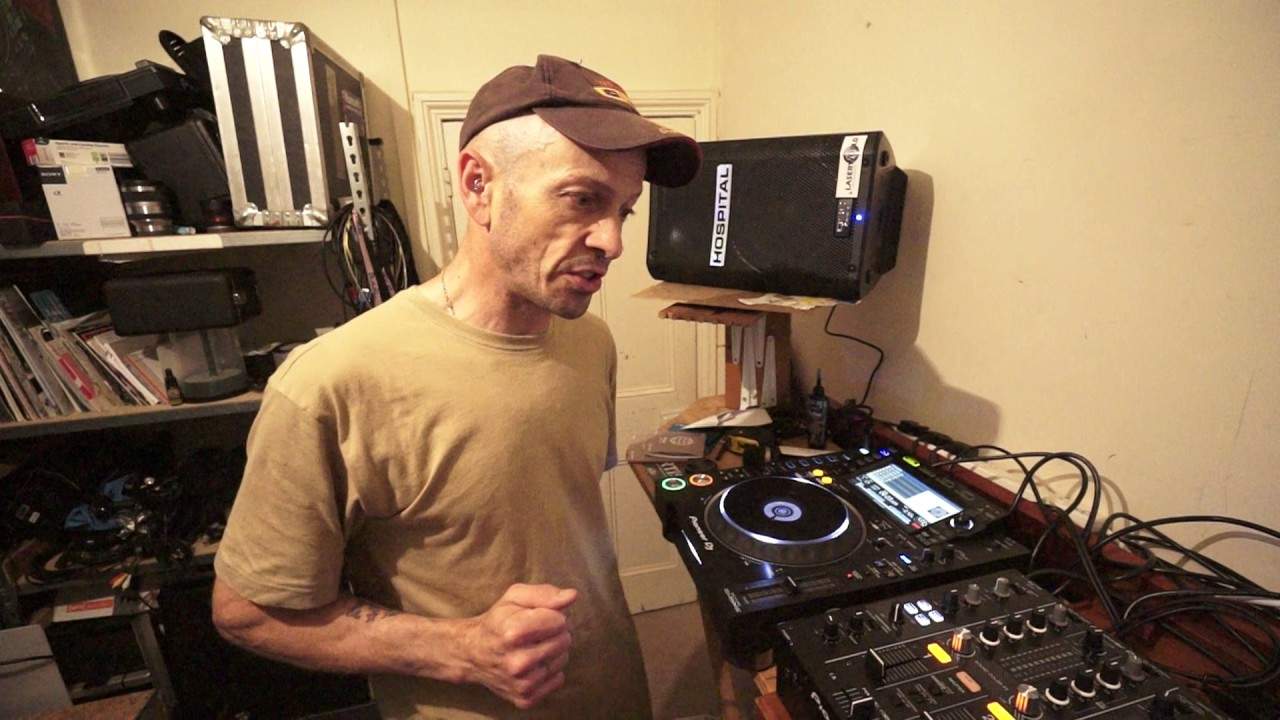
And I'm just going to turn the screen so I can see exactly what I'm desperately trying to not do, or do should I say. OK, so there's the mixer. Right, so what I did first of all is we have a dial that will change the channel that we want the effect to go on. Now of course... What I was doing there to begin with, so I was using Kenny Heptic on the right hand side and a little bit of the Boogie Monster on the left hand deck. So I needed to record both decks and I went to the effect which is above the channel select to the roll feature. So what that will do is it will roll the track. Now I tapped in time. And I'm sure if you use proper rekordbox software and quantize, there's probably no need to tap in time. I did simply because both tracks are not through rekordbox at the moment. So if you listen, press play, tap in time. Now for the people who maybe are partially sighted, while I'm tapping in time, the number one is highlighted on that little screen that tells me if I do a roll now, it'll be a roll of one. Have a listen. Stop the deck.
5:29 Kenny Hectic and go to
And now all you can hear is that roll, but that's still on this channel here. Even though if I'm moving the channel up and down, it's not stopping. But you see what I can do is I can turn that effect, no sorry, that roll to channel two. There. You see? So now I've moved that roll from channel two now to channel one. So of course, master out meaning... Whatever is played through the master will be recorded via the roll. So let's go to Kenny Hectic and go to a different part of the track. Okay, just slow that down a bit. Speed it up should I? Go to 4, 5, 6, 7, 8. Now I'm going to switch now. What I've done... Because I've switched that roll to the auxiliary in. Now, I have two more decks to carry on playing with. So I'm just going to stop that and again to stop the effect, just press the button bottom right hand corner. So of course, to start the roll, you need to press the button and of course to finish it, you need to press the button. So let's expand on this. I'm using...
One track, a tiny bit of a sample. But let's take it to the fifth dimension. You have track A on the right side, you have another track on the left hand side and you form a good roll using those two tracks, whip it over to the auxiliary and then you bring in a third track on the right hand side and a fourth track on the left and you can do some wicked mixing. So, a two channel mixer Nope, not anymore. Just open your mind and delve into what items like this can do. Practice and enjoy. Thank you very much.
This transcript was produced automatically from the audio of the video and may contain mistakes.





