 2:53
Primeloops. Start to make you'r own toons Video 5
Contents of the video
Alright folks, video number 5 in a selection I'm doing on the Prime Loops series. In video number 5, I'm going to concentrate mainly on using a sample, looping that sample and bunging it in with a track. This is the sample. That's it. By the way, follow the link in the description, that'll take you to the website. Now this guy here is the beat itself. Let's have a listen. Now that's it. Now a couple of things we can do. Well, actually there's quite a lot of things we can do. But I could, let's say for example, loop that sample and then loop the beat, join the two together. Alternatively, I could, let's say, loop the beat and then just edit the sample with the cue button. Or I could do the other way around. But for this demonstration, I'm going to loop the sample and then edit the beat. So first of all, let's have a listen once again to the sample. Just press cue, nothing else.
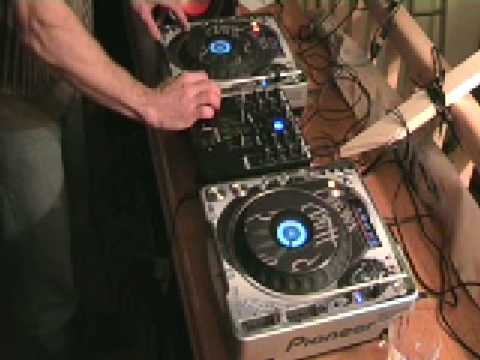
We'll listen to the sample, it'll start and finish. That's it. Period. Right, what I'm going to do now is press play and then in time I'm going to hit, by the way this is the CDJ-800 Mark II, I'm going to hit the out button. So theoretically what we should get is we should get a bit of a loop with this sample. Let's have a go. OK, we've got a loop. The beat. Here we go. Number 5, practice and enjoy. Thank you very much.
This transcript was produced automatically from the audio of the video and may contain mistakes.





