 2:35
Reloop Digital Jockey 2 Interface edition Video 4 The FX
Contents of the video
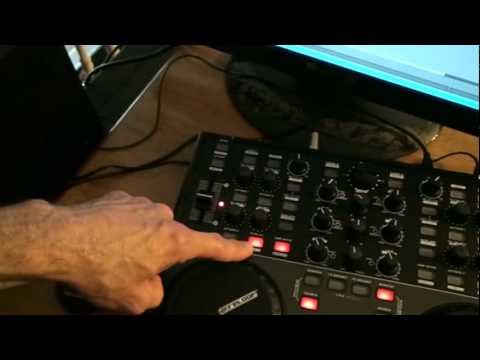
Alright folks, video number four on this guy from ReLoop is known as the Digital Jockey 2. In video number four we're going to concentrate mainly on the top right and left hand corner of the hardware and this comes in conjunction with the software which is this guy here, it's Traktor LE. The track I'm using is a track that will actually come with the software, it's just a test track. We'll increase or decrease the intensity, the dryness, the wetness of the effect. At the moment we're on delay. Just have a listen. No effect. Now we have the effect. No effect. Now we have the effect. I can also turn the effect on and off by pressing here. Effect on. Effect off. If I want to, I can use the mouse. On. Off. On. Same here. Like so.
Also, if we have a look at the top corner. Okay, we're going to turn that effect off by pressing there. What I'm going to do now is press here and I can skip through the different effects. We have flanger, no effect, delay and reverb. Now, if I put the camera onto the screen, I'll do exactly the same thing and you'll be able to see there on the screen. Going through the relevant effects. So press down on shift and we go through reverb, delay, flanger, no effect. Okay, video number four, a very basic look at some of the effects to be found on the program and the hardware from ReLoop. It's known as the Digital Jockey 2. Practice and enjoy.
This transcript was produced automatically from the audio of the video and may contain mistakes.





