 4:32
Simple Way of Making a Harmonic Mix for the New Bedroom DJ
Contents of the video
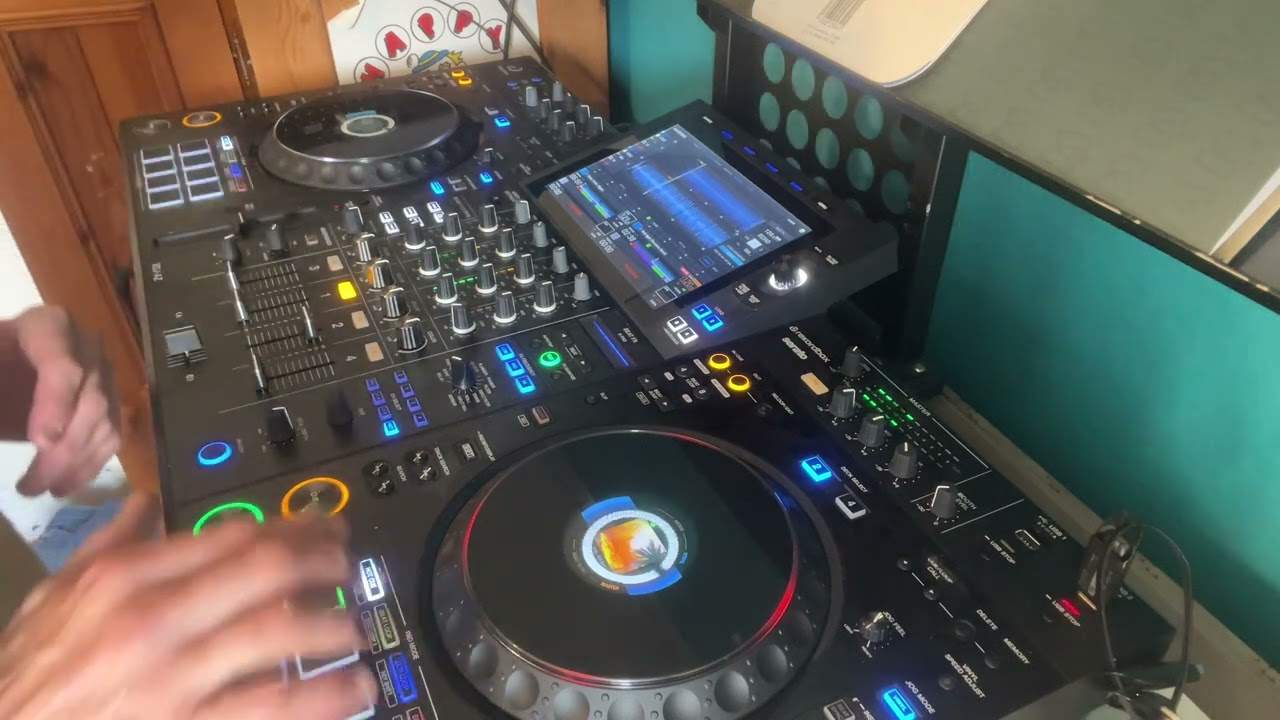
0:01 I'm using the Pioneer XDJ-XZ
Right, ladies and gentlemen, I'm using the Pioneer XDJ-XZ. And in this video, we're going to be looking at keys, a very simple way of looking at keys. And again, disclaimer, this video really is for complete and utter beginners. So I have put my files through the program known as rekordbox. That is courtesy, of course, of Pioneer DJ. And I'm using the XDJ-XZ. I have a thumb drive, also known as a stick drive, plugged in to the controller on the right hand side. And that's in USB 1. So I press down straight away. It has been recognized. And if I just zoom a little bit closer, we can see we have artist track, key, album, playlist, history, search folders and so on and so on. But really, in this video, I just want to concentrate on key.
1:24 I've got another key that will harmonically match with the first one
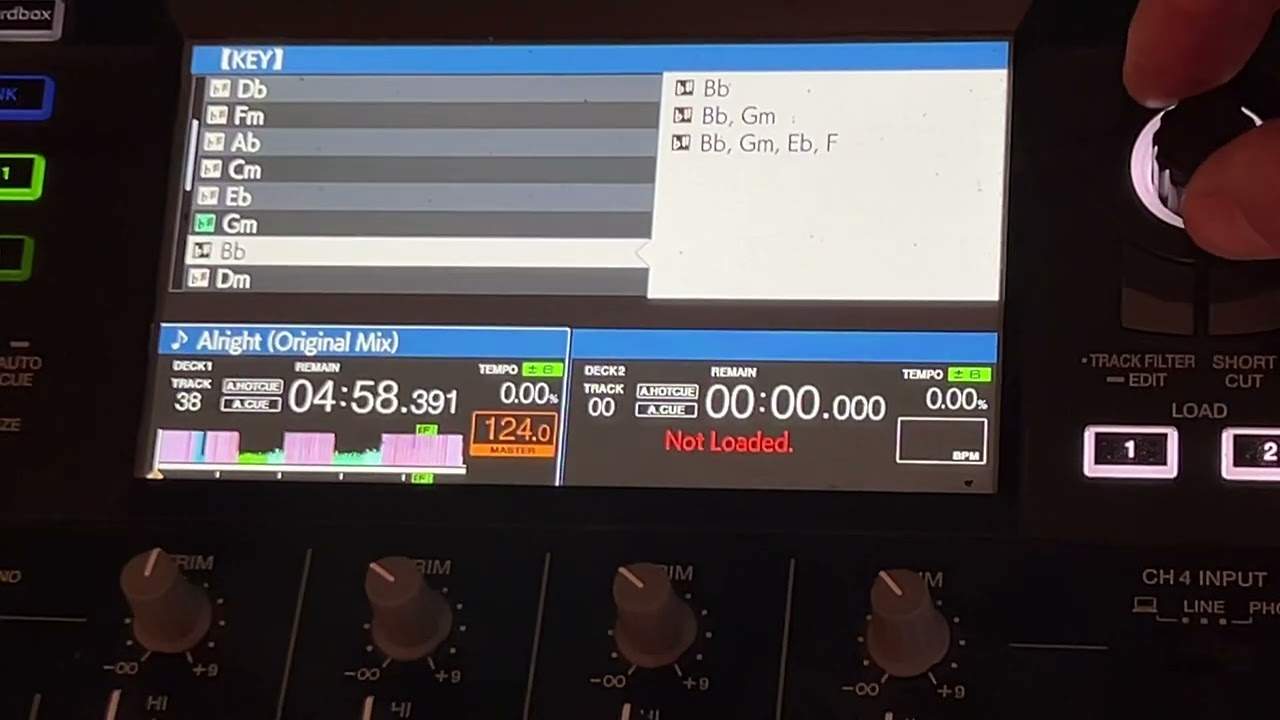
So if I scroll down out a key and press down, you should notice I've already got a track selected. But what key is it? How do I know what key it is? Well, I can scroll through the keys and I can see it's this key here. OK, so if I press down, I've now got another selection of keys. Now, what the software has done. It said, OK, what we're going to do, your first choice is the key that the track is playing. In other words, if I press down on that first key, I now have a selection of tracks and they are all in the exact same key that the track is playing. If I go back, I can now go down to the next group, which is now two. I've got another key that will harmonically match with the first one. I go down again.
2:54 I could use those tracks
I've got a group of four keys now that will harmonically match. But the only difference is, is that when I go to these groups, the second and third, I have to be a little bit more careful about my transitions because I may have to jump up. I may have to say chop a track in or do a shorter transition. Because the music content may be slightly different. But if we go back to the first key, we can see all of those tracks will mix harmonically. If we go to the second one, we can see a big B, a capital and a small b. So I could, for example, if I wanted to, I could go back and I could find that key. And now I could just use this. I could use those tracks. So what's the difference between just using these tracks and let's say going back to my original key,
Going down to the second group and using these? Well, simply because I've got two different keys in all of these tracks. Whereas if I go back here and down and press on the big B and small b. Now, guess what? I know now I've only got that one group in that one key. And I can use any of those tracks knowing I don't have two keys. OK, to finish off this video. Let's imagine you wanted to do a relatively sort of quick mix or maybe not a quick mix, but you wanted to have to worry about key matching. But at the same time, you wanted to make sure the harmonic mixing was palatable to the ear. Well, you could go to one of the keys here, scroll down and choose the biggest group and now work through this selection of tracks.
And you should theoretically again, if you choose correctly, you should have a pretty decent harmonic mix. All right, now I hope that's been a help. There will be more videos like this to come in the future. Practice and enjoy. Thank you.
This transcript was produced automatically from the audio of the video and may contain mistakes.