 10:49
Xvive U3 Dynamic Microphone Wireless System Vist Review Video One BY Ellaskins the DJ Tutor
Contents of the video
0:00 Jonathan Ellaskins, The DJ Tutor here, and this video is a DJ-related
Right, ladies and gentlemen, Jonathan Ellaskins, The DJ Tutor here, and this video is a DJ-related review. First and foremost, my disclaimer. The company who sent me this product have and are not going to pay me, but they did send me the product for free on the premise that, of course, I would give the item some exposure, which that's what I do. Very quickly as well, when companies send me products that I think are absolute rubbish, I don't even review them. Okay, because I don't like giving bad reviews because there could be 20 people out there and I'm the only one giving it a bad review and the other 19 are saying it's amazing. I'm not saying that's good or bad, but if I personally think a product is not very good, I prefer not to review it at all. Anyway, disclaimer over, there will be information in the description and this is video number one.
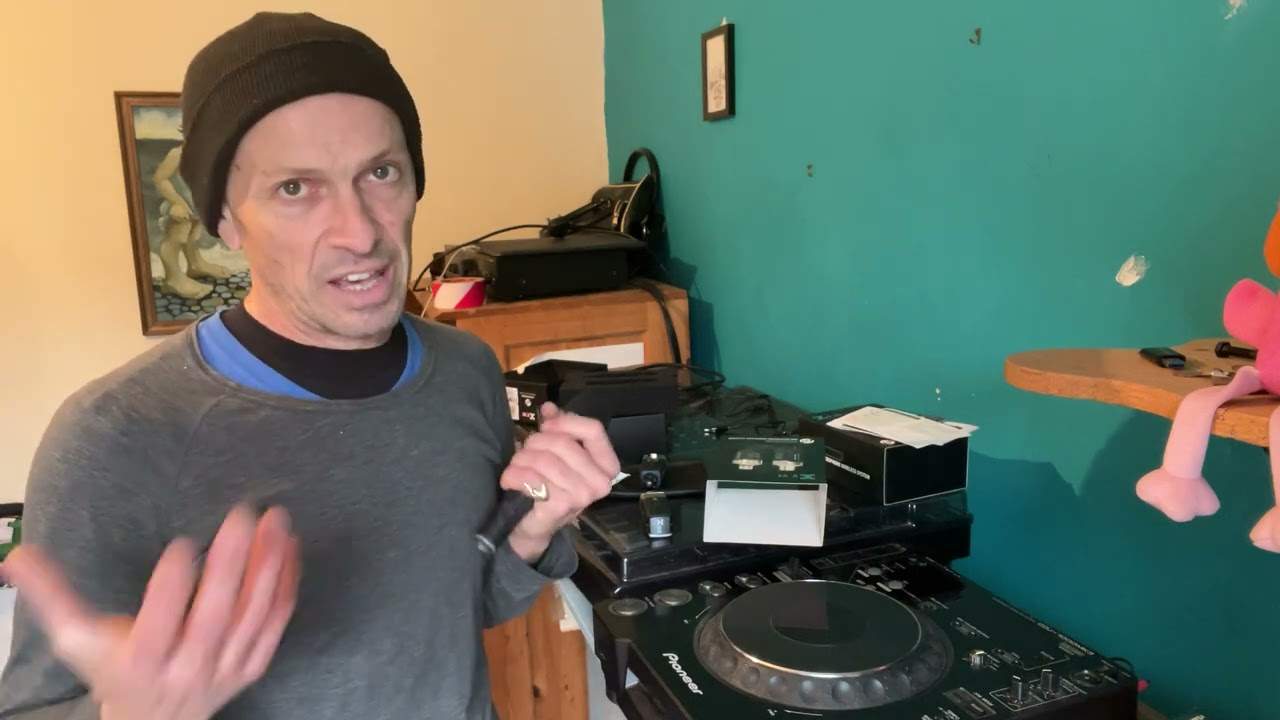
Just giving a sort of premise as to what the product is and what it can do. And here it is. Now, I've got two of them. There is the box. It's by X-Vive. I think that's how you pronounce it. It's the U3 Dynamic Microphone Wireless System. Okay, there you go. And I'll just get rid of Pinky Ella. It's my daughter's fluffy toy. Right, okay. So what do we get in the box? You get... A bag to put them in. Silica gel, stop everything rusting inside there. Let's have a look at all of the literature. You get a manual. You get information on the other systems that they have. Put that to one side. A warranty card. And what's this? Let's have a look. Information about collection and disposal of old items and used batteries. So there you go, I think that's pretty box standard now with anything that's got batteries in. And of course you get the wireless system. Here we go.
2:35 There's a switch here for mic or line, I will explain in a bit
Very quickly as well, everything's really well packaged. There's no corners, we can cut corners here by saving money. The product seems to be good as soon as you open it up and it does feel good as well. It doesn't feel cheap or plasticky, it doesn't feel as though it's been, when I say mass produced, in some really dodgy factory where they just think, look let's make something and chuck it out there and then run a mile and hope for the best. No! Good quality. So if you have a close-up, okay here we go this is the receiver I'm showing you and it does say receiver on it so you've got metal and plastic and very simply you've got power on and off and this button here is to select channels one to six so I'll talk about that a little bit more in a bit and this is the transmitter
Slightly different, you've got a small antenna there. There's a switch here for mic or line, I will explain in a bit. And again, you have power on and mute. And also here, again, you have a small switch there and you can switch from channel 1 to 6. There you go. Okay, now first and foremost... Let's say you've got yourself a regular microphone like that. Now there's nothing worse than setting up at a gig and having an extension cable from your mic into your mixer and your mic starts turning on and off because the cable's knackered or maybe you need to go to a table 10 meters away, the cable isn't long enough or now you've got a trip hazard over the dance floor. Well, of course, you get yourself a radio mic, but if you've already got a microphone, you do not want to start investing in a radio mic. That's where something like this comes in really handy because it basically changes that regular microphone into, by plugging that in, I've now got a wireless microphone. It's as simple as that. That's it. So what you're going to do is you're going to plug that
5:11 You would then basically use this to transmit the audio
In to your mixer, to your controller, so long as it's got XLR. But again, very quickly, if you haven't got XLR, if you do get the correct adapter, you can go into jack. But very often now, if you look at the back of your controller, you may see like a hole with the XLR on the outside. Now that means that you can actually plug a jack in as well as the XLR on the output. Sorry, on the outside. Okay. Now you've got on the transmitter, if I show you here, if you can't see it Domore will explain, you've got line and you've got mic. So basically what that means is that you can use this not only for a microphone but also you can use it for audio. Now that's where the fun starts. Because let's imagine, you know, you're set up as a DJ and the client has asked you to have a separate sound system in another room. You could probably set up a cable and so on, which is fine, but then you've now got to channel that cable trunket along the floor, over doors, behind radiators, which can be an absolute nightmare.
What you can do is you set this to line. You would then basically use this to transmit the audio. It's as simple as that. The only difference is, is that instead of the mic now being the transmitter and the mixer being the receiver... It's now the other way around because now the mixer would be the transmitter that would be transmitting the audio sound to the receiver, which would be the speaker. Very simple. And again, if you've got slightly different connections at the back, maybe you've got RCA or jack sometimes, make sure if you're going to do that, you get the correct adapter so you can use your speaker. Now, the manufacturer says that you're looking at roughly, I think it's 90 feet. But the way these work very often, if you're in line of sight, you're fine. If you're going to be starting to set up, you know, in separate rooms, you know, two or three rooms away and the walls are quite thick, then always check
And make sure you set everything up before people start arriving, instead of setting it up hoping for the best crossing your fingers and realising you're not going to get any sound. Now, the manufacturer also says that this can run for about five hours on a full charge, which is pretty damn good. Now, going back to this... Switch here and the channels, it runs on 2.4 gigahertz as well and legally that's fine all the way around the world okay so again by the way this is just video number one so I'm just giving you an idea all right so what we've got here is you've got a switch there and when you press that down so if I just turn this on let's have a look power you can see every time I press this button here we run through the different channels
7:57 Inclined maybe, hours, plug
So, theoretically, you can have up to six units at one time. So you can have a couple on the microphone and you can have the rest on your PA. But also, let's imagine that, you know, you haven't got a separate speaker out there in a different room. You've just got two powered speakers. Well if your gig, excuse me, is say two or three hours then there's no reason why you can't have your sound system quite far away from you and use these as pickup. Now again it's entirely up to you and the latency is really really good I think it's something like five milliseconds or something like that so you're not going to get any sort of audible delay But what that means is that, again, if you're in a small room, your DJ setup, there's not much space for you to set up. This does give you the option of having your PA system somewhere else and you can use these. And like I said earlier, with the external speaker, say in a separate room, you haven't then got to have cables into your speaker system and so on. Okay, so there you go. Now this is video number one.
I'm going to turn that off. Video number two, what I'll be doing soon will be sort of plugging in here, give me a demo and then I will be doing another video where it'll be at a live event and I'll give you my honest opinion. Now what I will say okay is again the manufacturer says up to five hours so that could be them knowing that it's going to work for five and a half or Maybe six hours. The analogy there, it's like filling a tank full of petrol and you look at your speedo and you look at the readout and it says you've got 20 miles left of your gas tank only to find out you can drive 40 miles. Well, I don't think there are many vehicles where it goes to zero and then you can't count. on the basis that they're going to know that there will be extra there but you see i'd be more inclined to maybe run it for four and a half hours because the last thing i would want is to be playing music and all of a sudden silence but because you do have a plug in the side there i'd probably be personally inclined to just have maybe get myself an extension cable
Plug in the wall and just maybe plug that in permanently or halfway through the night, plug it in so at least I know it's getting a full charge all through the night. Right, there you go. Video number one. Don't forget any comments, questions, stick them underneath. There will be information in the description on the U3. Thank you for watching. Practice and enjoy. Thank you.
This transcript was produced automatically from the audio of the video and may contain mistakes.





