4:50
Adding an Effect to a Track for Added Vibe
Contents of the video
0:00 One of those random videos
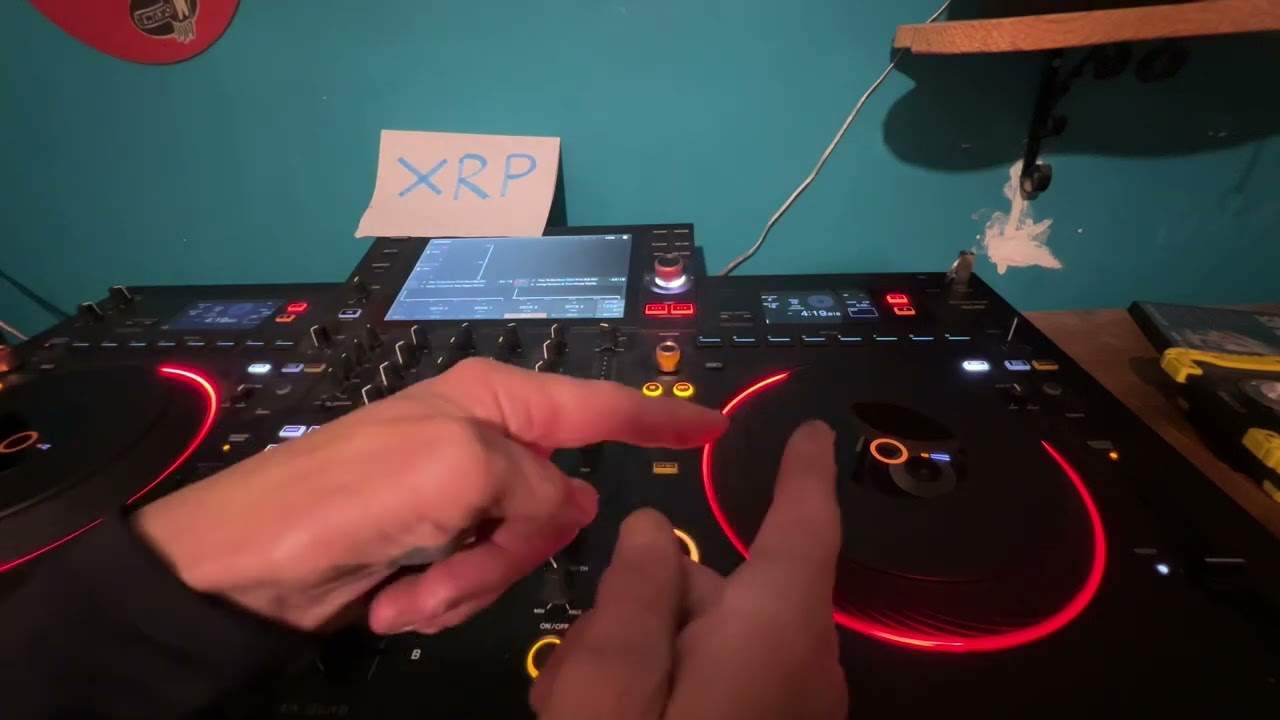
Right, ladies and gentlemen, one of those random videos. Only going to be playing a bit of the audio, of course, for copyright reasons. Tracks entitled Burning Extended Mix by Martin. I'm not going to try and pronounce the second and third name. It's L-K-I-N and then we've got N-O-I-Z-U. So, what have I done? First of all, I love the beginning of this. Listen. Okay, you've got that nice kind of vocal and then you've got a hard four to the four beat. So, what I've done on the other side is I've just set a loop.
Okay, so again, you can do this with practically any piece of kit now. It's adding the effects. I have got quantized set. Bearing in mind, you know, this is a bit of a demonstration, so it's not going to be perfect. You can make it better. So, firstly, what we can do is just use the cue. So, okay, I've just got a loop there, so we're not going to play the actual track. So, now also as well with this sample, it starts before the count of one. So, one, two. So, again, you've got to remember that. So, if you want to like chuck it in, you've got to make sure you chuck it in time or do you have to chuck it in time? You don't actually because if you edit it... ...in in the correct time signature, it can sound pretty damn good.
So, something like this.
2:11 All we've got is that sort of sound but a bit of sweep
All right, so a little bit dry. All we've got is that sort of sound but a bit of sweep.
3:07 Again, what I'm doing there is I'm sort of trying to edit it in
Okay, so again, what I'm doing there is I'm sort of trying to edit it in. Now, I've said this many times before is when you've got controllers like this, the more expensive or the even cheaper. You know, you can start to... ...become your own producer while you're doing a set. You don't have to use the same track. You can use a different track, try and get away from just mixing one track into the other. Add some effects. And again, you can take the track you're playing. Put the track you're playing that people are listening to on the other side and then use that track to do sort of a remix. Now also what I've done is just a loop. So, all right, again, make it your way. A little bit of a demo here. Thanks for watching.
Don't forget, send me a comment. I'd love to hear what you've got to say. Thanks for watching. Practice and enjoy.
This transcript was produced automatically from the audio of the video and may contain mistakes.