1:45
Pioneer DJ Opus Quad How to Set up and Connect to a Bluetooth Device
Contents of the video
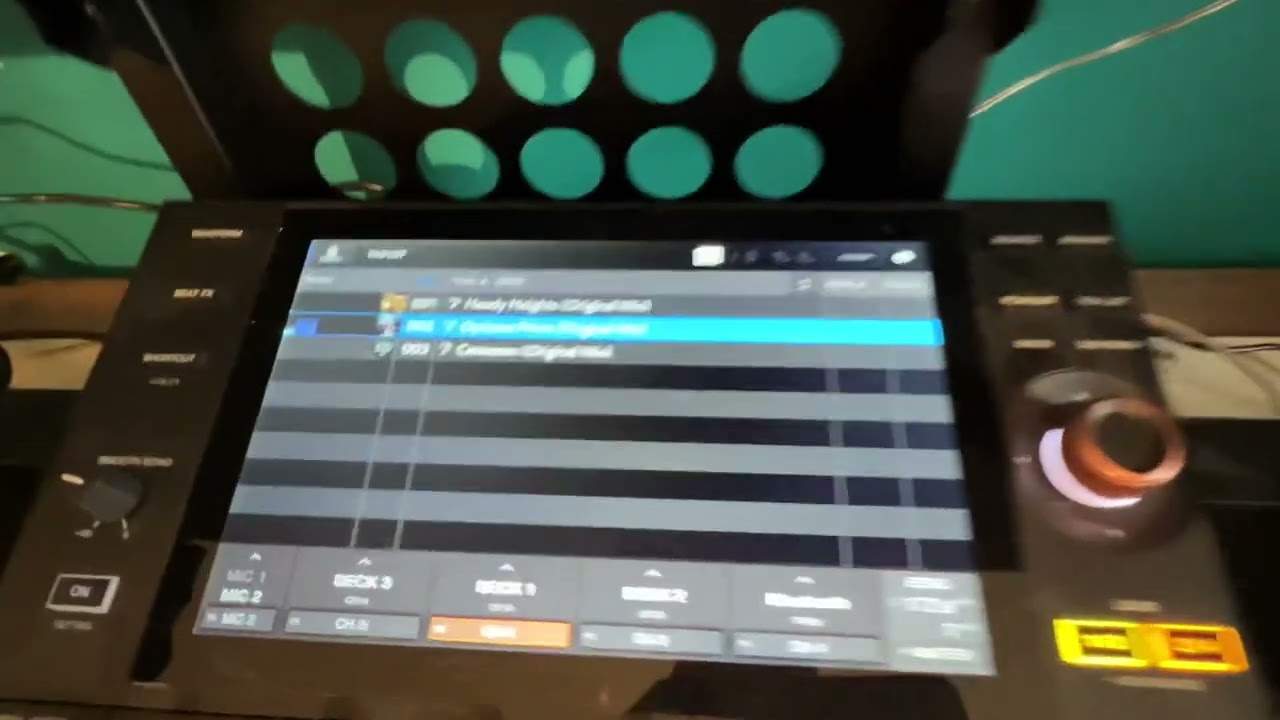
Right, ladies and gentlemen, another video on the Pioneer DJ Opus Quad. I believe this is the one and only video out there at the moment that will show you how to pair your device to the Opus Quad. So I'm going to go to shortcuts, top right hand corner, the top right hand corner, sorry, the wheel, and we're going to go to Bluetooth, Bluetooth settings, click on there. Okay, so what I'm going to do is I'm going to engage the Bluetooth icon at the top. I'm going to open up Bluetooth on my phone. Quite important at this point, you don't have the pairing icon there. The reason being is if that, what I found, is if that is highlighted, you will have, see I've got the Opus Quad now on my phone. What will happen is when I, there we go.
Right, if I press that when the pairing icon is highlighted, you don't see the code. Now you'll notice as well, top right, we've got the Bluetooth icon flashing. So press the Opus Quad icon and now we've got our numbers, Jonathan iPhone, the two numbers match pair and okay, and that's it. Jonathan's iPhone. It's connected. So if I go to source, I'm on Bluetooth and if I just want to play some dodgy YouTube, YouTube video, make sure there we go.
Okay, so I hope that's a help. Thanks for watching practice and enjoy.
This transcript was produced automatically from the audio of the video and may contain mistakes.