 3:42
Add Two Lots of Effects on to One Track
Contents of the video
0:00 Jonathan here, The DJ Tutor
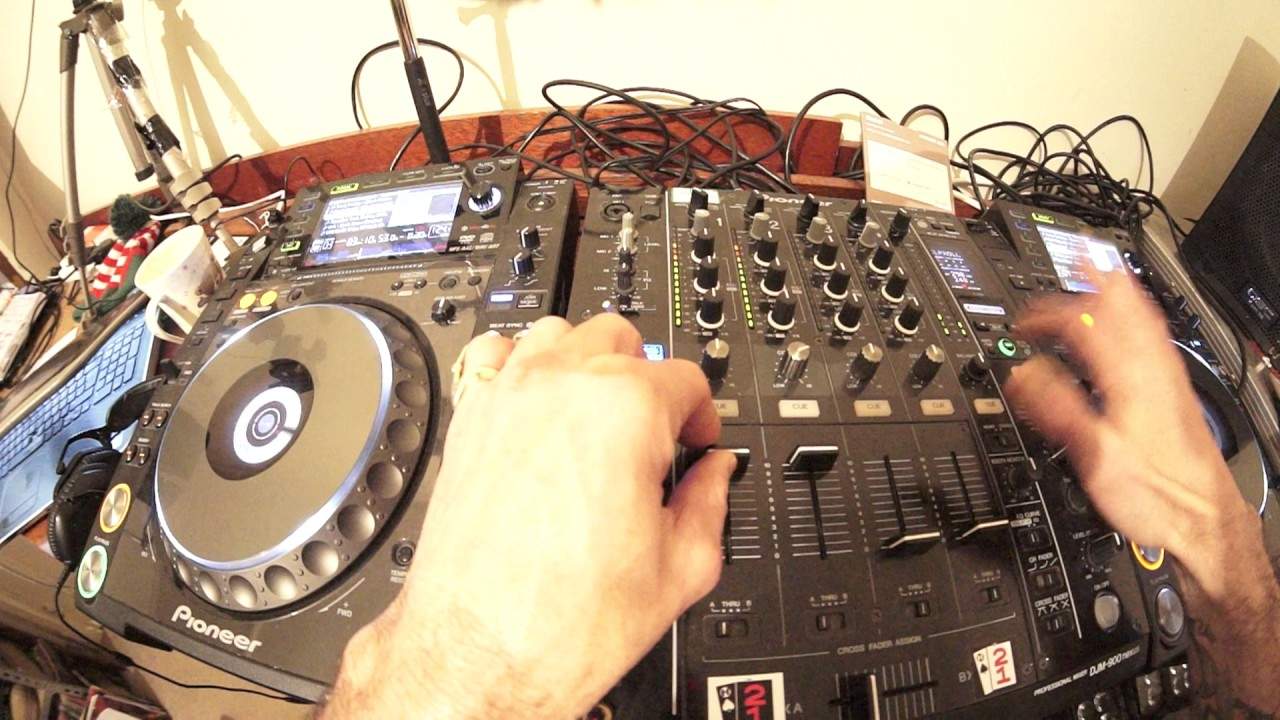
Alright guys, Jonathan here, The DJ Tutor. This is a bit of a demonstration on hopefully what you can do. Now again, this video is showing you, but after watching this video I want you to think, scratch your head and go, hmm, that looks interesting, how can I make it better? Well if you've cut yourself, just stick a plaster on it. Anyway, so what I have done, I've got my CD player and on this CD player here we have two forms of output. We have left and right RCA, and I have gone left and right into channel 2. But also I've got a digital out, which I've gone into channel 1. Which means, first of all, if I have both channels up at the same time, I can get a phasing sound. Track I'm using by the way is track 3 from disc number 1 from the underground releases from CDPool January 2017.
So we've got a phasing. And that's simply because we've got the same sound coming through two channels.
1:12 Say Slick Roll
Okay, that's one channel, that's the other together phasing. So we already have an effect straight away by having the two channels up. But using this technique, we can actually now add two effects to the one track. So. For example, we can have a bit of filter.
I'm going to go to say Slick Roll.
2:31 Few things that I found
Let's go Echo.
Got gate compression here.
Now really this is kind of a demonstration. All right. So as with quite a few of my videos, what I want to try and do is show you a few things that I found. Of course, other people have found. Tricks like this for you to go, okay, I'm never going to watch that video ever again because it's shit. Alternatively, you could go, you know what? I could maybe add that to my set somewhere. All right. Hope that's been help practice and enjoy. Thank you.
This transcript was produced automatically from the audio of the video and may contain mistakes.










