 2:09
American Audio Radius 1000 how to set the cue points.
Contents of the video
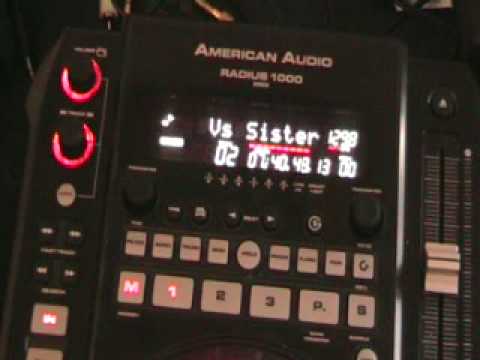
Alright folks, another demo for you on this guy here. It's from a company called American Audio. It is a tabletop CD player and it's known as the Radius 1000 MIDI. In this video I'm going to show you these buttons along here that will enable you to set cue points in the music. So what I'll do now, I'll pause the camera and we'll have a closer look at this area and as ever if you want the names of the tracks look in the description to the side of the video. Okay, what I'm going to do now is press the play pause button which is situated to the front of the unit, left hand side. What I'm going to do now is press this guy here, memory, it's got the letter M on it. And in time with the music I'm going to press number 1, 2, 3, 4. What I've done now is I've set a cue point on this track at that precise point. What I'm going to do now is select track 2.
Exactly the same, press M, and exactly the same again, but this time I'm going to press number 2. Okay, I've now set a cue point on that track. Go to track number 3, press M, and do exactly the same. Okay, three points have been set. Now what I can do, I can go back to those three points whenever I want to. Number 2, number 3, number 1.
Number three. Number two. Okay, another demo for you on this guy here from American Audio. It's the Radius 1000 MIDI. Practice and enjoy.
This transcript was produced automatically from the audio of the video and may contain mistakes.










