 1:57
Beginner DJ Lesson 1 a Look at the up Fader on a DJ Mixer
Contents of the video
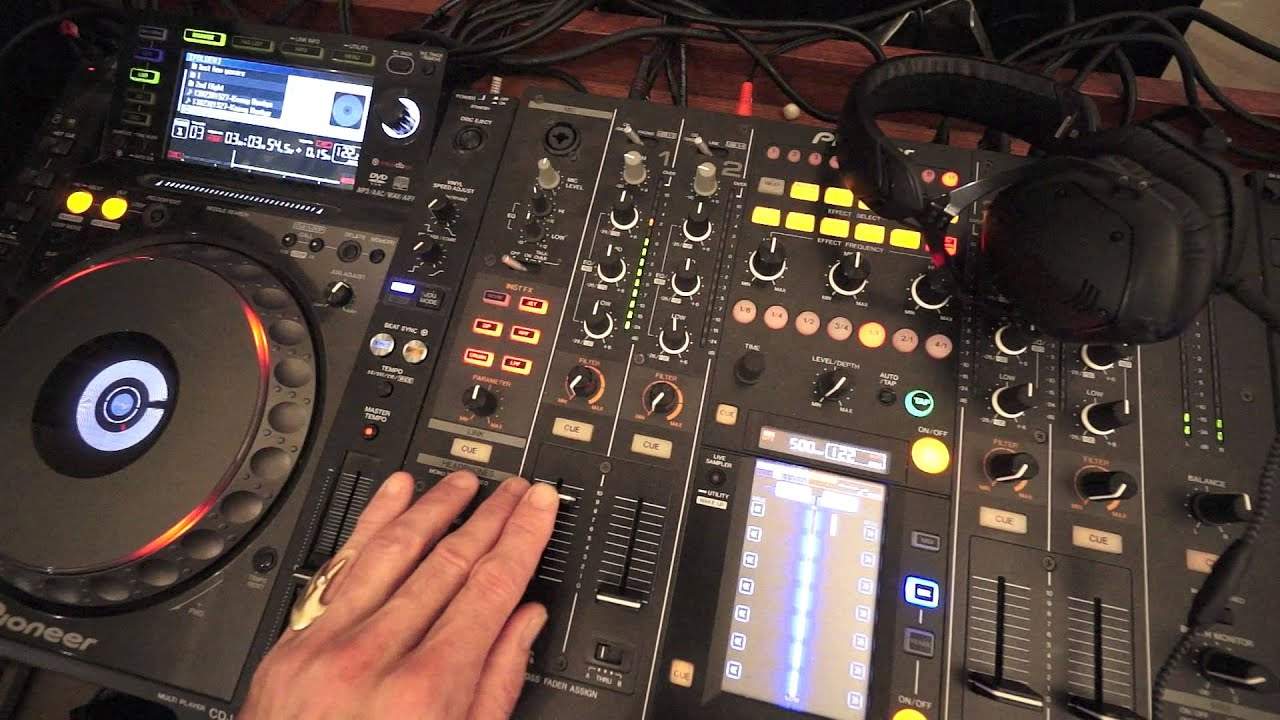
Alright guys, this is a DJ lesson for complete beginners. In this one we're looking at the up-fader. The track you're listening to by the way is by Mr Kenny Hectic, a track entitled Get Up. Okay, I have Kenny Hectic playing on channel 1, I have the up-fader all the way to the top, I'm going to bring this down to the bottom, have a listen. All the way to the bottom, we have no sound at all. We start to bring the up-fader up, and while we move the up-fader, the sound is starting to increase. Now, pretty much 99% of mixers what you'll find is when you have the up-fader closer to you, towards you, as far as it can go, you won't get any sound. As you move the up-fader away from you, to as far as it can go up, you will have...
You will have the maximum volume, depending of course on the level of your trim at the top. If we turn the trim down, volume up and down, up-fader up and down, we won't get any sound at all. So if you are in that position where you've checked, you have the correct audio going into that channel, everything's working but you're not getting any sound at all. It could quite possibly be because the trim is set to the 7 o'clock position, which is no volume. Increase the trim, always make sure the LEDs are tapping, 0 to about 1 there, and again we can bring the volume down and up, and we have audio. Thank you Mr Kenny Hectic, check out any info on him in the description. DJ lessons for beginners, practice and enjoy, thank you.
This transcript was produced automatically from the audio of the video and may contain mistakes.
Related videos
-
Complete Beginner DJ Lessons Tags Key BPM Etc
A more advanced lesson folded in early, and worth doing once rather than putting off, because everything it sets up gets used for years…
-
Complete Beginner DJ Mixing Lessons Video 19 Getting Your Kit Ready for an Easy Mix
A whole lesson on getting ready, which is the right call - the exercise in the next video only teaches anything if the two decks are…











