 4:33
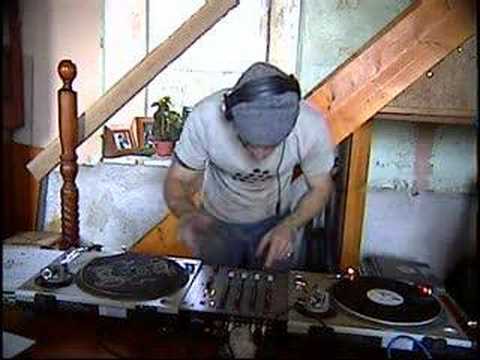
The best way to monitor
On YouTube this video is called Best way to monitor using the headphones; djtutor.com
What this lesson teaches
A specific, repeatable technique that solves a problem most beginners do not know they have.
What people do wrong
The usual bedroom arrangement is speakers as loud as they go, headphones on, and an attempt to mix. He says this is the worst thing you can do, and he is right.
The cued track in your headphone is competing with a room full of sound. Your headphone cup is not a sealed enclosure and your other ear is wide open. What you end up hearing is a loud room with something faint happening somewhere inside it, and you cannot mix against that.
The method
His approach is to deliberately match the two sides:
1. Put both cups on, with a record playing through the headphones, and take note of how loud that is. This is your reference - a normal, balanced stereo picture. 2. Take one cup off. 3. Bring the monitor speaker up slowly, until the sound arriving at the uncovered ear matches the level in the covered one.
Now one ear on and one ear off gives you something very close to the balanced picture you started with: two sources, equally audible, which is exactly the condition you need to judge whether two beats line up.
The right level depends on how far you sit from the speaker, so it is not a number anyone can give you - it is a thing you set by ear, once, and then leave alone.
How many volume controls are between you and the record
Worth counting, because this is why levels get out of hand. He lists four: the channel fader, the gain, the master level, and the volume on the amplifier.
Four places to add or remove level means four places to get it wrong, and the usual outcome is one of them cranked to compensate for another one set too low. Getting them sensible - gain staged properly, master around 0 dB, amplifier doing the rest - is covered in the mixer course and it is the foundation this method sits on.
The honest coda
His closing advice is good: practise like this when you are on your own, at a level where you can hear what you are doing.
When friends come round they want it loud, and that is fine - but that is not practice. Save the volume for when you already know how to mix.
Contents of the video
0:00 What's the best way of monitoring with your headphones?
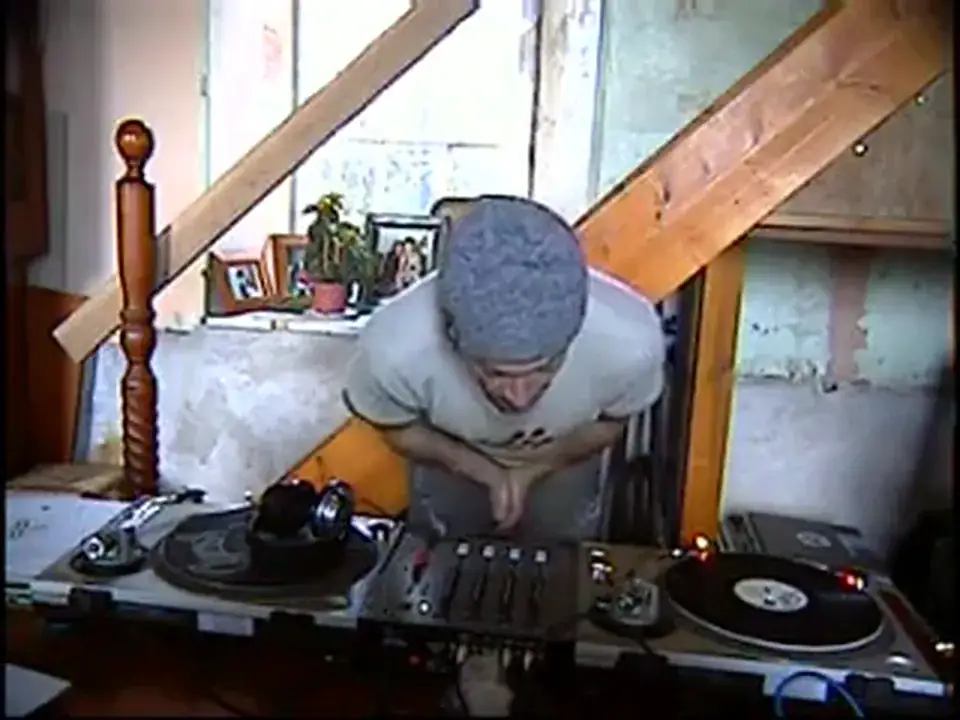
Alright folks, what's the best way of monitoring with your headphones? Firstly, it is not put your PA system up or your hi-fi full blast, stick your headphones on and try and mix. In fact that's actually the worst thing you can do because you're not getting a proper sound, the proper sound that you need. Through my experience... This is what I do, what I used to do and I find it is an excellent way of learning properly how to beatmix and properly how to monitor. Now then, if you imagine, put your headphones on, if you had a record playing stereo, the volume through this side here, that side would be identical to the volume this side. Now then, when you're monitoring and when you're mixing, quite often you'll see a DJ with one ear...
1:52 In respect, as though I would have my headphones on
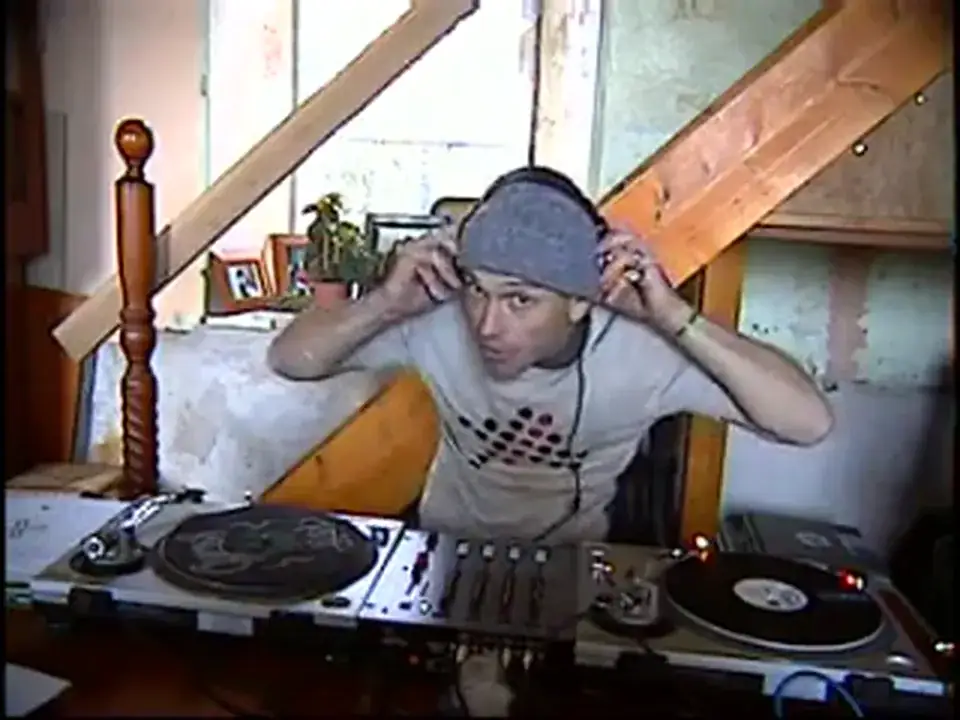
The DJ Tutor is available for purchase at Ellaskins.com I've now got the record on. I can hear it through here, but it's not coming through my PA. What I'm going to do is I'm going to slowly, very slowly bring the volume up until the sound matches here. In other words, that speaker will be a lot louder, but depending on how far I am away from the speaker or how close is dependent on how high I should bring that volume until I've got an exact match. In respect, as though I would have my headphones on. In other words, if I put this ear back over here, I would have a proper stereo sound. Both sounds would be exactly the same level. Take this one off, turn the monitor on, I need that level coming from that speaker, the same sound, the same level as though I had my headphones on. Right, so we'll put that on, we're ready, I'll level up.
3:01 Get all of those levels correctly
Here, and I'm going to slowly increase the volume till they're the same level. Okay, again this is going to vary on the basis of what actual level your master output is, on what level the actual output is on your amplifier, okay? Because you go line out, auxiliary in on your amplifier, and of course then you've got a volume here, in fact you've got three volumes, four in fact, you've probably got your slider. Which is one, your gain which is two, your master level which is three and also number four, your main volume on your amp. In a lesson I'll explain how to get all of those levels correctly so you're not interfering and you haven't got a horrible sound coming through your speakers, okay? So what do we want to do and what are we doing? We're slowly bringing it up to number three and between three and four that was my ideal sound for this ear, headphones on here.
And the ideal actual output I was getting from my speaker, my monitor, which is literally, you can't see it, but I'm touching it now. Now then, you listen to the sound as I go up from 3 and 4 to 10 and you'll see a difference. Right, that's 3 and 4, listen. Much louder, OK? Now why are we doing this? Think about it, your headphones on here, you can only hear a certain amount. Quite often, if the monitor is too loud, you can't hear exactly what's going on here. If you've got a nice, smooth level, smooth sound, it's a lot easier and a lot better to mix with. Try it. Again, this is the way of practicing in your bedroom, by yourself. You don't have to impress your mates because your mates, they come around, they want to see it all full blast and loud. Don't do it while your mates are there. Practice that and then when your mates come around and you know how to mix...
You can wang it up and start nodding your head. Speak to you soon. Bye bye.
This transcript was produced automatically from the audio of the video and may contain mistakes.
This video is part of
Related videos
-
Complete Beginner DJ Lessons Tags Key BPM Etc
A more advanced lesson folded in early, and worth doing once rather than putting off, because everything it sets up gets used for years…
-
Complete Beginner DJ Mixing Lessons Video 19 Getting Your Kit Ready for an Easy Mix
A whole lesson on getting ready, which is the right call - the exercise in the next video only teaches anything if the two decks are…











