 13:25
Blending Hip Hop with No Mixing CD Pool Urban September 2019
Contents of the video
0:00 BPM show this September, okay
All right, so we have some more new releases from CDPool. These are the urban releases for September 2019. And by the way, would you like to come and see CDPool personally? Well, if you would like to, then I highly recommend you go to the BPM show this September, okay? There will be info in the description of this video on... Pretty much where it is, how you can get there, what you need to do and whether you need to take a toothpick or not. On the other hand, if you want to, you could just turn up and play some tunes. By the way, CD Pool at the BPM show is slightly different this year. A little bit more vibrant, more uplifting and also I will be there with a set of decks playing some CD Pool tunes and if you want to take part and come along and do your own little set, by all means, come along!
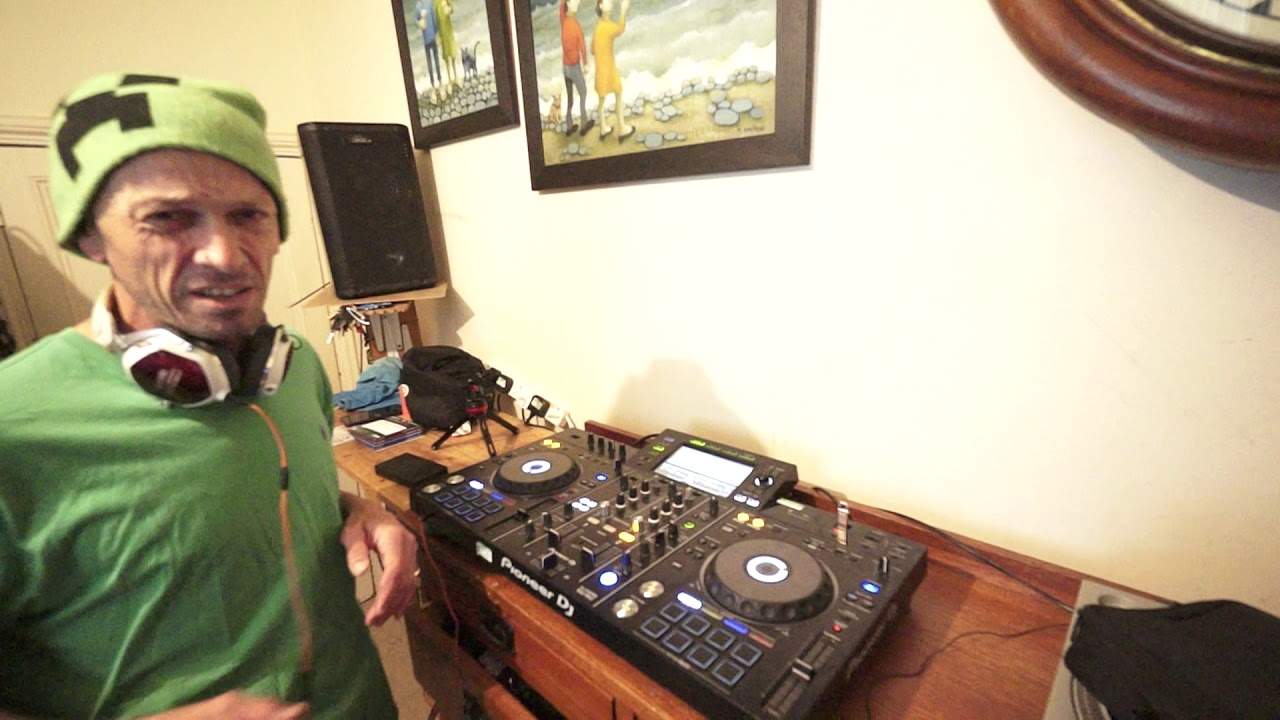
Take part and play some music. I'm going to be doing some live streaming as well, probably a few competitions. There will be that big fishbowl where you put your card in there and you could win yourself, I don't know, some CD pool merchandise or music or something like that. Anyway, in the meantime what I'm going to do in this video is play a bunch of tunes From the Urban releases from September 2019 and let's do some transitions where we're not really relying so much on the BPM or mixing it in phrase but all we want to do is we want to do kind of harmonic blends. So I've got on the left hand side, this is the Belly Squad, Birdie. And on the right hand side, I've got Beyonce and Shatterwell with Major Lazer. Okay, so let's just put this forward a little bit.
2:58 What I'm going to do, I'm going to find something else now
Okay, so a kind of a slow easy blend from one track into the other. I use the echo and with blends like this is probably the best effect to use because the echo as such what that will do it will change almost the drum pattern Beat of the track, so the listener moves away from the drum pattern of the original track, you get that echo and then you bring something else in. So it's a little bit like having an unnatural stepping stone in between two tracks. The listener doesn't really know where to go and that's sort of what you want if you think about it. It will make sense the more you do it. Alright, so let's skip this forward a little bit. So what I'm going to do, I'm going to find something else now. Let's just do a random kind of selection. Okay, yeah, alright. I'm going to do a quick chop. Now all I did there is I waited for the count of one in the Beyonce track and I brought in, that was by the way a track entitled Already. It's the main mix.
And this track here is called, where are we? This is Hasta La Vista Baby. Not Asta, Hasta La Vista Baby. And what I did with this track, I heard straight away that the first sound was on the count of one. Have a listen. One, two, three, four. One, two, three, four. So all I did, I went from the one on that track straight into the one in the other track. Now, I have talked about this many, many times before. Of course, about mixing in time. 120 BPM, 120 BPM, you can mix them together. Or 121 into 121, you can mix them together. But you cannot beatmatch 120 BPM into 122 BPM. It's not going to beatmatch because they're slightly out of time. Now, I'm looking at these tracks and one is relatively slow and one is quite fast.
Could not have beatmatched those two tracks together. What I can do, and what I did do, is just chop them on the one. So 1, 2, 3, 4. 1, 2, 3, 4. 1, 2, 3, 4. Now by doing that, the people listening and dancing may be dancing slow to the one track and then faster to the other. But because I've kept the correct... Time signature. In other words, I am making sure that as soon as the phrase finishes on this side or the end of the bar finishes on this side, I am taking it over with the next phrase or the next bar on the other track. Now that's important. If I'd have say stopped the right hand track on the count of three and let's say started the left hand track on the count of one, I'd be out by one beat.
5:29 Let's carry on playing Hasta La Vista Baby
If I'd have started the right-hand track on the count, or sorry, finished the right-hand track on the count of two and started the left-hand track on the count of four, I'd be out by two beats. See what I mean? Okay, so let's carry on playing Hasta La Vista Baby. And by the way, if you want any more information on these tracks, check out the link in the description. And don't forget, if you're not familiar with CDPool and you're thinking about joining... There is a code in the description, which is DJ Tutor. So if let's say you have decided and you want to get some tunes from CDPool, your first month subscription, on your first month subscription, if you use that code, you will get 50% off, which is quite a big deal. Okay, let's spin this one forward a bit. Okay, let's have a look. What have we got here?
Okay, this one here is a track entitled I Like. So I'm picking them all and they do work harmonically. That was a random... Okay, alright, so what I'm going to do here is I can sense there's quite a nice echo coming on. Now I'm trying to think out loud here. Have a listen to the beginning of this tune. Alright, so now that track is a lot slower than this track here. Have a listen. Listen. Well, maybe not a lot slower. Yeah, I suppose it is. Right, so this is what I'm going to do. I am going to use the tap function and I'm going to tap in time with this track, okay? But I'm going to engage the echo on the beginning of this track. But the echo is not going to be in time with the right-hand track. It's going to be in time with the left-hand track. So if I get this right...
8:06 This is the great thing about experimenting
It may sound great if I get it wrong. We'll see. So the objective here is to bring in the right-hand track in an echo, but in the same time signature as the one on the left-hand side, even though it's slower. So as soon as I bring that echo in, I'm going to take it out, disengage the echo and let that track play. Do you know what? This is the great thing about experimenting. Just do shit, and if it works, it works. If it doesn't, it doesn't. But if it does work, no one else has ever done it before. Get out there, show people and say, I did it first. Right, so... So all I'm going to do now, I'm going to go to track... Sorry, deck two, which is the track on the right-hand side. Too long there. OK, this one here is the track entitled I Like.
The main version. Alright, so I don't get loads of trouble by playing tunes on YouTube. I'm going to choose one more and then we'll call it a day for the Urban Releases. Again, if your videos are getting blocked or you're getting loads of copyright issues, it's because, of course, you're playing music. Now, as you know or should know, I only play tracks for demonstration purposes and, of course, for tutorials. I'm not out there to blatantly just play all the tracks and let people download them, but if you are like me, you do get copyright issues. It happens, alright? That's it. You know, most of the time now, all I'll have is an email saying... Just giving you a heads up, you're playing copyrighted music. Don't panic, you're not in trouble, you're not going to get a strike. There's just adverts over that video. And I'm like thumbs up for that because it means that the artist, the producer and so on will get a little bit of revenue from that video. So by the action of me making these videos is making the producers and the artists money for nothing. They're not doing this work, I am, so it's all good. Alright, so let's find one more...
10:33 The spin back in a way would completely separate the two tracks
Okay, quick snap. Again, that sort of worked, sort of. But what I did there, I added a bit of a spin back. Now, the spin back in a way would completely separate the two tracks. It's almost as though I don't really want them to blend. I want there to be more of a kind of an abrupt, oh, something's going on in the middle to completely separate those two tracks. Let's have a listen to a little bit more of this. This is Snitch, explicit version I believe. Okay, so don't forget the Urban releases is all about hip-hop, R&B, soul, the new mumble style rap and so on, okay? Not bad actually. Okay, so we're in a bit of swear words there. Alright, so how do we, and let's imagine you have got... A track, a certain key. Track one, the next track you want to bring in. Track two is a completely different key that does not work with track one. How can you form some kind of connection in between those two tracks without it sounding absolutely rubbish? Well, one is to do that kind of spin back where you're giving a completely different sound in between the two tracks.
Alternatively, you can do what a lot of radio DJs will do. Now here's a test for you. Next time you listen to practically any radio station, if you hear them play one track with no adverts, no talking, no break, nothing, and then they play another track straight afterwards, I would say every single time, without fail, those two tracks should be harmonically matched. On the other hand, if they're not harmonically matched, you will have an advert in the middle or the DJ will talk or there'll be this kind of welcome to KFYCW. The next track comes in because what the radio station is doing is making sure there's that tiny little gap in between track one and track two so you don't get that unnatural blend of clashy sounds.
Hope that's been a help. Don't forget, check out all the info in the description on the BPM show and DJ Tutor, which is that code that will allow you, if you are going to get CDPool stuff for the first time, 50% off. Yes, 50% off your first subscription. Practice and enjoy. Thank you very much.
This transcript was produced automatically from the audio of the video and may contain mistakes.











