 3:09
DDJ-200 Setting the CFX on Wedj
Contents of the video
0:00 A bit of a demo tutorial here on the DDJ-200 from Pioneer
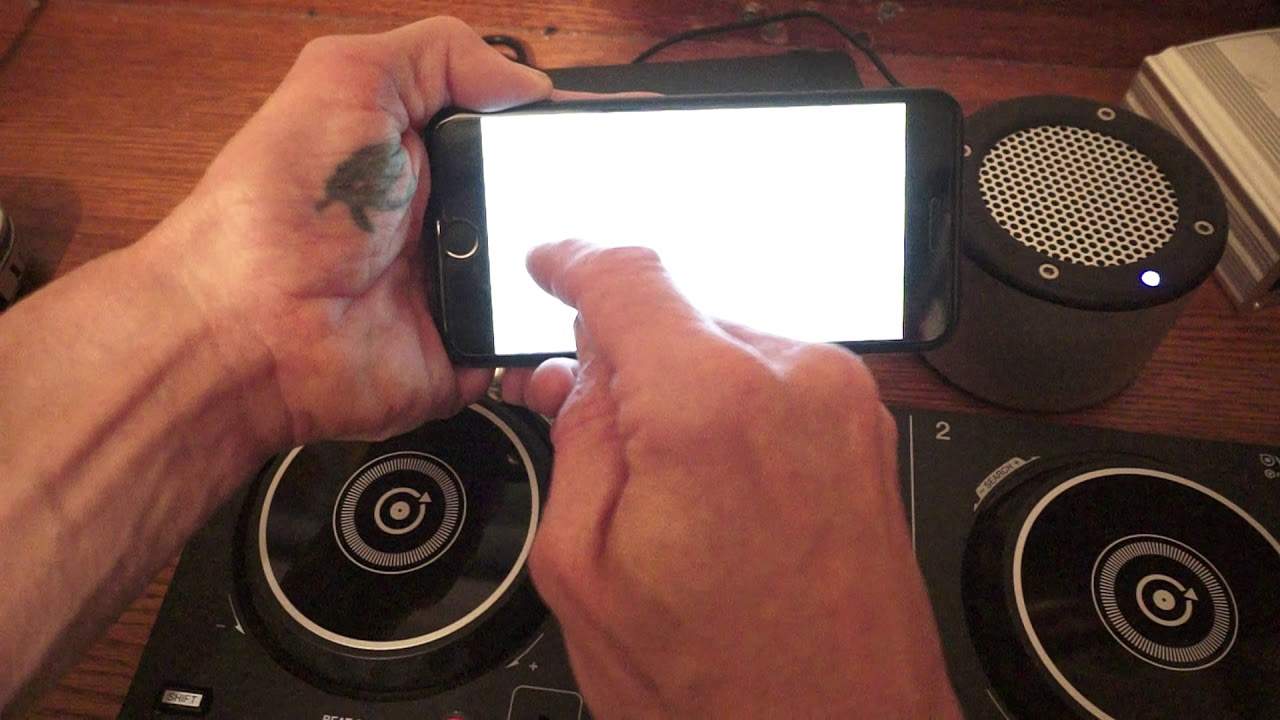
Right, a bit of a demo tutorial here on the DDJ-200 from Pioneer. This controller does not have an internal sound card so you will need something to let you use it as a DJ controller. In this case I'm using my iPhone, I'm also using WeDJ. I have a mini-rig for the music, I have a battery pack to power up the DDJ-200 and I'm powering it up via the supplied USB. The connection from my iPhone through to the DDJ-200 is via Bluetooth and you can set that of course via the settings. There are a lot of videos on that. In this video though we're going to look at the CFX, the channel effects dial and how we can change the effect very simply by just utilising one of the icons on the software known as WeDJ.
1:04 There will be a link in the description
So if I bring up my phone... By the way the tune I'm using is Gotta Keep On, the original mix from Karmic Power Records. There will be a link in the description. So on the left hand side, let's just move back through into the tune so we can hear it. On the far left hand side at the bottom I have a small icon at the moment now that's highlighted with jet and when I turn the effect we can see a small blue icon appear around. It's like a blue box around that icon, now that's telling me that I'm engaging that effect. And also the jet effect. Now if I want to change that effect, I press on that icon and now we have a new screen, hopefully you can see that, if you can't I will explain. We have filter, jet, crush, noise and pitch.
2:13 The pitch effect, have a listen
At the moment jet is highlighted with a tick. What I'm going to do now is click on pitch and now I have changed that effect from jet to pitch. I can now use the same dial and get... The pitch effect, have a listen. Let's go back a bit. If I want to revert back to the original effect I had, click on the icon, press jet and now we're back to the jet effect. Exactly the same applies to the right hand deck. So for example on the right deck I have that set to filter, on the left deck to jet so you can change the effects according to what you want. I hope that's been of help. Don't forget check out the link in the description to more info on the DDJ-200 from Pioneer and also to Karmic Power Records. Thank you very much, practice and enjoy.
Thank you.
This transcript was produced automatically from the audio of the video and may contain mistakes.










