 5:04
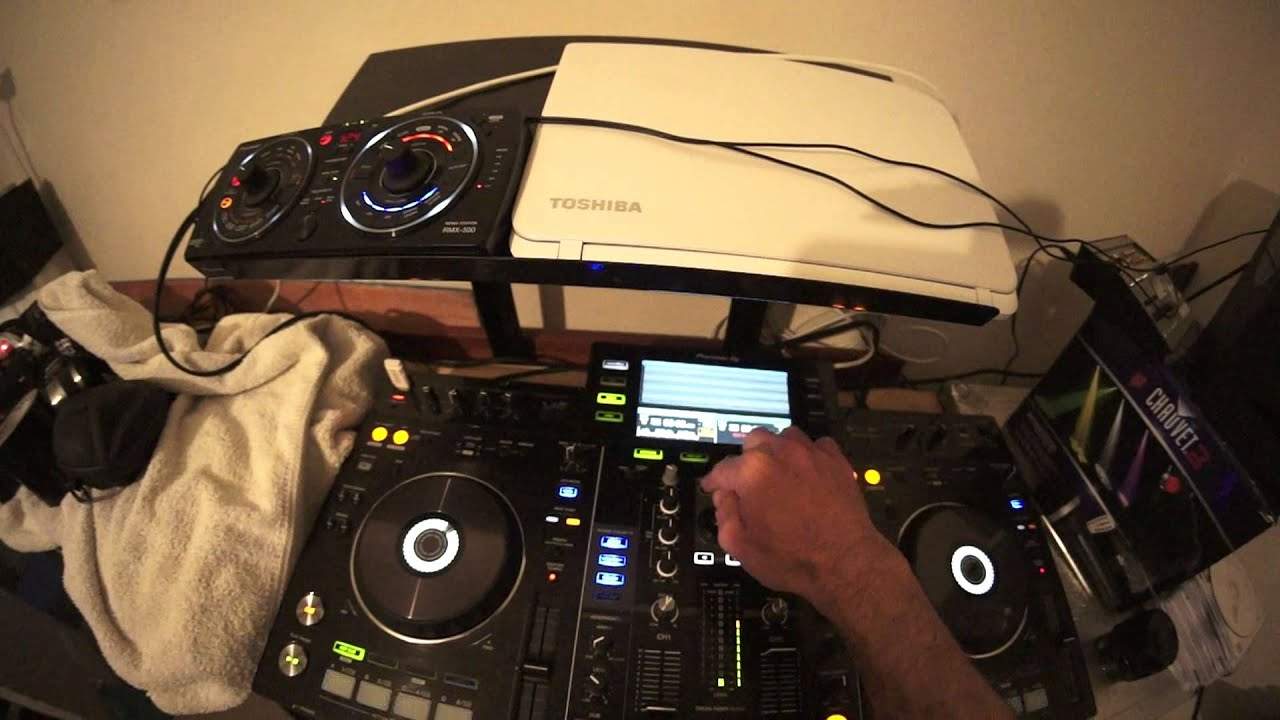
Demonstration Pioneer XDJ-RX with the RMX-500 Roll Feature Mixing on One Side
Contents of the video
0:01 Lenny Fontana, probably just one track, a track entitled Save Me
Alright ladies and gentlemen, in this video we're using some tracks by Mr. Lenny Fontana, probably just one track, a track entitled Save Me. Any info on this track or for that matter if I do play any others, check out the link in the description. In this video what I'm going to do is, using the RX, I'm going to use the roll feature, quantize the roll, transfer the roll to another channel, then bring in some effects from the RMX500, add the effects over that roll, take the roll out and then bring another track in, just with using one of the sides of the RX. So first of all, I need to go to channel 1, go to the roll effect, I'm now going to press down on the quantize, it was already quantized anyway, but press down on the tap button, which means now that the track will be quantized.
1:41 Again, so let's just go over exactly what happened
I need to go and press this here, we've got 8 over 1, well let's say 8 over 1, it's not 8 over 1 actually, it's 8 beats, beg your pardon, which means... I will get two bars, I'm now going to engage the roll, 2, 3, 4, 2, 3, 4, 1, there. Now I've now transferred that roll to another side. Okay, now we're going to add some beats from the RMX. Now the RX does not have an in and out for an external controller like this, not a controller sorry, an effects unit. So what I've done, I've gone from the master out. To the input of the RMX-500 and then from the output of the RMX-500 into the system. Okay, so I'm now going to press overdub on the 500, let's add a kick, here we go, clap, okay, added another track.
3:31 Everything can be quantized perfectly
So it proves a point, one side of the RX and we're pretty much doing a nice smooth mix, alright not the best in the world but this is a demonstration. Okay, okay, again, so let's just go over exactly what happened. I had one track on the left hand side, I made sure that the tracks were processed through the Rekordbox software, very important. So everything can be quantized perfectly. Channel 1 was on the selector here because I was on channel 1. The effect was the roll effect. I made sure that the effects were quantized and you can see that by the small icon there. In red, it will say quantized. What happened then is I made sure that I was on two bars. You don't have to be two bars, it's just, you know, you could have one beat if you wanted to.
Once all of that was set up, then started the effect and we had the roll. The rolls would have started playing underneath but as soon as the roll was past the two bars, I then switched it over to channel 2. Made sure the volume was up on channel 2, which means that I could pretty much do whatever I wanted with this channel. Let me just bring that down very slightly. Then of course, I went over to the RMX 500, pressed over dub. Very important because if you don't press that, it means that you'll only have one of the effects. So press over dub, add some kicks and snare, clap, hi-hat, whatever, bring that into the mix and then I slowly brought the effect back in. Roll out and brought another track in. All right, so I hope that's been a help.
It's a bit of a demonstration here really but I'll finish off with practice and enjoy. Thank you.
This transcript was produced automatically from the audio of the video and may contain mistakes.










