 1:07
Denon DN-HS5500, Playing " Next file" tutorial 2
Contents of the video
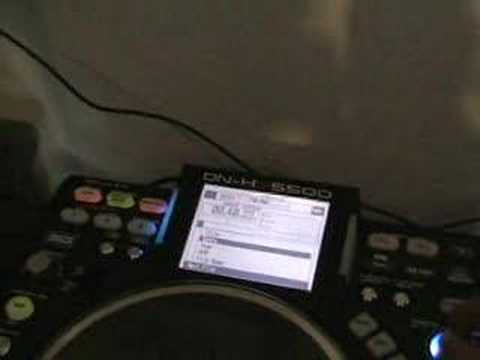
Alright folks, another demonstration stroke tutorial for you on this guy here. It's from a company called Denon and it's known as the DNHS5500. In this video I'm going to show you how to put another file over a track that's playing on the same side of the unit. Top left hand corner we have layer, display mode, then next file. What you need to do is press the button that says next file. Then you can move across to the dial, press back up, back up again. And again, until at any time you get through to any of the files or folders you want to go to. Then, as follows, exactly the same with tutorial number one. We can go through, click on artist or any other of the files, click again, click one more time, and then if we go over here, press play, have a listen. There you go, hope that's a help. Practice and enjoy.
This transcript was produced automatically from the audio of the video and may contain mistakes.











