 2:00
DENON DN-S1200 , Demo how to set low, mid & high filters
Contents of the video
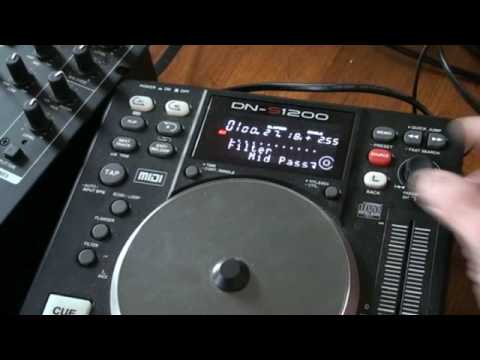
Alright folks, nice little feature on this guy here from Denon. It's known as the DNS-1200. The track I'm using is by Enzyme Black. It's entitled Take It and I will put a link in the description. We're going to need to look at the filter effect. By using the parameter dial here I can go from low to mid to high pass. So first of all we'll start off with low. Now let's play the music. What I'm going to do is by putting my finger on the jog wheel I can now start to get... More of the low-pass effect. You can have a listen. You can hear the mid and the top disappearing. I want you to notice that circle, and you'll notice the orange filling in that circle. I'm going to leave that at about three quarters of the way up. What I'm going to do now is move the parameters and go to mid. I'm going to do exactly the same this time. I'm going to fill in that circle halfway. Take the finger off, and now I'm going to go to...
High. Same again, and I'm going to fill the circle as much as it can. If you notice there, we've only got a tiny bit of high. Now what I can do using the parameters, I can go through those three separate filters and get exactly the same points at which I left them. Getting on to one of them, finger back on, and moving it across. 1200 depth, practice control.
This transcript was produced automatically from the audio of the video and may contain mistakes.











