 5:28
Denon DN-X1600 Contour Dials Demonstration for up and X Faders
Contents of the video
0:00 In this video we're looking at the Denon DNX1600 4-channel DJ mixer
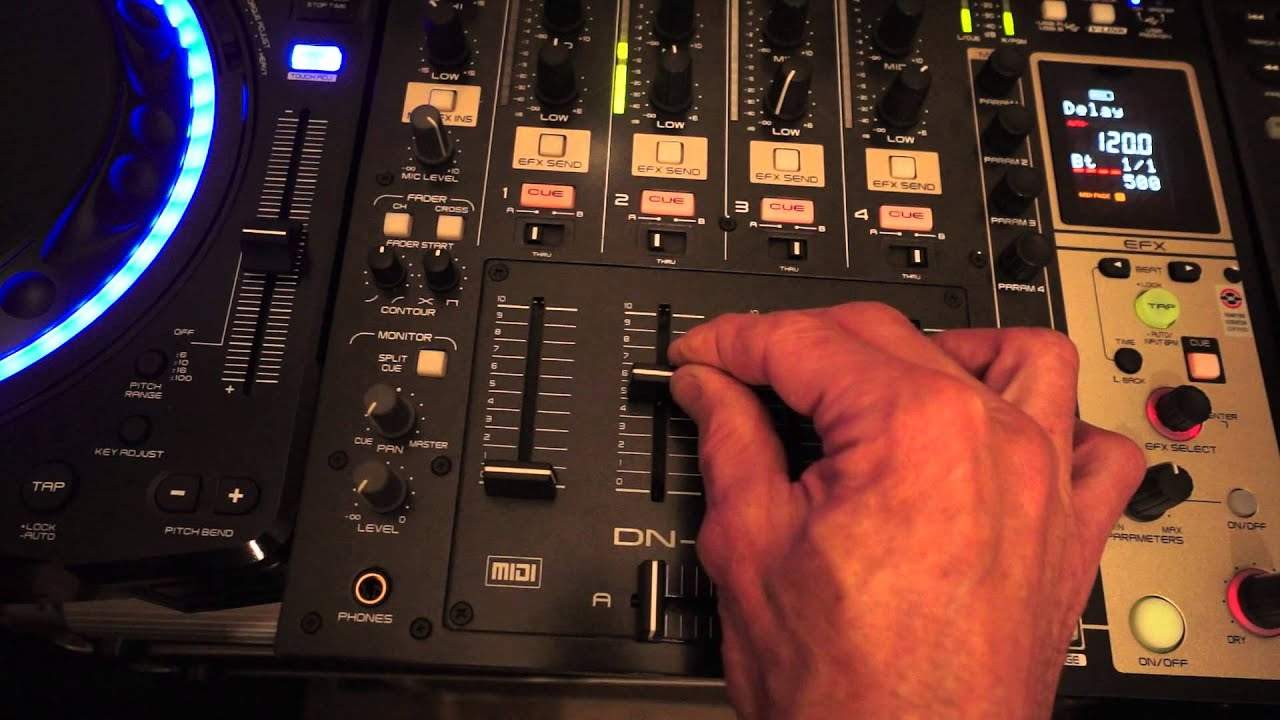
Alright ladies and gentlemen, in this video we're looking at the Denon DNX1600 4-channel DJ mixer. We're looking at the contour dials, there's two of them. One on the right is for the crossfade, one on the left is for the up-fader. At the moment both of the dials are set to the 12 o'clock position. What I'm going to do now is I'm going to move the crossfade from the A position to the B. The A position is the channel at the moment, it's set to channel 2 and that's the channel we can hear the loop. It's a bit of a rustic sort of loop, it's not perfect but it's just for a demonstration. So channel 2, side A, that's where we can hear the music or the loop playing should I say. As I move the crossfade over to channel B we have no audio at all.
Let's have a listen to the change in volume as I move the crossfade from A to B. I'm from B to A, that's the 12 o'clock. The contour dial to the 7 o'clock position. OK, the difference is there's much more of a nice natural slow increase of the volume from B to A when the contour dial is set to 7 o'clock. I'm now going to move the contour dial all the way to the 5 o'clock position. We're at A, I'm now going to move to B, from B to A.
1:38 You can use the crossfade for a lot of purposes
OK, here's the difference. From B around 1. About, I would say a tenth of the distance to A, the volume is in as loud as it can go. Then from that point there which is around about, I would say, a tenth of the distance across to A, the volume stays at a constant. Now this is the perfect setting for scratch turntablist people who like to use the crossfade for the crab and scratching. So you can use the crossfade for a lot of purposes. Alternatively, if you move the dial over the contour dial to the 7 o'clock position, the crossfade now is great for the DJ who likes to do smooth mixes and transitions. OK, that is the contour dial for the crossfade. Now let's have a look at the contour dial for the up fader.
At the moment that's set at 12 o'clock, I'm now going to bring the volume down on the up fader all the way to the zero position.
Back up i'm going to move the contour dial now to the seven o'clock position and now to the five o'clock position okay for the partially sighted i'll explain exactly what i was doing and what was happening all right at the 12 o'clock position i'm now going to slowly move the volume the up fader down i'm moving that down now and we can hear a nice natural slow decrease of the volume as one would expect i'm now going to move the contour dial to the seven o'clock position from 10 i'm now moving the up fader slowly down and pretty much in between 10 and 9 we lose the volume completely a good feature again for scratch turntablists who maybe don't like to use the crossfade or find it easier to move up and down as opposed to side to side
I'm just moving the up fader up and down and pretty much down from 10 to 7 i'm going to move the contour dial to 12 o'clock again okay bring the volume all the way down on the up fader let's move the dial to the five o'clock position and move the up fader now slowly upwards pretty much from zero before we get to one we've got the volume full in if you have got the dnx 1600 as well it's advisable to check to make sure that the
Volume is set accordingly you may think there is something wrong with your mixer when in fact there isn't it's just because possibly you need to set them correctly ideally i would set if you are for example say a mixing dj in a nightclub set the contour dial for the up fader to the 12 o'clock position and the contour dial for the crossfade to the seven o'clock position okay hope that's been a help if you want any more information on the denon x 1600 check out the description practice and enjoy thank you very much
This transcript was produced automatically from the audio of the video and may contain mistakes.
Related videos
-
Complete Beginner DJ Lessons Tags Key BPM Etc
A more advanced lesson folded in early, and worth doing once rather than putting off, because everything it sets up gets used for years…
-
Complete Beginner DJ Mixing Lessons Video 19 Getting Your Kit Ready for an Easy Mix
A whole lesson on getting ready, which is the right call - the exercise in the next video only teaches anything if the two decks are…











