 9:20
DJ Deep House Mixing Lesson and New Releases CD Pool Global October 2015
Contents of the video
0:00 They're probably wondering, grimy, where does th
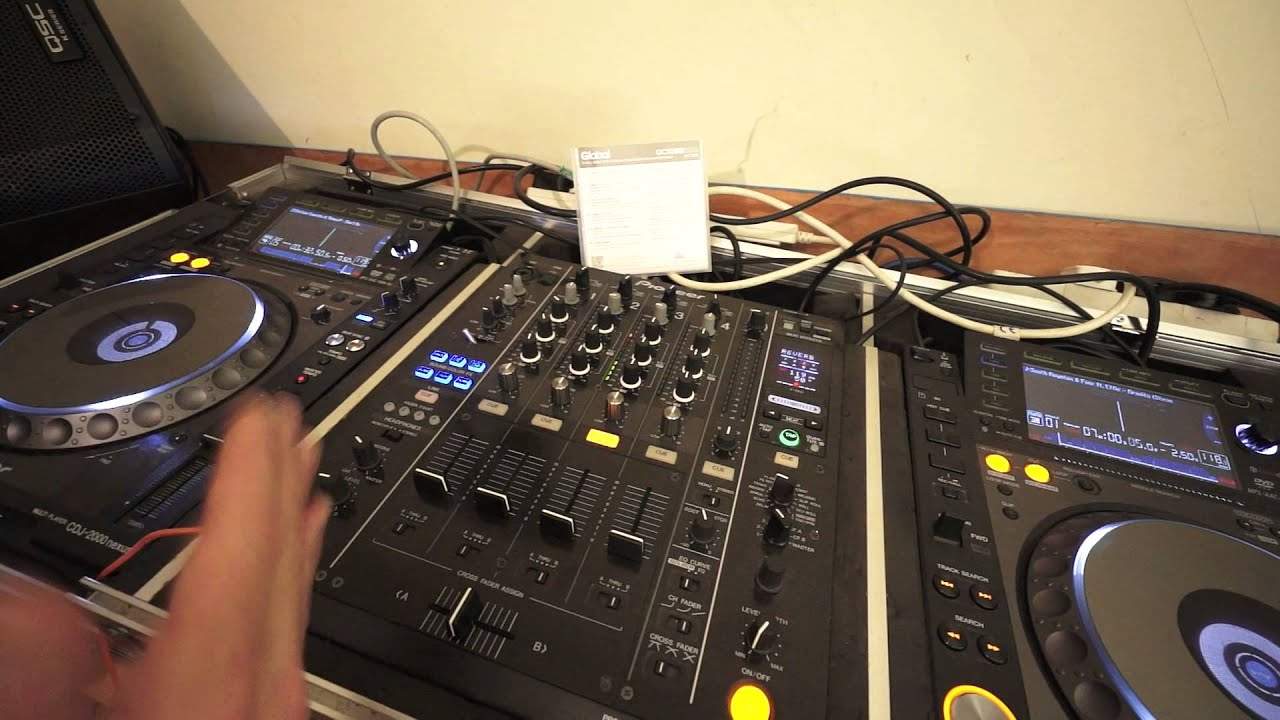
Alright guys, another demonstration stroke tutorial and in this one what we're doing is we're going to form a long deep house mix using a loop. Tracks I'm using by the way are from the global releases October 2015 from CDpool.com. Track you're listening to right now is track number 5 from disc number 1 and then on the other side we've got track 1 from disc number 2. We've got a nice, beautiful flow here, nice vibe, very, very deep, very, very soulful, very minimal, not much going on, but it's got that wonderful, deep, grimy sort of garagey vibe. They're probably wondering, grimy, where does that come from? Well, what I like about this track is the producer... Has not given you a straightforward bring the beat in at the count of one or take it out at the count of four. He or she has just thought, let's just mess around with these beats. I mean, let's go to the latter part of the track here. This break is brilliant. One, two. That is so good because he or she did not bring the kick on the count of one. It was almost like one, two and then they brought it in. It's almost like I can imagine them sitting there.
With a big fat cigar going, let's just chuck it in now. Laid back. So this track here is great because it's just so laid back. It's wonderful. Right, we're going to mix in this one here. Now again, if the mixing goes off very slightly, it's because this is a demonstration. I'll be talking during the course of it. So don't go, oh, it went off a little bit. I don't care. The whole idea... The purpose of these videos is to give you an idea of another way of mixing tracks. Track one, this is South Royston and Fort Four featuring Afey, a track entitled Gravity. And the one you just heard is entitled, where are we now, track number five, which is a track entitled Don't Be. Out on October 15th, oh sorry, October 9th, I beg your pardon.
2:27 The one person is trying to work out what
Track on the left hand side, track on the right, track number one is out on the 16th of October, both 2015. Okay, so, now I've always said it's not a good idea to put vocals over vocals because you will get a clash. An analogy for you is imagine three people in a room, two are talking to the one person, they're both talking at the same time. The one person is trying to work out what... Two people are saying it's pretty much, it's not impossible but it's very difficult and the one trying to listen will probably slap you on and just say shut up one at a time. So that's why it's very important not to mix vocals over vocals because you're going to get a clash. But sometimes, and again this is where track selection is a must, if you can find tracks that have got...
Tiny bits of vocals overlapping the track itself. And on the other one, you've got little bits of vocals overlapping. And if they... Overlapping. And if they... Don't start me off. And if they both complement each other, then, you know, you've hit the nail on the head. So let's just again have a listen to the beginning of this track. Let's bring it forward to about there. So what I'm going to do, I'm going to let this track play here and then form a loop towards the end of track five.
3:49 The reason for that is we are at our last 32 seconds
Now the reason for that is we are at our last 32 seconds. Now let's imagine, let's take this another step, new dimension, you're doing the mix and all of a sudden you've realised, damn I've only got 32 seconds left, dare I form a loop now, it may be off. Well let's just go back a bit, imagine that track is playing over there. You haven't played, so not this track actually that we're going to mix in. It's the track before we would be playing track five. What you'd be doing on your headphones is something like this. So this is on your headphones now. Go into loop mode. Again, this can be done with any CDJ or most hopefully and any PC program. Just forms a loop. I don't think I want that because I don't want that mm-mm all the way through. I just want little bits of it. So let's go back a little bit. Something like that. Okay, and then just set.
6:33 I just want to do an experiment and try another hot cue
Cue point, or hot cue, sorry. Alright, now, also what we could do, we can go add to loop mode. Let's try another loop. I mean, you never know, one might work better than the other one. So we'll go with another one. Go back again a little bit more. You know, also, again, doing something like this, even while you're on your headphones, just make a mental note of the time when you set the loop. So even if you don't want to have a loop in a hot cue, so long as you know roughly where the loop is... 24 seconds, 23, 22. When the track comes towards the end, you know, start the loop there and away you go. Alright, so that was just by the by, so let's go back a little bit. Okay, really nice track. Very deep. I hit the other loop. Again, I want to try it. It's an experiment. I just want to do an experiment and try another hot cue. So, well there you go. It's hopefully a very simple explanation, but what I'm trying to put over here is that if you are stuck with...
Thank you for watching. Don't forget to check out the link in the description. Take you to... CDPool.com, practice and enjoy. Thank you.
This transcript was produced automatically from the audio of the video and may contain mistakes.











