 1:16
DJ Demonstration Denon DN-HS5500 how to overlap the next file pt 2, tip.. "help in the mix"
Contents of the video
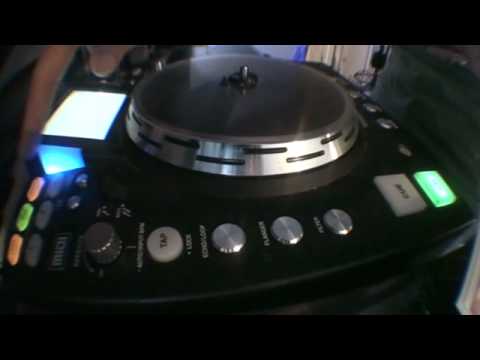
Alright guys, part two here on overlapping the next file. Just a bit of a tip for you. Now in this video we're looking at the Denon DN-HS5500. First of all, play the tune. What we can do here is if we hit next file and we use the parameters, we can choose another file, press down on the parameters and then press play and the second file will overlap the one that's playing. But just imagine you're playing, say, this track and it's coming towards the end of the track and you do not have enough time to mix in the new song. Well, all you need to do is just make sure next file is highlighted, press down on parameters, press down on play and it will play the track that's playing from the beginning. I'll show you that again. Next file, down on parameters.
Off beat this time. One more time. Next file, parameters, in time this time. There you go. Practice and enjoy.
This transcript was produced automatically from the audio of the video and may contain mistakes.











