 3:39
DJ Demonstration on Adding a Drum Loop over a Tune Filmed Using the Canon Legria Mini
Contents of the video
0:00 Jonathan here, The DJ Tutor, and in this video we're using the RMX 500
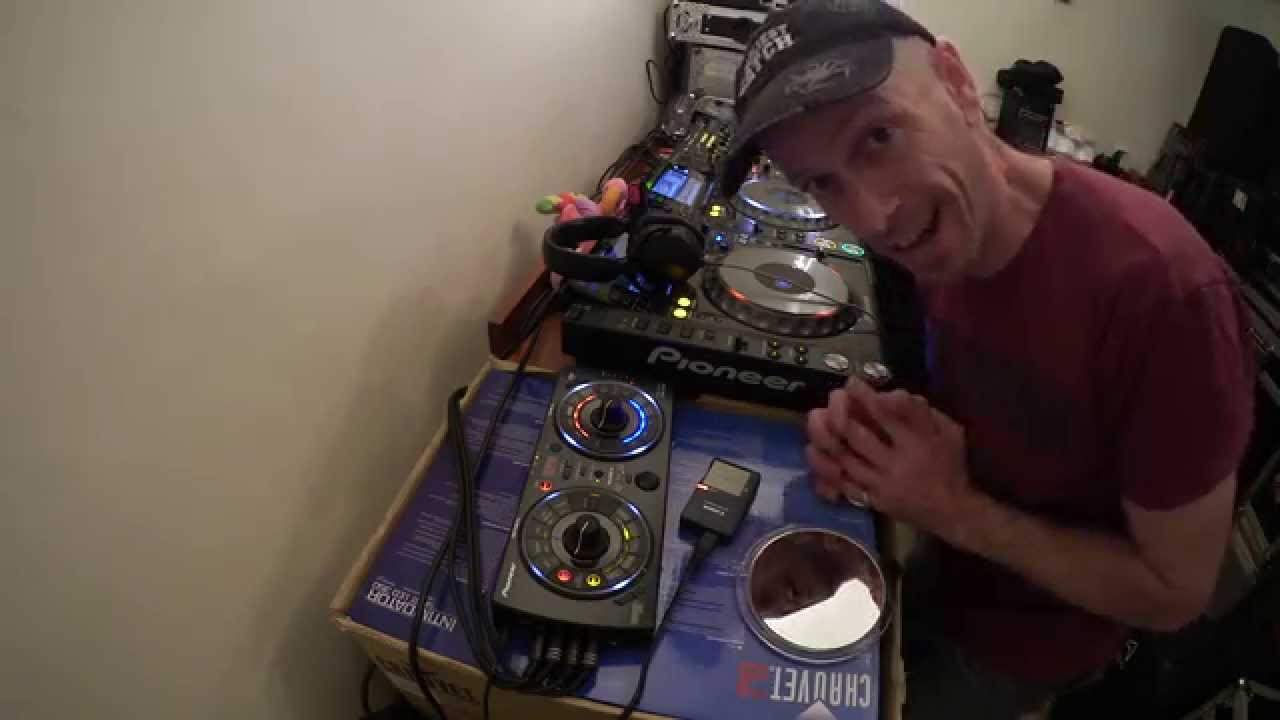
Alright ladies and gentlemen, Jonathan here, The DJ Tutor, and in this video we're using the RMX 500. We're going to add some of the sounds from the RMX, the kick, maybe a bit of hi-hat, a bit of snare, and we're going to use those sounds over this track here by Mr Kenny Hectic, a track entitled Far Away, and the camera, believe it or not, is the Canon Legria Mini. It's a very small camera, and if you want to take a look at it, the wonders of the mirror, check it out. That is what I'm filming on at the moment. Alright, so what I've done, I've got the RMX 500 plugged into the send and return on the DJ-2000, I've got that set to channel 1, so whatever I do now on the RMX, I can mess around with the sounds on channel 1.
0:53 To Kenny Hectic, here we go
So I'm going to press the overdub now on the RMX 500, and let's add a little bit of a kick. To Kenny Hectic, here we go. Let's add a snare, hi-hat, very random, but it'll give you an idea of what you can do. We've now got some sort of a beat going on here. If I want to, I can get rid of this beat very simply by pressing this button here. We can have a spin back, echo, or vinyl break. Listen to a spin back. Bang, and it's gone. But let's bring Mr Kenny Hectic back in. Let's start that over again. Okay, so press overdub on the RMX 500. It gives you the opportunity to add any of these sounds over each other. This is where we get the term overdub. Listen, the kick. That's a kick. That was good.
Another tune over this beat, so there'd be no need for me to mix one track into the other. I could mix another track into this beat being produced by the RMX 500. Hope that's been a help. If you are interested, by the way, in this camera, go and check out the link in the description. I will finish off with... Smile. I will finish off with practice and enjoy. And a spin back.
This transcript was produced automatically from the audio of the video and may contain mistakes.










