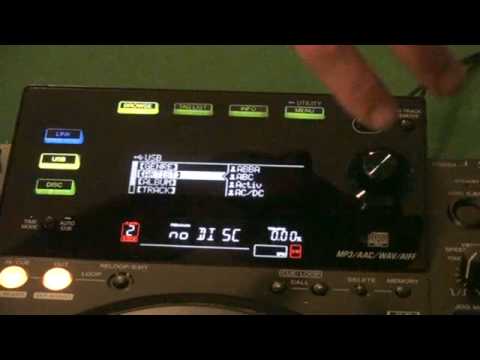
 5:04
USB and a pocket player together
On YouTube this video is called DJ Demonstration Pioneer CDJ-900, Using the USB and Pacemaker.
What this lesson teaches
A five-minute demo of a piece of equipment that has long since left the market, containing an idea that is now almost everywhere.
What is being connected
A CDJ-900 and a Pacemaker - a handheld, all-in-one DJ console with two players, a mixer, effects, EQ and a filter in something the size of a large phone.
One USB cable between them, and that is the whole connection.
What happens when you plug it in
It charges, and then the two devices talk to each other: the screen warns do not disconnect while they establish the link.
Worth reading as a general caution rather than a detail about this product. Whenever two pieces of equipment are negotiating a connection, pulling the cable out mid-handshake is how you corrupt what is on the drive - the same lesson as USB STOP in the lessons either side of this one.
And he notes the link socket, which would let this player feed another 900 - the beginnings of the networked booth that later became standard.
The idea worth keeping: browsing by metadata
The part that has outlived the hardware, and his analogy is the right one: it works like a mobile phone. One dial that goes in, and a back button that steps out.
The top level offers genre, title, album or track. Pick artist and you get an alphabetical list - ABBA, ABC, AC/DC, Afrika Bambaataa, Akon and on. Pick album and you get albums; step into one and you have its tracks, which behaves like a folder.
So you are not navigating folders on a disk. You are navigating the information attached to the files - and that only works if the information is there.
Which is the practical lesson
Everything in this stage about preparing a library comes back to this.
A collection with proper artist, album and genre tags can be browsed four ways, instantly, under pressure. A collection of files named `track01.mp3` in a folder called `new` can only be browsed one way: by scrolling, hoping, and remembering.
The browsing features on every player and every piece of software since have assumed tagged files. Tagging is tedious and it is the single highest-value hour you can spend on your music.
And slip mode
He signs off by going back to slip mode, which he likes for the reason given in its own lesson: whatever you do by hand, the continuity of the music carries on underneath.
Fair enough. It is the feature on these machines he is most consistently enthusiastic about across the whole catalogue.
Contents of the video
0:00 In this video we're looking at the Pioneer CDJ-900 and the pacemaker
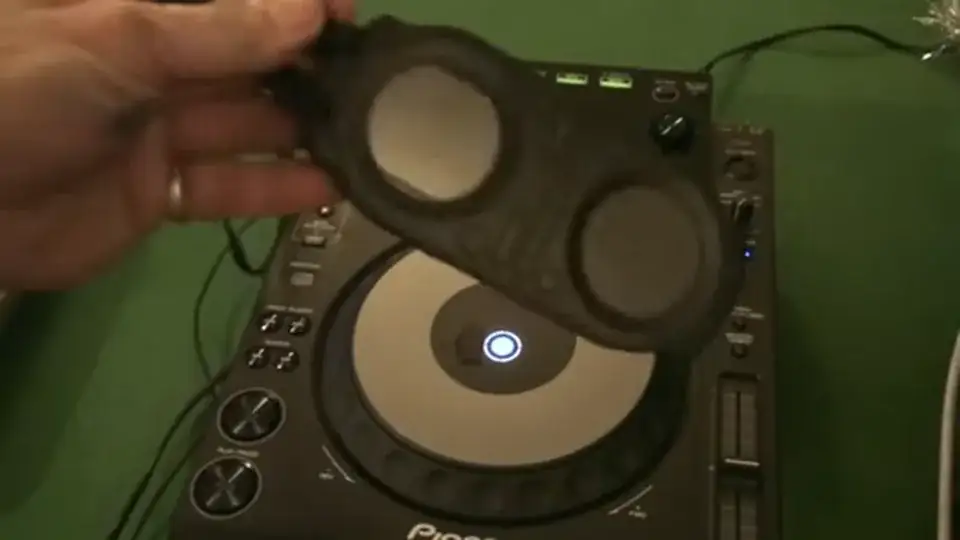
Right guys, in this video we're looking at the Pioneer CDJ-900 and the pacemaker. What have we got? We've got a USB cable. Well that is the end. That's about it. What I'm going to do now is I'm going to put that in the top of the pacemaker like so. So plug that in and already it's talking to it. So let's just give it a few seconds. If we do this in real time you'll see exactly how long it takes, what happens etc. So bearing in mind this guy here, the pacemaker, it's an all-in-one DJ console. It's similar to a couple of CDJs and a mixer. Effects, bass, mid, treble, filter, that kind of thing. Right, at the moment you can see it's charging. Now, basically what we need to do now is press there, like so. Now, in a short while, what you'll see is something there sort of says please don't...
1:49 Click on the link in the description for more information
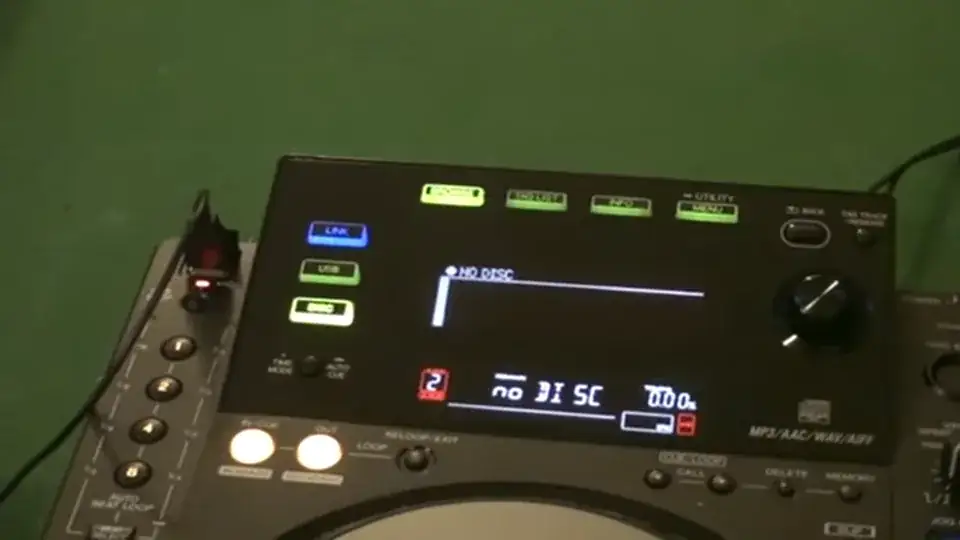
Please do not disconnect, right? Do not disconnect. The reason being now is each of these units are sort of talking to each other. Okay, so there is the music, there is the player. So what I'm going to do now, I'm just going to put that there. Let's have a closer look at this area. Now, the link up here, basically what that's for is I could go out of this player into another 900 or alternatively I could go out of this Click on the link in the description for more information. There you go. Now we can see that we've got files, folders there ready. Now an easy way of describing how a unit like this works is not, let's say not dissimilar to the likes of a mobile phone. On a mobile phone basically you've got sort of one button that will take you to everywhere and then you just go back, back, back. Exactly the same near enough. So if we have a look here, we've got there, this dial and we can also click down on that.
3:12 Album and also track
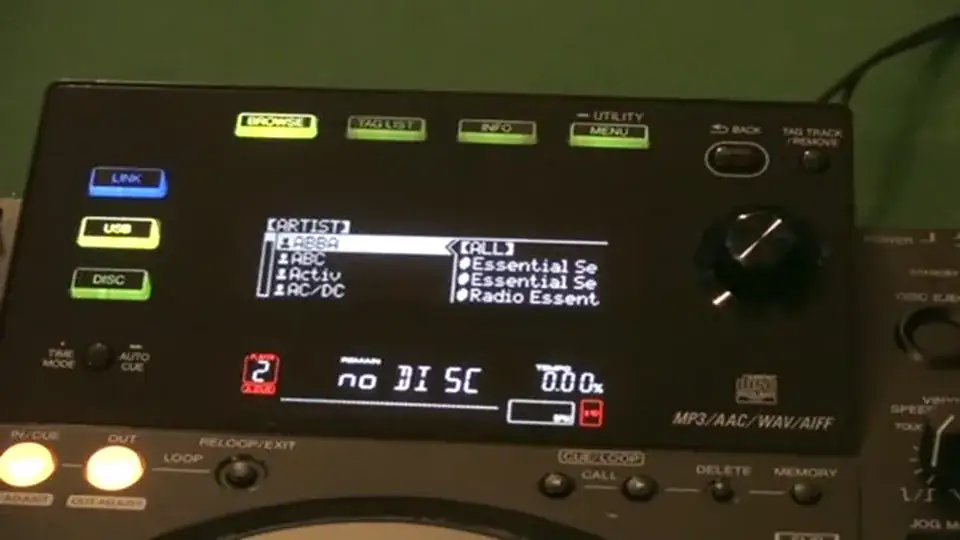
If I just go a little bit closer, let's have a look, to about there, that'll do. And just move this screen so I can see what I'm doing. So I can just scroll up and down now. You can see, so I can go from genre, title, album or track. So for example we go to genre, I can click. There you go. Now I've got the genres. If I want to at any time, again like I said with the mobile phone, click back. Turn to artist, click down and now I've got artists starting logic with A, ABBA, ABC. We've got also ACDC, African Bombata, Akon, Alex, Alison Limericks, etc. So you could just spend all day like that. And then if we click back, then we can go to album and also track. But bearing in mind what we need to do is, let's have a look, hold on, in case I'm lost there, what you actually have to do
Let's have a look. We were on artist, weren't we? So go back to artist. Yeah, we need to go right back to the top. So for example, let's go back again. Let's have a look at album. So what I'm going to do is press down and I've got club promo. If we carry on down, Essential Series from CD Pool. So let's have a look. If we go to say Essential 32, click down. Now basically I've got all the tracks there from 32, so in a sense this is a bit like a folder. So all I need to do now is press down like so and if we move out, there you go, let's just turn the music on. Slip mode, I do like slip mode because basically what it means is whatever you want at the same time the continuity of the music carries on going, practice and enjoy.
This transcript was produced automatically from the audio of the video and may contain mistakes.











