 2:43
DJ Lesson Adding a loop to help bring in the next mix
Contents of the video
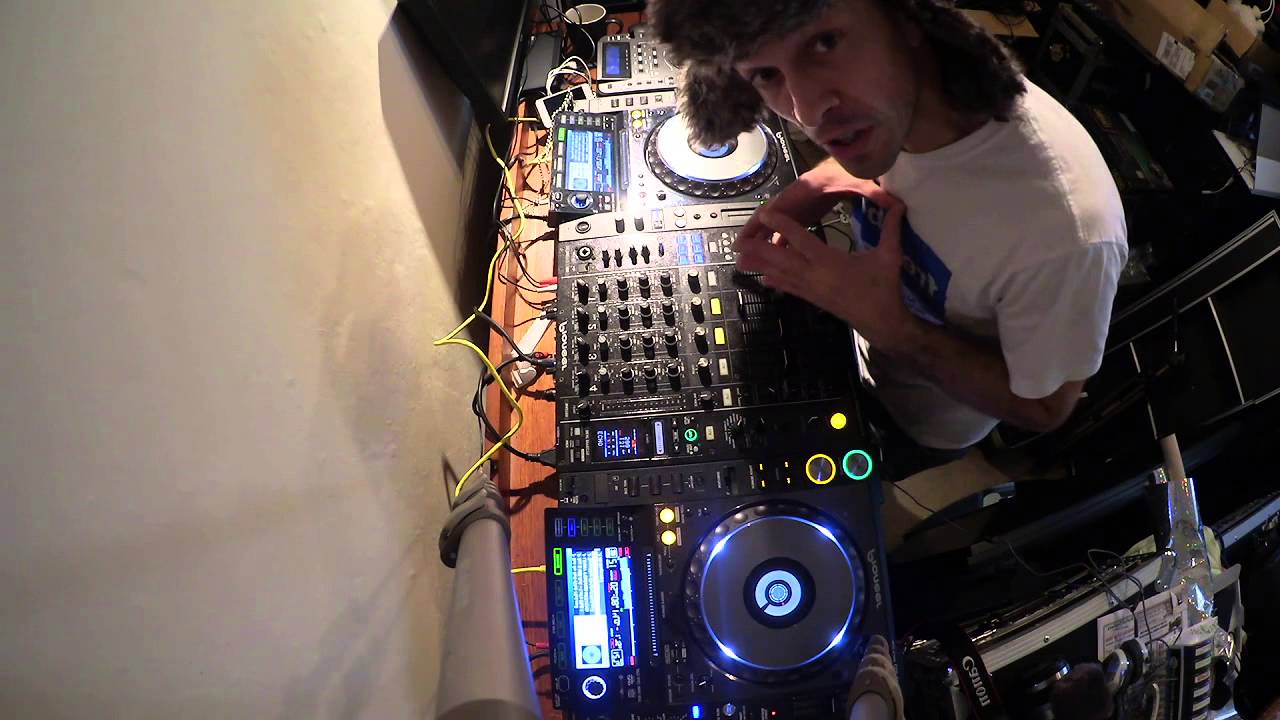
All right, ladies and gentlemen, first of all, I'm using the Canon Legria Mini. So I'll put a link in the description if you want any more info on that camera. What I do like about it is the wide angle field you get because I've always had problems with certain cameras. You need wide angle lenses, etc. But this one, it's got it all. So you can see everything now in the particular camera as well. Isn't that far away from the kit? What I have done prior to this video, I've taken quite a few pictures. I'll put them on my Facebook wall and I'll put the link in the description. So you can get to that or those pictures in the description of this video. All right, in this demonstration, what we're going to do is we're going to form a small loop on one track. We're going to bring in another one. The track that I'm going to form the loop on is by Basement Jacks entitled Bingo Bongo and we have Thomas Banglaterra, a track entitled Ventura, which is this one here. Bit of a pumping tune. And then bingo, bongo, bango. Bingo, bongo, bongo, bingo, bingo, bongo. This one here.
That's what I want to use. Now, this is a way of having a bit of a transition. Let's say if you're using a short track, seven inch single version of a particular tune, because quite often with seven inch singles, that's not much of an introduction. There's not much of an outro. There are not many long breaks. So you've got to be snappy and quick. So the track's playing. What I'm going to do now is form a loop, mix it in, start to bring bingo, bongo out. Oh! Start on this one straight out. All right, hope that's been helpful. Practice and enjoy.
This transcript was produced automatically from the audio of the video and may contain mistakes.










