 4:25
DJ Mixing Lesson on Adding an Effect with out Using an Effect
Contents of the video
0:00 Get an effect without even using
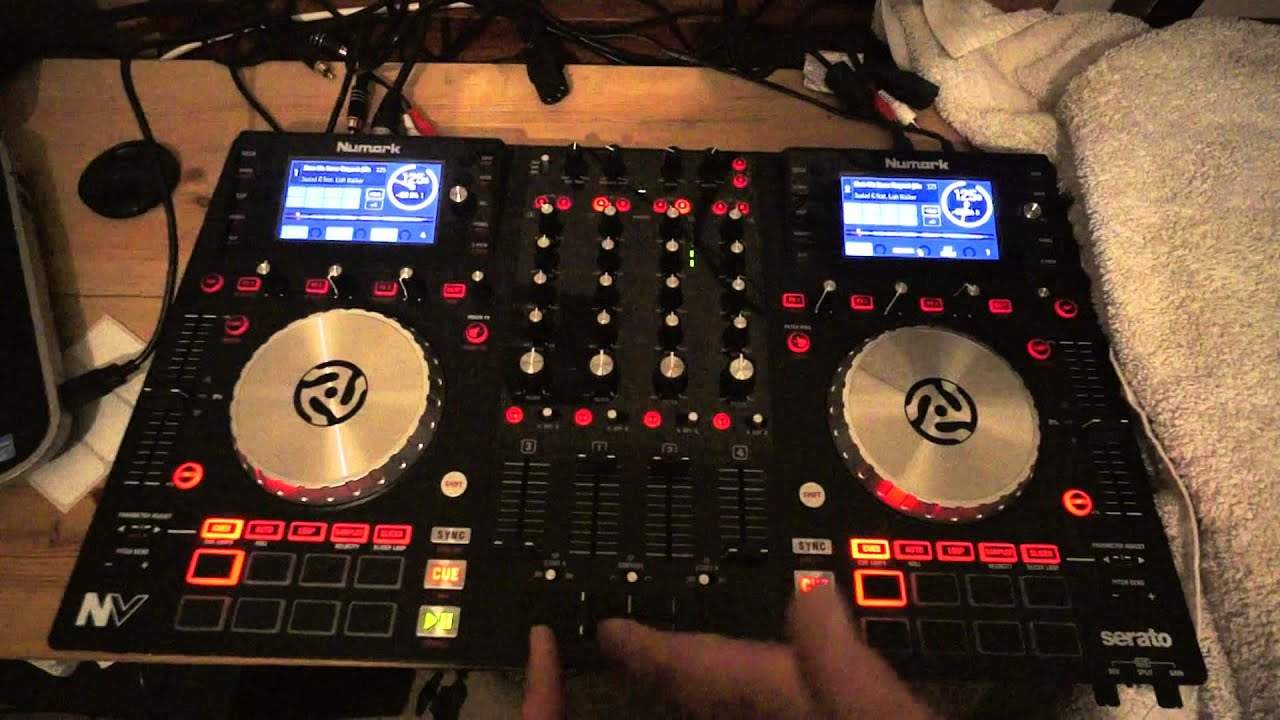
Alright guys, in this demonstration we're using the Newmark NV and I'm going to show you how to get an effect without even using an effect. Right, first of all, what is an effect? Well, we're relating to DJing, to mixers, to music. Now, effects are normally produced by the workings of the program that you're using on the laptop or the controller or, for example, the DJ mixer. Now, an effect is a way of changing the sound, the parameter of the sound of the music that's playing. So, for example, you could have a loop, you could have an echo, you could have some reverb, etc. Using this technique, you don't have to use any form of effect. All you're using is the music. Right, now I'm using a track here by Mr Lenny Fontana, a track entitled Show Me Some Respect.
It's the club mix and this has got to be one of the hottest tracks for the... for the summer. It's very uplifting, very vibrant, full of fun and if you are interested in getting this track check out the link in the description where you can get it from Karmic Power Records. Right, what I've done... Now, again on the Newmark NV we have four channels so you can do this with ease. Let's imagine you're playing a track on channel three. You can set up what I'm about to show you on channel one and two or, for that matter, one and four. It doesn't really... Well, I suppose ideally... really one and two because three and four are the next sort of layer. So, you've got a track playing on channel three and what you've done then is you've got the same track on channel one and two.
Now all I'm going to do... Really simple. I've got them both set up at the same point.
1:46 All I'm gonna do is start one, one beat after the other
All I'm gonna do is start one, one beat after the other. So, one, two, that's it. Okay, now if you hear... They're slightly off time. Now they're in time. Okay, so I've got my track playing. By the way, what I was doing there you probably want to do on headphones so you're now mixing the one track in over the track that's coming out of the mix and you can just let it play now. Now if you wanted to, you could do something like this. What we've got... We've actually got almost like a skip to the track. We've given it a new dimension. Where this comes into play a lot better when the vocals come in. Now also, don't forget your effect if you want to use it over the effect. What I'm doing for the partially sighted is I'm moving my crossfade over to the other side very briefly.
It's so simple. It is so simple but it's all about practice and enjoy big up to Karmic Power Records. Thank you.
This transcript was produced automatically from the audio of the video and may contain mistakes.










