 8:30
DJ Mixing Tutorial on Adding an Effect Without Using Any Effects BY Ellaskins
Contents of the video
0:02 How you can add an effect
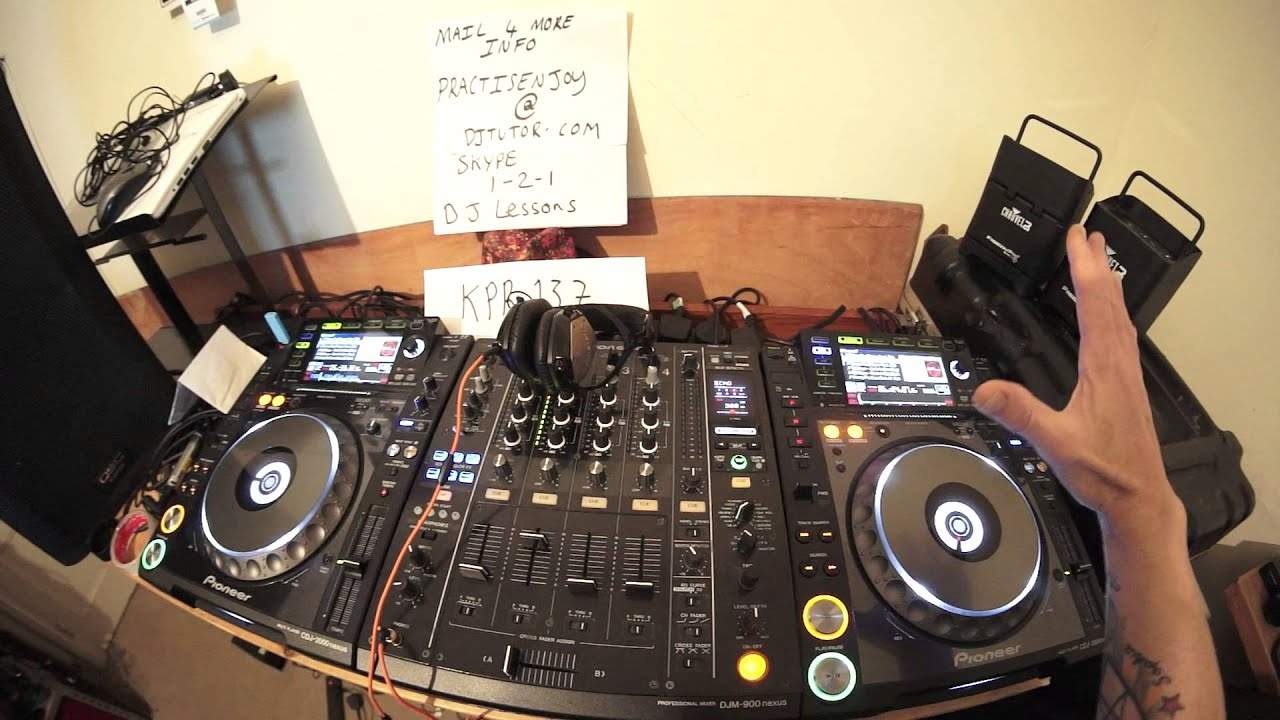
Okay, we're listening to KPR 137. It's from Karmic Power Records. Bruno Kauffman featuring Bibi Provence. A track entitled Was Happening. The Karmic Power number is KPR 137. Check out the link in the description. Now, in this video, what I'm going to do is show you how you can add an effect to a track without having to use the effects. Now, let's imagine that you don't have any effects. Well, not imagine, but let's say you haven't got a very expensive mixer. You've got a cheap mixer and you don't have any effects, but you have players that you can form loops on and also you can reverse the loop. So, now, you've got all that on board. What we need to look at? Now, is how we're going to incorporate this into our mix. So, imagine on the right hand side, we have a track playing. We mix in our next track on the left hand side. It doesn't matter either side anyway.
So, we've got now the track playing on the left hand side. This here, like I said, it's KPR 137. Check out the link in the description to Karmic Power Records. So, what we need to do now is either, this is, I'm just gonna turn that down. We can do one of a couple of things. We can either use exactly the same track. Alternatively, we can use another track with the same key or of the same key of the track that's playing and or a key that will work with the track that is playing now a lot. Practically, actually practically every single modern day dance track, even the beat will be in key with the rest of the track. So my advice is this if you can't find quick enough a track that is the same key or a key
That matches, try and use another track, but only the beat. Try not to use any baseline or melody because if you do use a track, if you follow these instructions and you use a track that has a baseline or a melody that isn't in key with the track that you're going to mix over, then it will sound a bit iffy and dodgy. It's not gonna sound right. You're gonna have key clashes. So again, number one, try and use the track that you're mixing over and number two, make sure that if you can't or don't want to use the same track, use a track that is of the same key or a key that is in keeping with the melody with the music of the other track. So let's just move this back a little bit now again, what I'm going to try and do here is almost imagine that we are in the mix and this is live.
So I'm going to go to around about, let's say a minute into the track. So you've formed your mix now. You've had time then to find the same track on the other side. I'm going to get my headphones on and I'm going to queue up the other track.
3:10 I can hear that playing now
Okay, so I can hear that playing now. So let's bring the volume down. Now imagine now that that track is still playing and what you're about to hear, you'll be listening to on your headphones. So press play. I'm going to go into loop mode. I'm now going to form either a one bar or two bar loop this explanation. I'm just going to do a two bar loop there, two bar loop, put it on hot cue. There we go. There's my two bar loop. Now let's go back to the original track that's still playing happily chugging away. What I'm going to do now is I'm going to reverse that. Okay, so when I now hit my hot cue, I can hear that in reverse mode. Now this is the important bit. Now when you press the hot cue, you need to make sure you need to press it in time.
But also you need to make sure that the loop itself is in time with the track. If it's out of time, it will sound absolutely terrible. So this is where you need your headphones on. You press your hot cue and then you may have to use the jog wheel slightly. Just to get it back in beat. Now, again, some players, let's say if you do not quantize the track or for example with the Pioneer players, you can use the software known as Rekordbox, so if you have analyzed the tracks through Rekordbox and let's say prior to this, you know what you're doing and you formed your loop in Rekordbox. It's less likely that that loop will go out of time. But if you're going to do it like this, it's more likely it will eventually go out of time.
5:33 Picking the bass down a bit
Therefore, it's highly advisable you keep your headphones on and you make sure that you're just nudging it slightly, maybe forward a little bit back a little bit to keep it in time with the other track. You'll notice that this one here is still playing even though I'm explaining as well. So let's put that track back on volume down now on my loop. And what I'm going to do now is press the hot cue just coming to the end of a break. Oh, I missed it. Missed my cue. Start it again. Picking the bass down a bit. I don't want it overpowering. Now again, we've got our loop, we're adding a sort of effect over the track. But imagine if we add an effect over this as well. Maybe that's going to be another tutorial. But the track is still playing.
We're on 1 minute 40 or 40ish. I'm going to bring it back in, give myself enough time to bring the next track in. It happens to be the same track. But again, this is a demonstration.
And once again, adding effects to your mix doesn't always have to be adding an effect. It's about how you take what you've got in front of you to the next level. Think outside the box. All right. Don't forget, check out Karmic Power Records. This track is KPR 137. Practice and enjoy. Thank you.
This transcript was produced automatically from the audio of the video and may contain mistakes.










