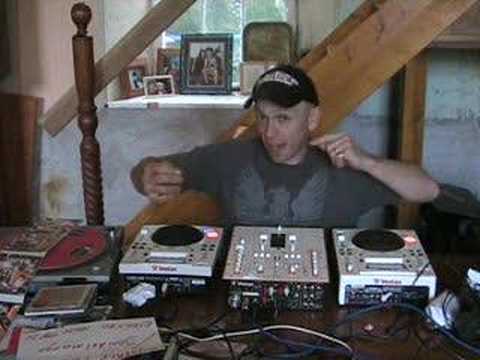
 9:09
Mixing without headphones
On YouTube this video is called DJ mixing without head phones. Advise/tutorial
What this lesson teaches
The question he gets constantly is what the best way to learn beatmatching is. This is one answer, and its appeal is that it removes the headphones entirely.
The setup
Find the balance or pan control on each channel - it will be marked BAL or PAN.
Pan the right deck hard right and the left deck hard left. Each track now comes out of one speaker only.
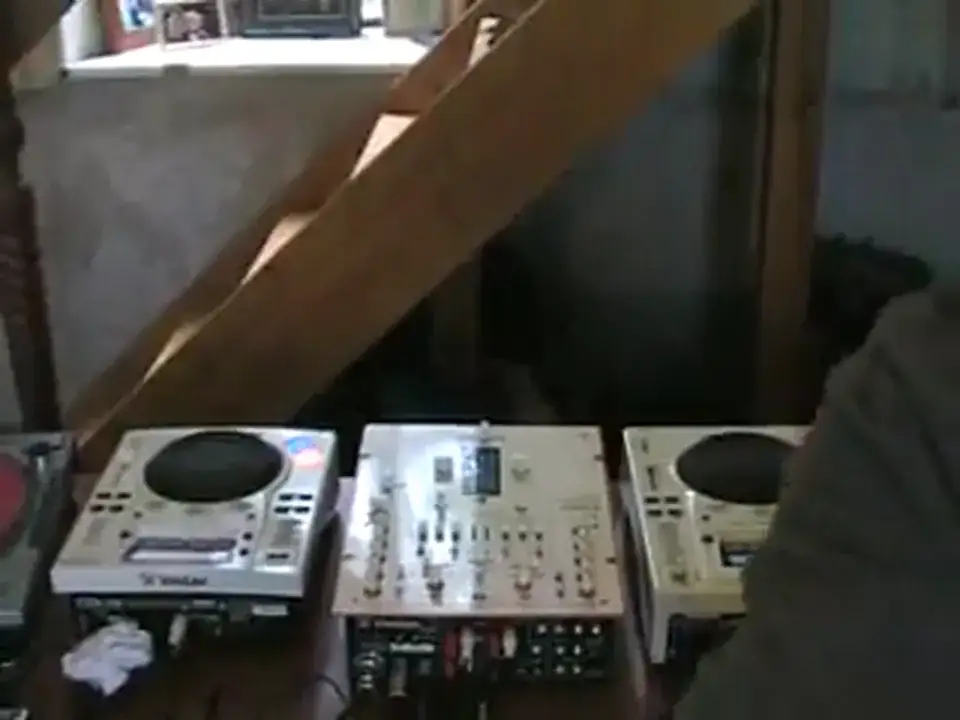
Your speakers are now behaving exactly like a pair of headphones: one source per ear, no cueing required, nothing on your head.
If your mixer has no pan control
His workaround is neat and works on anything. Go round the back and unplug the left RCA from the right deck, and the right RCA from the left deck.
Same result, achieved with cables rather than knobs: each deck now only feeds one side of the mixer's stereo output.
Use two copies of the same track
This is the part that makes the drill work: both decks have to be playing identical audio, or you are hearing two arrangements rather than two timings.
With files that needs no copying at all - load the same track onto both decks of a controller, or run two players from one stick. He suggests burning a second CD instead, and says you are entitled to do that for your own use; the copyright course in stage 8 is where that question belongs, and the answer there is less comfortable than his.
With identical copies there is nothing to distract you. Any difference you hear between the two sides is timing, and nothing else.
What you are listening for
Out of time, the two sides stay separate - a beat on the left, a beat on the right, and an audible echo across the room.
As they converge, the image pulls inward. In time, the sound collapses to a single point in the middle of your head. That is the target, and it is a far easier thing to recognise than a beat.
He demonstrates with two different tracks and says himself that this is a compromise - different records will not produce the clean centre image, because there is no identical material to fuse. Do it properly with two copies and the effect is unmistakable.
And a realistic expectation
His closing note is worth hearing. Do not expect to get it in time straight away. For some people this comes quickly and for most it takes a while, and there is nothing wrong with being in the second group.
Contents of the video
0:00 Balance, shout, first
Alright folks, firstly a big shout out to a good friend of mine, Jonathan from Borth from It's A Gift. Alright mate, hopefully I will be doing a set there on Carnival Day this year, 2007, it's always the first Friday in August, so all being well I'll be doing that outside his shop. Secondly, I'll give a big shout out to this guy here, okay, he's got a Myspace page and it's John Del Mango and the reason I'm giving him a shout because he's got an Electro House Top 10 there, so go and check that out. Right, now then, a lot of people have been emailing me and asking me about, you know, what is the best way of learning how to beatmix? Now, there's loads and loads of ways, OK? This is one of them. Now then, first of all, I want you to have a look on your mixer. Now then, have you got these dials here? Now, they could be either knobbly bits like that or slidey bits like that. Now then, what you'll have next to them, in front of them, by the side of them or something like that...
BAL or Balance. Now what they actually do, first of all before we go into detail, is if you imagine stereo, you've got your headphones on and you've got a sound coming from your right headphone, the sound comes from your left headphone but also in your PA or on your PA system you should have two speakers, one on the right, one on the left, now that's classed as stereo, okay? Now what the balance actually does When the balance is in the middle, you will have a stereo sound. But if all of a sudden then you move the balance to the right side, what will happen is all the music coming from this actual CDJ now, all the music will only play on the right hand side. And then if I move that to the left, all of the music from this guy here will only come from the left side.
2:13 Wang the camera a bit like so, so you can hopefully see me
Now, and then the opposite applies for the other CDJ. Now this is what I want you to do. What I want you to do, okay? Your right CDJ, I want you to put the balance to the right side. The left CDJ, I want you to put the balance to the left side. Now here, you don't need any headphones, okay? Because basically now what's happening is your speakers are sort of acting like headphones. Now then, what I'm going to do, I'm going to... Wang the camera a bit like so, so you can hopefully see me. Sorry about that. And we'll leave it like that. Now then, I'll go around here. Now then, normally when I do a mix, I've only got the one monitor over there. But today, like I said, I've got, well, no, I didn't say, I'll say now. I've got two monitors, right and left, OK? So don't forget, this CDJ now is now, the balance is on the right-hand side.
So all the music from this one will come through that speaker over there. Then at the opposite, this CDJ here on my left-hand side, the balance is on the left-hand side, all the music will come out of the left-hand side. Now then, maybe you have not got pan control on your mixer. All is not lost. Can you see here? You will have two inputs either side. You'll have a right and a left. Now then, think about it. For your right hand side, what you need to do is you need to remove the left hand side plug. So take that out. And then for the left hand side, you need to remove the right hand side plug. So what you're getting is you will then get exactly the same. Your left hand turntable or your left hand CDJ will only have a left hand sound.
And your right CDJ will only have the right sound. Well, he'll have the right sound anyway, but the right hand side sound. You see, I confuse myself, but who gives a monkeys? Now then, alright, why am I doing this? What's the point? Now then, the whole idea of this, an ID, the best thing to do is to get an identical track. Alright, now, an easy way of doing that is bunging a CD into your PC, burning a copy... All right, and then having two identical tracks. One that side, one that side. Now what you need to do is start them off exactly the same time. Bang, start them off. Now what will happen is this. Now if you think about it, if you've got exactly the same track, okay, and you've got right CDJ, right speaker, left CDJ, left speaker, what's happening is you will be able to distinguish a lot easier
5:00 I know it sounds bizarre, but they will actually, it's just, oh,
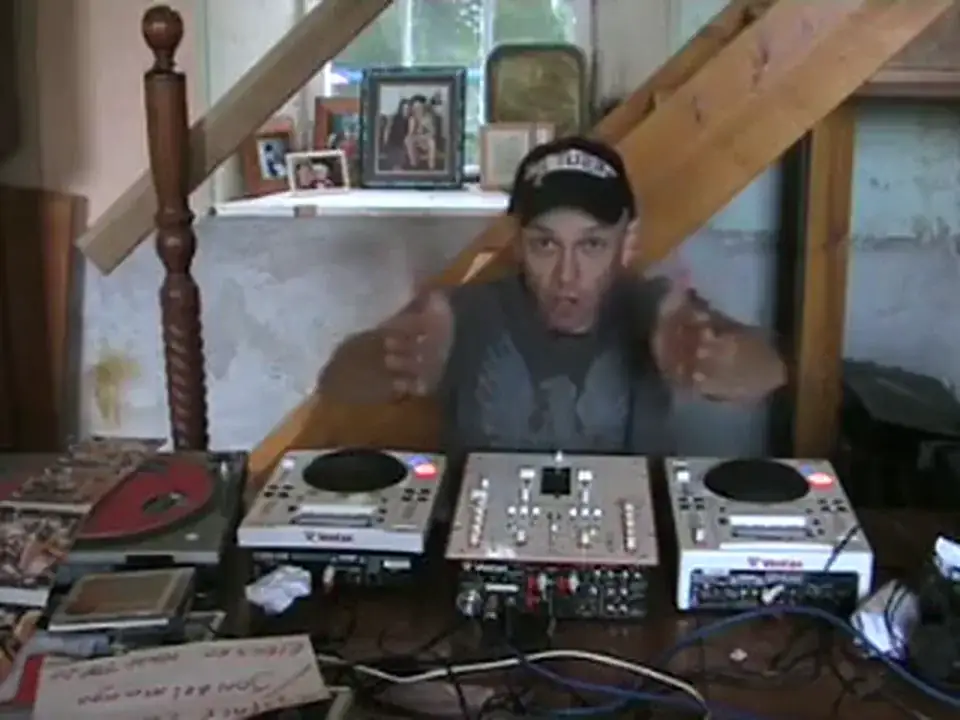
When the beats go off, because you'll actually hear an echo. Like so. Now then, this is what you need to hear and this is what you need to try and listen for. What you'll find is as you get them in beat, they will join in the middle, in the middle of your head, alright? Now I know it sounds really bizarre but they actually will. They'll actually join in the centre. Because what you're doing, because you've got your right hand turntable on the right side, left on the left side, theoretically... You're playing one song, if you think about it, and the song's got to meet in the middle. Now, I'm going to give you a demonstration, but the only difference is I'm using different songs, okay? Which is a bit of a no-no. Well, when I say it's a bit of a no-no, you can do it this way, but it's better to get the same song because what will happen is there'll be no phasing or anything like that. All that will happen, you'll get a nice join almost in the centre of your head and you will actually hear the beats almost in front of you.
I know it sounds bizarre, but they will actually, it's just, oh, you've got a sound here and it's bang, bang, bang in the centre as opposed to bang, bang, bang, bang, bang. That's what you don't want, you want the bang, bang, bang. Don't forget, with this idea, you don't need headphones. Right, so what we'll do, I've got these near enough set up, now I'm going to start them at the same time, they're near enough for the same beat, but I'm going to let them go off beat, I'm going to make them go off beat. And then I'm going to try and bring them back in. The sad thing is, of course, you can't hear the stereo sound. You can only hear that when you do it at home. But hopefully it'll give you a general idea, so off we go. Now, the left-hand side is that way, and the right-hand side is that way. OK, now what I'm going to do now, I'm going to get totally off beat. Down left side. I'm going to start them both again and we'll see what happens. So, hold on, we're starting from the beginning. Or is it the beginning? Hold on. Right, get that ready.
7:28 Side, right side, left side, left side
Off we go. Balance control, okay? Right side, right side, left side, left side. No headphones. Now again, try and use exactly the same song. So if you've only got one copy, bung it in your PC and burn a copy. If you've paid for that particular piece of music, then you're legally entitled to make a backup. So you're legally entitled to have a copy for yourself, so there's no problems there. Bung them both in. And then work on that basis that I showed you, okay? Try that, give it a go. Now for goodness sake, don't expect to get it in beat straight away because if you're new to DJing, you know, it might not happen, alright? You've got to realise that this is a difficult thing to do for some people. For some people, it's easy. For a lot of people, it just takes a bit of time, okay? It's all about the one thing I like to say, that is practice and enjoy. Thanks for watching and once again, Jonathan in Borth.
See you soon. Cheers!
This transcript was produced automatically from the audio of the video and may contain mistakes.
This video is part of
Related videos
-
Complete Beginner DJ Lessons Tags Key BPM Etc
A more advanced lesson folded in early, and worth doing once rather than putting off, because everything it sets up gets used for years…
-
Complete Beginner DJ Mixing Lessons Video 19 Getting Your Kit Ready for an Easy Mix
A whole lesson on getting ready, which is the right call - the exercise in the next video only teaches anything if the two decks are…











