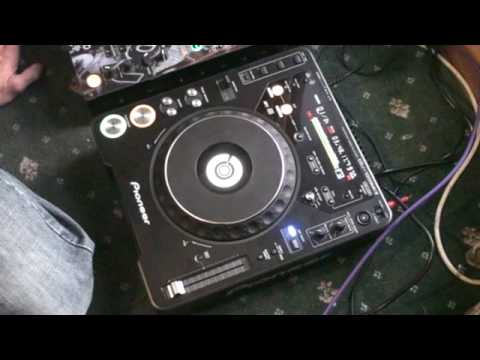
 5:41
Scratching on a CDJ
On YouTube this video is called DJ Scratching Tutorial on a Pioneer CDJ-1000 mk3, Vid 1
What this lesson teaches
One of several approaches to scratching on a CD player - he is clear that there are a million ways and this is a starting point.
The tip worth taking away
Before anything else, he says that on a vinyl turntable you should turn the bass down slightly before you scratch.
Two reasons, and the second is the important one:
Rumble. Moving a record by hand produces low-frequency noise - the stylus registering your hand as much as the groove. It is inaudible as music and it eats headroom and makes everything sound muddy.
Feedback. This is the real one. A turntable is a microphone that happens to be pointed at a record: the stylus picks up vibration, including vibration arriving through the air and the floor from your own speakers. At volume, with the bass up, that becomes a loop - the speakers shake the deck, the deck hears it, and the system howls.
Rolling the bass off breaks the loop before it starts.
On a CD player
You do not strictly need to, because there is no stylus and nothing to pick up vibration. He still advises turning it down a little, which is sensible for the rumble reason if not the feedback one.
But the knowledge matters the first time you use somebody else's turntables in a loud room and cannot work out where the howl is coming from.
The scratching itself
The basics, with a cue point set so he can return to the sound instantly - which is the CD player's genuine advantage over vinyl for this. Finding the start of a sample by hand takes practice; pressing a button does not.
So a reasonable way to think about the two machines: vinyl gives you better feel and worse recall, a CD player the reverse. Which matters more depends on what you are trying to do.
Contents of the video
0:01 Little bit of scratching on
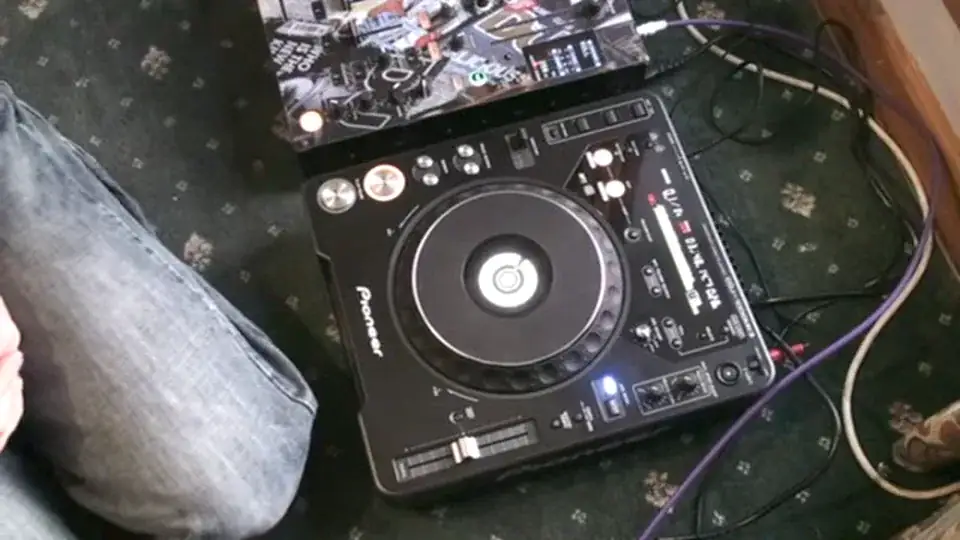
Alright folks, now in this video we're going to show you a little bit of scratching on a 1000 Mark III. Loads of people have been asking for it. Now first and foremost there are probably a million and one ways of doing this or scratching using this sort of CD player but I'm going to show you the very basics and try and get you started in a sense. Now first of all if you're using a vinyl turntable one very important factor if we have a look at the mixer and by the way the cover of that mixer is from a company called Style Flip. What you would do if using vinyl turntable is you would need to turn the bass down very slightly. The reason for that, it stops the rumbling sound and also it will help stop any feedback. But because you're using digital music through a CD player, you don't necessarily have to do that. It's possibly advisable to turn it down a little bit but theoretically you should not get any feedback at all.
The camera there, and we'll zoom in a little bit closer. Right, with video number one, we're going to show you the very basics. Now first of all what I've done, the cue point is at the sound I want to scratch, which is here. Like so. Now also, notice here, jog mode. Now if I press select, I can go from CDJ to vinyl. It's vitally important you have it in vinyl mode. If you have it in CDJ mode, you're not going to have any control over the music by moving the platter at the top. When you're in CDJ mode, it's speeding the track up and slowing it down. You won't be able to stop it like that. Now also, it's at pause at the moment. Now, I want you to listen to this. This is quite important. Listen to the tone of the track if I just press Q. Let's bring it back a bit. Right at the beginning. It's quite low. Now have a listen to this. What's going on? Well, first of all, when I hit Q like so, the motor...
2:08 Bring it back to the centre
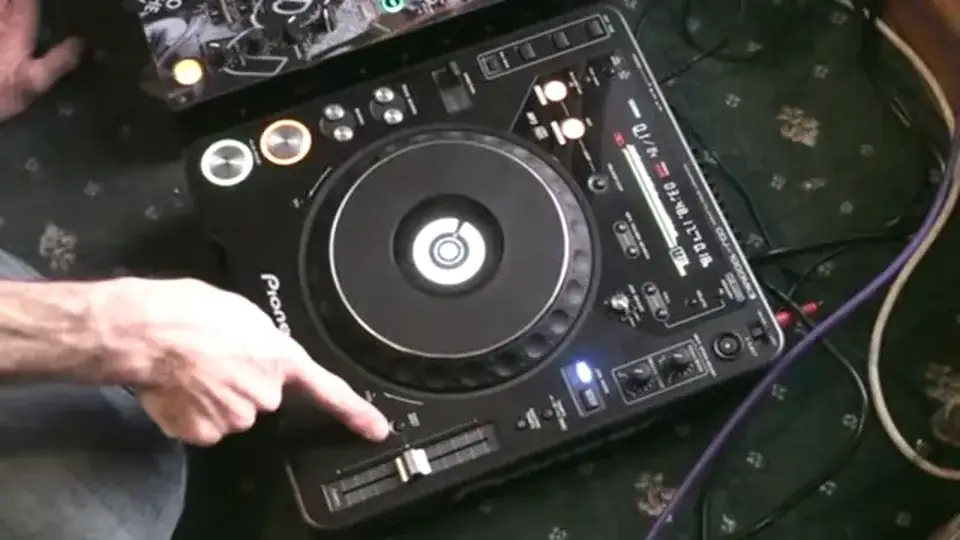
All the gizmos and god knows what inside is taking it off at the speed, for example here where the pitch is. If I, let's say for example, put it at wide, in other words plus 100 near enough, have a listen now. Slow it down. Bring it back to the centre. Put it at, say, where are we? Sorry, put it at plus or minus 6. Have a listen. Now do this again. What I'm doing here is almost the equivalent of putting it into wide mode. Speeding up and listen. But, have a listen again. You'll see what I'm talking about in a second. Now have a listen. So you're almost doing exactly the same thing but you're not moving the pitch control. So two things we can do here. One is we can just do that using the platter or put it into wide mode again. Now have a listen. Using the pitch control. Okay, so...
3:37 The music won't start because I am now in control of the music
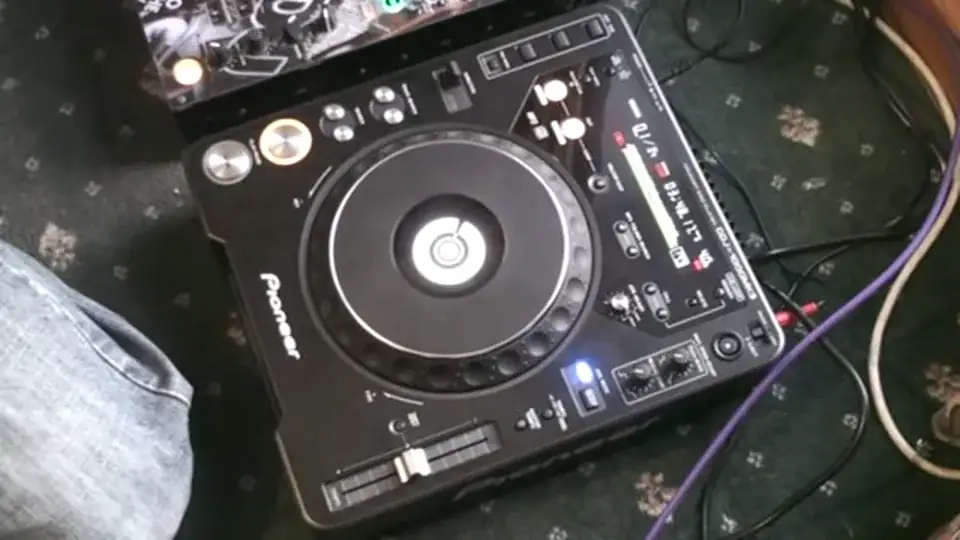
What you have to do, now again it's really difficult because if you've never used a vinyl turntable you won't understand where I'm coming from. But theoretically everything you can do on a vinyl turntable you can near enough do on something like this. So what I'm going to do now is I'm going to press play pause, have my hand on the platter. If I don't have my hand on the platter when I press play pause the music will start with my hand on the platter pressing play pause. The music won't start because I am now in control of the music. If I take my hand off, the music will carry on playing. Exactly the same applies with a vinyl turntable. Hand on the platter, press play, nothing goes on. As soon as you take your hand off the piece of vinyl, the music will play because the platter underneath is moving. So theoretically exactly the same here. So now I'm in control of this particular sound.
This is what I want you to do to begin with. Just practice this. Don't bother using the mixer at all. Just move this guy forward and backwards, but get a beat going so you've got something... Cue it up. Right, this is video number one. It is very, very simple. Hopefully quite self-explanatory. What we will be doing is over the next hopefully couple of weeks doing a whole bunch more, going slightly more in depth. If you have got one of these players and you use this for scratching purposes, then please put video responses underneath the videos and let's see your skills as well. And as ever, I'm not the best DJ in the world. I like to teach, inspire and kick people's arses to get them motivated. Practice and enjoy. Thank you.
This transcript was produced automatically from the audio of the video and may contain mistakes.










