 2:39
DJ Tutorial In-Loop Sampler Demonstration on DJM-400
Contents of the video
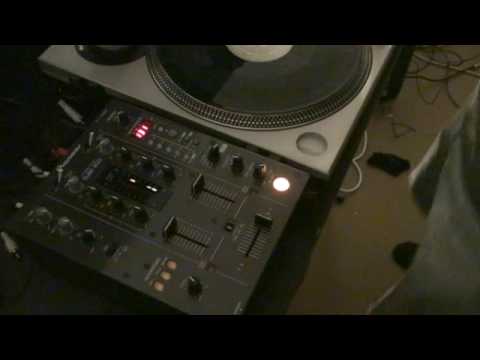
Alright folks, bit of fun here with the DJM400 mixer. Now what I've done, I've set a small sample here on number one using the in-loop sampler. If you want to know how to do that, then go and check out the tutorial I've done on the in-loop sampler and also there's loads of others. So at the moment, now that light's flashing and if I press this button down here we can have a listen to that sample. Now what we can do is we can have a lot of fun with that. Now at the moment I've got a track on... This turntable, which is also on this same side, and I've got a track just off camera on the other turntable there, which is on this side down here. So if we have a listen, that's there, and then this one here. Right, now this is where it gets quite interesting, because what we can do, we can incorporate that over that while we're still playing that. I'll show you. Alright, this is what we need to do. At the moment now we've got that sample, let's have a listen to it again.
On Channel 1. What I can do now by moving Channel Select to Channel 2, it's now on Channel 2. But what I can do is I can now play the track which is on this side here. Now watch what happens when I press this and have a listen. And at the same time I can bring in the other track. Again, no headphones, this is just demonstration. So what do we do? Very quickly again, what I did on this channel here. First channel closest to channel 1, I set a sample using the in-loop sampler on one of the banks here. Then I transferred it over to channel 2 and then I was able to incorporate that sample with that track over there using this guy here. All I did was press that button and then I could bring in the original track. Bit of a mess around, bit of a demo, bit of a tutorial on the DJM400 mixer. Practice and enjoy, thanks.
This transcript was produced automatically from the audio of the video and may contain mistakes.










