 2:58
Loop divide
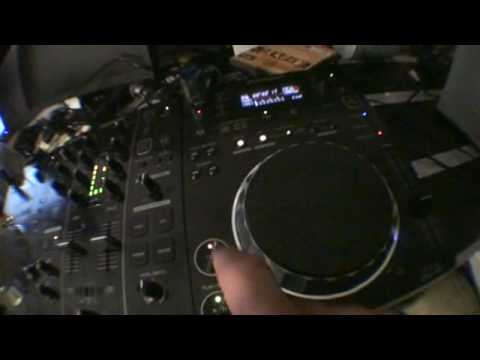
On YouTube this video is called DJ Tutorial Pioneer CDJ-350 Make a loop and then use the loop divide
What this lesson teaches
A basic demonstration with one idea in it worth taking.
The setup
He shows the mixer before anything else: crossfader in the middle, both channel faders up around two-thirds. Not because it has to be that way, but so you can see what is producing what.
Worth copying the habit when you practise. A lot of confusion in learning comes from not knowing which control caused the change you just heard.
And his caveat: this needs the two tracks properly beatmatched to work, and he is not wearing headphones, so this is a demonstration rather than a performance.
Looping from the start
Hit beat loop as the track begins and it loops from the first beat.
That is more useful than it sounds, because it turns an intro into whatever length you want. A record with eight bars of drums before the bassline now has as many bars as you need - sixteen, thirty-two, however long it takes to get the mix where you want it.
So the loop is not only an emergency measure for the end of a track. It is also a way of giving yourself room at the start of one, which is particularly useful with modern records that get to the point quickly.
Taking it further
He then builds on it, and the general shape of what loops are for is:
Extend. Make a short section longer - an intro to mix over, an outro to hold.
Hold. Freeze the track where it is, to buy time or to sit on a moment.
Repeat. Use the loop rhythmically, halving it down into a stutter.
All three come from the same button, and which one you are doing depends only on how long the loop is and how long you leave it running.
Contents of the video
All right guys, basic demo stroke tutorial on the CDJ-350. Now bearing in mind you do need to get this perfectly beatmatched to do this kind of thing, I haven't got my headphones on so this is a very basic demonstration stroke tutorial. So we're going to play the tune on this side. Just make a note of how I've got the mixer. You don't exactly have to have it like that but just give you a general idea. Crossfade in the middle and two volumes about there. Turn them up, it'll go up, bring them down, the volume will go down. Listen to what happens when we hit the beat loop. If you hit the beat loop, let's just get out of the loop straight away, what happens is it will start at the first beat and it will just loop it for you. Listen. So from the word go we can get a loop. Let's get out of that. Now let's take that to the next level. Let's start this guy again.
This transcript was produced automatically from the audio of the video and may contain mistakes.










