 1:34
DJAY App Video 7 Record Icon. Demonstration, Tutorial
Contents of the video
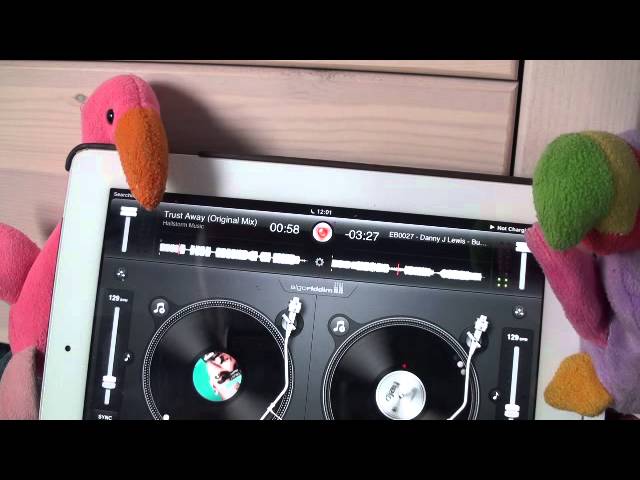
Alright guys, video number seven in a selection I'm doing on the application known as DJ. It's from a company called Algorithms. In this demonstration stroke tutorial, I'm going to show you how you can use the record feature and the icon is at the top of the screen dead center. You can see it highlighted there in red. Track I'm using is by Danny J Lewis. I'm going to press play. You can use this feature to record a track, but more importantly to record your mix. Any effects you add to the mix, it'll record them as well. So I'm going to press that icon and we can see there start new recording. Press that and now we have started to record this track. Whatever I do, it will record it. I'm going to stop the track. I'm going to press the icon again and I'm now going to press stop recording.
I can now press the recording that I've already recorded and press play. And now we're listening to what I recorded. There you go. I can also, if I want to, I can delete that. So if I don't like it, if I press delete, do you really want to delete this recording? I can cancel, which is no or delete, which is yes. And now that recording has been deleted. If I want to, I can start a new recording as well. Hope that's been a help. Practice and enjoy. I'm going to press the record button again and I'm now going to press stop recording.
This transcript was produced automatically from the audio of the video and may contain mistakes.











