 4:17
Putting roll to work in a mix
On YouTube this video is called DJM-400, Tutorial, Demo. Fun with the Roll feature.
What this lesson teaches
Billed as a demonstration rather than a tutorial, with a caveat worth repeating: he says in advance that some hits will go slightly off, because this is live and he is not pretending to be slick.
That matters. A tutorial where everything lands perfectly teaches you less than one where you can hear what a near miss sounds like.
Roll the boom, or roll the cha
The first idea, and it is small and good.
A four-to-the-floor beat is boom-cha-boom-cha. Press the roll on the boom - the kick - and you get a thumping, driving repeat. Press it on the cha - the snare or the hat between kicks - and you get something completely different: lighter, syncopated, and it reads as a fill rather than a hammer.
Same button, same division, same record. The only variable is which half of the bar you grabbed, and nobody tells beginners that it is a variable at all.
Moving the roll to another channel
The second idea, and it is the structural one.
Sample the roll from channel one, then turn the channel-select dial to channel two. The roll goes with it.
Which means the roll is now playing on a channel that has no record on it, and channel one is free. He makes the point unmissable by stopping the CD player entirely: the roll carries on, because the mixer is holding it, not the deck.
So a roll is not only an effect. It is somewhere to park the groove while you deal with the next track - a held rhythm that keeps the room moving for a few bars with no record playing at all.
Shortening it while it runs
With the roll going, change the division. A half beat gives you a double-time pattern; three quarters gives something he describes as almost a breakbeat, because the repeat no longer aligns with where the beat should be.
His advice on when to press
The best line in it: you do not have to count one-two-three-four. Just listen and think.
A roll placed where the music was going to change anyway sounds intentional. A roll placed on a strict count, regardless of what the record is doing, sounds like a feature being demonstrated - which is what it is.
Contents of the video
0:02 Do a bit of a cool
Alright folks, in this video I'm going to show you how to do a bit of a cool effect with the roll feature on the DJM400 mixer. Now bearing in mind this is only a demonstration and you've got to be quite good at hitting that button at the right time otherwise it sounds a little bit dodgy but again with practice it could be very good so if the beats do go slightly off I do apologise, it's because this is just a demonstration and I'm not trying to show how cool I am. So without further ado I'll pause the camera and we'll have a closer look at the actual mixer. Okay, first off, the actual track I'm going to be using is Kenneth Badger featuring Julie Cruz, a track entitled Fragment 7 and it's from November 2007. First of all, let's have a listen to the track. So at the moment what I've got, I've got the level depth set to 12 o'clock, I've got the channel select, we're going to select that to number 1, and I've got the effects dial here set to the roll feature. So, what I'm going to do, we'll start this off again.
On the bass beat, boom, I'm going to hit this button here. Two, three, four, one. Now what we've done, I can press pause and now we've just got that roll on channel one. Now, very quickly, let's have a listen. I'm going to hit this now on the cha. Instead of the boom, cha, boom, cha, hitting it on the boom, I'm going to hit it on the cha. Let's have a quick listen. Cha, boom.
1:30 I'll show you how to do that
Now just bear that in mind because you can hit it on the chart as well to get a different effect. Now what we need to do, with the music playing on channel 1, we need to actually sample channel 1, get the roll feature, but then we need to pass that roll feature over to channel 2. So I'll show you how to do that. So let's start the music off again. Okay, channel select number 1. 1, 2, 3, 4, 1, 2, 3, 4, 1. Okay, we've got the roll over there. Watch. Over to channel 2. The roll now is on channel 2. Pause the music and we've got the roll on channel 2. Now, you can actually still do this without turning this CD player off. The only reason I've turned it off is to show you that the actual roll has been transferred over here and the roll is still there with the music off on the other side. So I'll start the music off on this side again.
2:26 This is where you start to need to be quick on these buttons
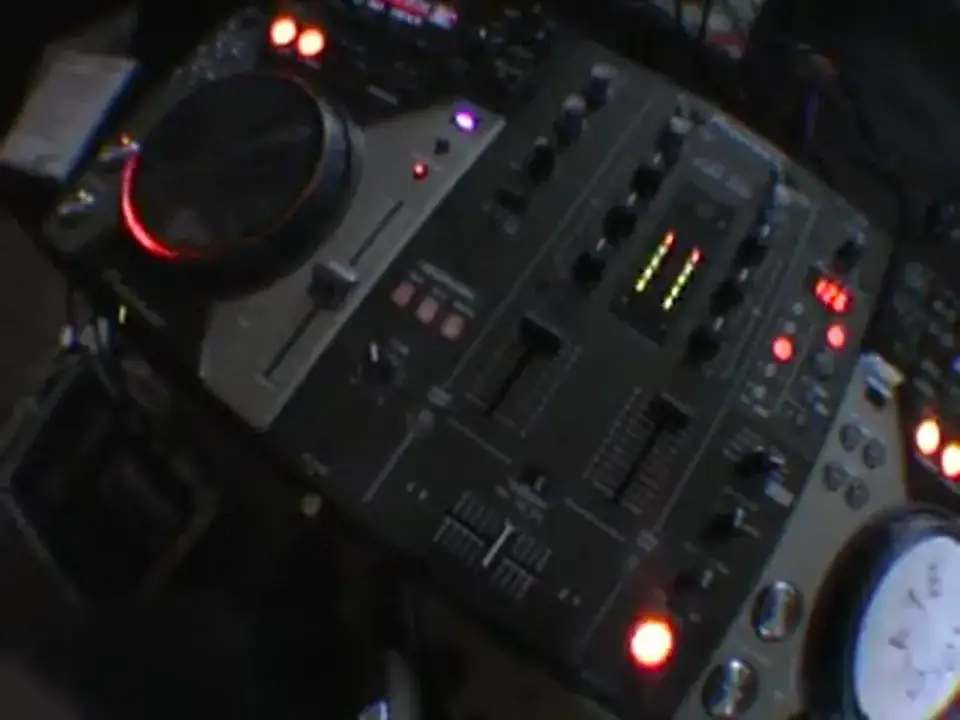
Ok, now this is where you start to need to be quick on these buttons. Have a listen, I'm going to hit the half beat. To the one. The general idea there, because the whole idea is to hit it, bam, bam. So you've got that beat from the original music, 1, 2, 3, 4, 1, 2, 3, 4. And while you've got the actual roll running alongside the music, if you hit... Any of those buttons, what will happen is you can have a half beat. So instead of a 1-2-1-2, you've got like a 1-1-1 or you've got a 3-quarter, a 3-quarter. So if you press the 3-quarter, it's almost like a breakbeat. What you've got to try and do though is always try and remember to have some counting. Just listen and think. You don't necessarily have to do 1-2-3-4, 1-2-3-4.
Sometimes what I find is a good idea, I'm just doing... You can hear it and also if you go with the flow of the music, you can make it sound pretty good as well. It's all about practice and enjoy. Thank you very much.
This transcript was produced automatically from the audio of the video and may contain mistakes.










