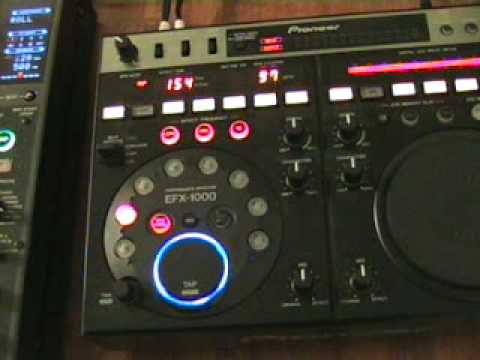
 3:49
Depth, character and mix - what the dials do
On YouTube this video is called EFX-1000 . Depth, Character & Mix dials, What do they do?
What this lesson teaches
A short lesson about three dials, with a safety point in the middle that applies to every effect in this course.
Mix
The dial at the bottom, and the one to understand first.
It sets the balance between the original signal and the effected one. Fully one way, you hear the record. In the middle, half and half. Fully the other way, you hear only the effect - no dry signal at all.
That last position is the one that catches people. An effect at 100 per cent wet has removed the record, and if the effect is a long echo, what the room gets is mush where the track used to be.
For most purposes you want it short of halfway: the record, with the effect audible over it.
Character
The middle dial. On the echo he is using, the honest answer is that at this setting there is not much going on - it becomes significant once you are combining it with movement on the other two.
Worth noting as a piece of method rather than a fact about this box: some controls do very little in isolation and a great deal in combination, and the only way to know which is which is to move one at a time with the music playing.
Depth
The dial at the top, and the one with teeth.
At minimum the echo is defined - a clear, countable repeat. At maximum it is, in his word, vibrant - fuller, longer, more feedback, closer to a wash.
The warning
And here is the part to take away even if you never touch this unit.
While he raises depth, he points at the level meters: the LEDs climb from green through amber to red.
An effect adds signal. You set your levels carefully with the record playing dry, and then an echo at depth stacks repeats on top of each other and pushes the channel into clipping - which goes into the amplifier, which goes into the speakers, and you end up with either a terrible sound or, as he puts it, knackered speakers.
His line is worth memorising: the meters are there for your protection, not to look pretty.
The practical rule
When an effect goes on, expect to come down on the gain or the channel fader. Watch the meters while you turn the dial, not afterwards.
That is the real reason effects should be used sparingly - not taste, but headroom. Every one of them costs you some.
Contents of the video
0:00 Another simple demonstration stroke tutorial for you on this guy here
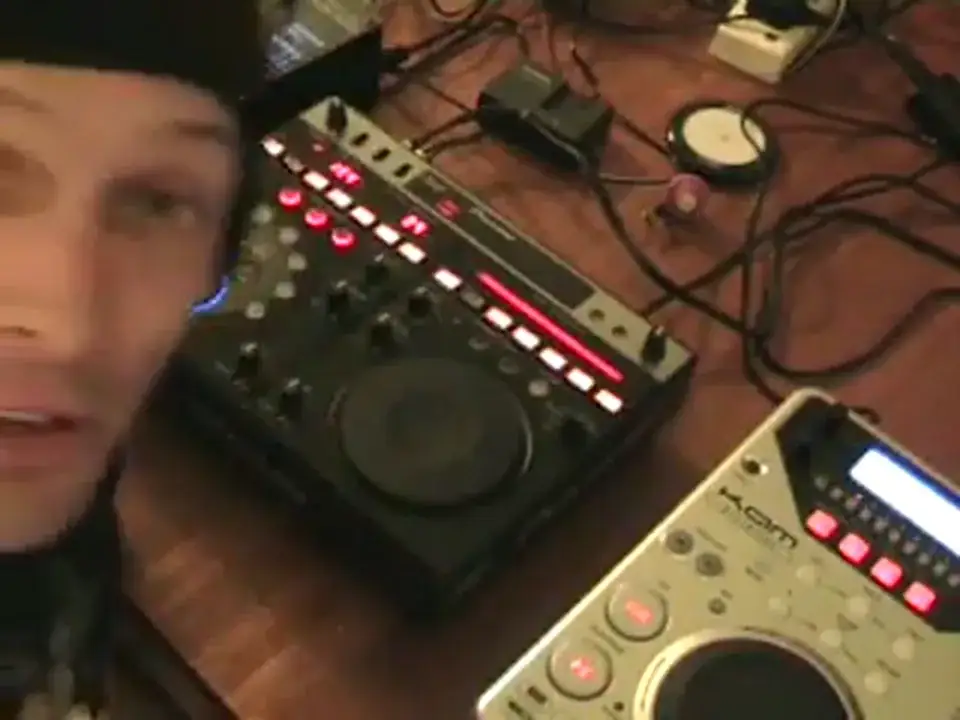
Alright folks, another simple demonstration stroke tutorial for you on this guy here. It's the EFX 1000. In this particular video we're going to be looking to the left hand side of the actual unit and we're going to be looking at these three dials. The one at the bottom has mix above it, the one in the middle has character and the one at the top has depth. We're going to be using the echo feature And we've got this area here set to one over a quarter. In other words, we're going to be using a quarter of a beat. Now first of all, I'm going to play the music and let's have a listen without any effect at all. Look to the side of the video for the actual name of the track. Here we go. What I'll do in a minute, I'll set the camera so we're a little bit closer to this area here. OK, one thing I'd like to stress, and I can't stress this enough...
1:05 Effect, start, always watch
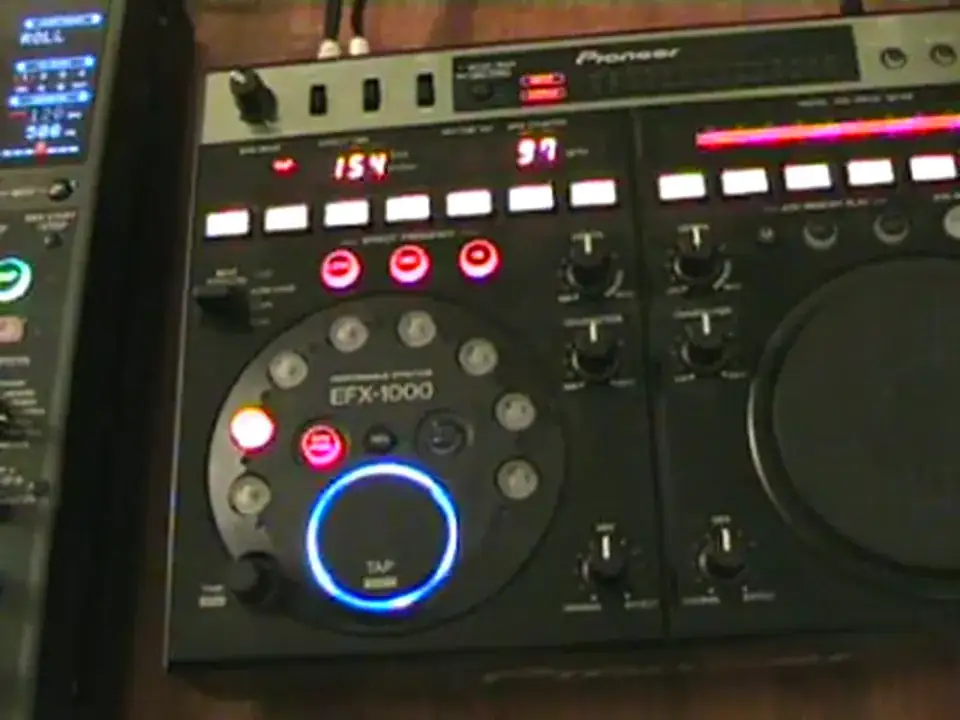
You must take this into consideration when you're using any effect processor or anything at all. And that is always watch levels, that is vitally important because you could set your levels quite nicely and then all of a sudden when you start using an effect and you start tweaking it, as soon as this starts going a lot higher the LEDs start going from green, amber to red. That basically means you're going to start to get a higher signal going into your mixer and then in turn that's going to go into amplifiers and in turn into your speakers and you could either have knackered speakers or a terrible sound. So always watch here, that is there for your protection not to look pretty. Okay so what we'll do now we'll put the music on and I'm going to
2:28 Character, minimum and now to maximum
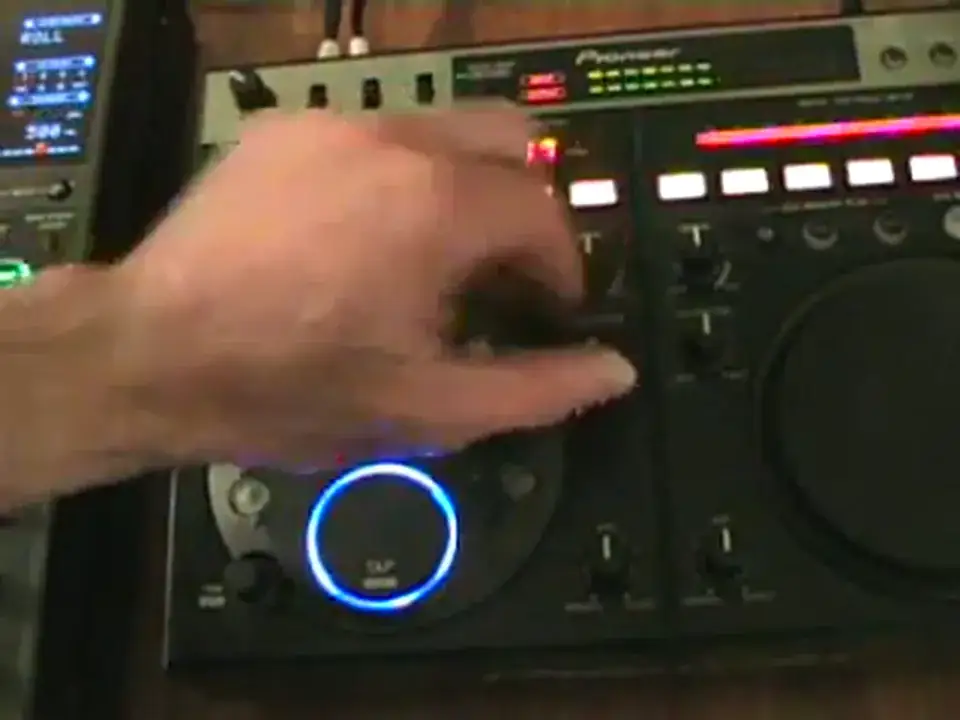
Press this particular switch to the up position, to the on and lock. And we'll have a listen to what happens when we start moving these particular dials. Here we go. Right, let's just turn original and effect. This is the one at the bottom with mix above it. What we're listening to now is the original sound, mix, half original, half the effect. Move it over to effect, and we're now getting just the effect. Character, minimum and now to maximum. There there's not really much going on, but this dial mainly comes into play when you start messing around a little bit more with these guys. Now let's actually have a listen now to the depth, that's the one at the top. If we put it to minimum, it's more of a defined echo. When we put it to maximum, the echo is more vibrant, it's more full-on.
But just notice here what's happening with these LEDs. Watch when I move this now to maximum. There. That's where you have to be very, very careful. Alright, a little tiny insight into depth, character and mix. Basically what you can actually do with these three, you can change the sound, change the feel of any of these effects above here. Hope that's been a help. Practice and enjoy.
This transcript was produced automatically from the audio of the video and may contain mistakes.










