 3:01
Export Mode in Pioneer rekordbox
Contents of the video
0:00 We're going to do this in real time
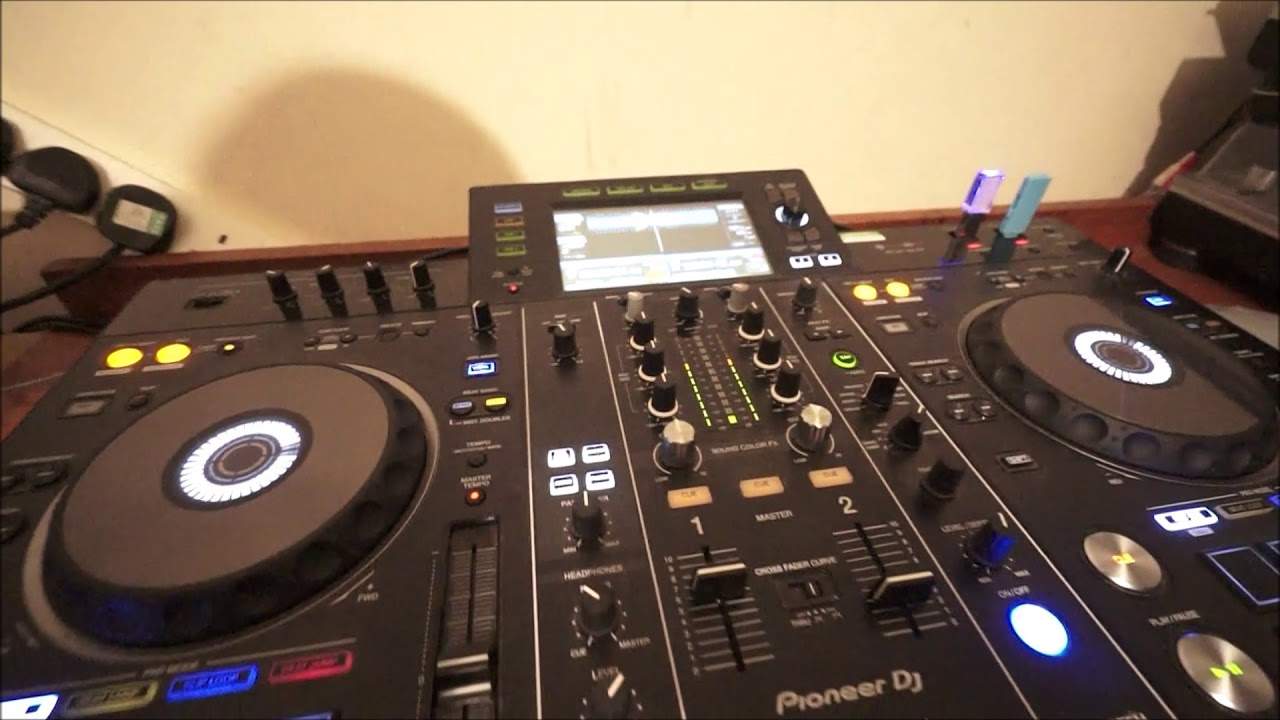
Right, we're going to do this in real time. I am now just transferring some files to a thumb drive. So we're on about 96%. I am in export mode and at the moment we're using Eddie Amore Track & Tile Reaching To My Brother from Karmic Power Records. Now the file I'm using is just a basic mp3 so you can see we're not getting the full potential of the screen. Right, so there we go and I have now got a bunch of tunes on this thumb drive. So what I need to do is go to the left hand side and this is where the device is. I'm going to click on the eject icon. Wait for that to eject. There you go, it's gone. Okay, so now I can actually take it out of the laptop. So I don't have to go down here or go into any of the settings to eject. I can pull that out.
0:56 USB 2, let it recognise
Right, now put that in there. That's in USB 2. Let's go to USB 2, let it recognise it. I think this is just a USB 2 device not 3 so it might take a bit of time to find it. Hold on, let's have a look. Okay, so there straight away we can see now we've got a WAV format on the screen for the track that's gone through Rekordbox and not for the basic mp3. There you go. Bring it forward. This is Feel Alive, the original mix again from Karmic Proud Records in quantise mode. In quantise mode you're guaranteed of getting a perfect loop even if you're in or out of time very slightly. Whereas if you're using a conventional mp3 and you form a loop in and out it may be slightly off beat so you've always got to be careful.
Also you can't use master sync if you're using... Say... A Rekordbox file and an mp3 file. Both sides have to be Rekordbox otherwise you can't use master and sync, okay? Simple video here explaining about how to transfer... Well not transfer but how to use files from the export mode. And again in export mode there if I want to go back to performance just click on export and now we go to performance. I can also do lighting as well if I want to but I don't today. Alright so there you go, there is the performance screen. Nothing in there at the moment. Practice and enjoy, thank you.
This transcript was produced automatically from the audio of the video and may contain mistakes.











